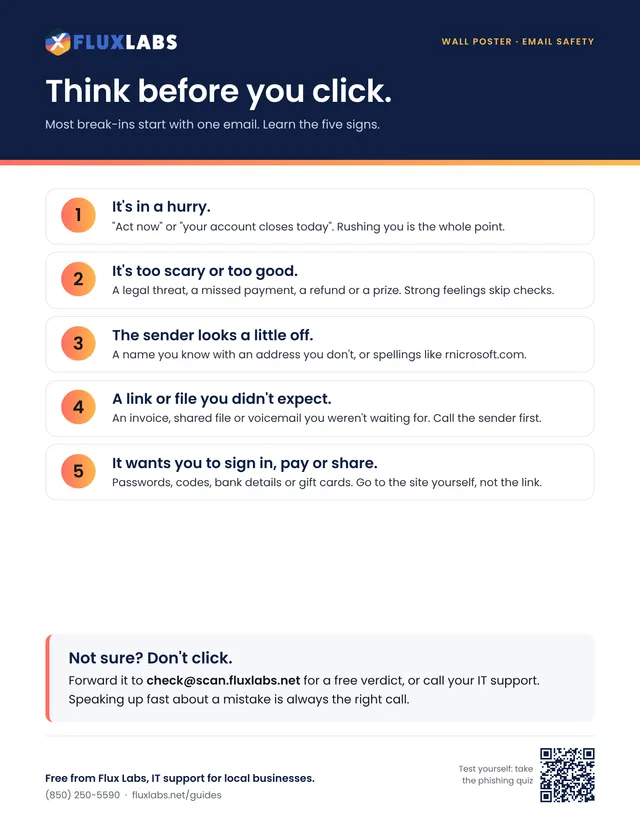
Think before you click
Most break-ins start with one email. Learn the five signs.

Free printables
34 one and two page printables on scams, hurricanes and everyday IT. Hang them by the printer, hand them to new hires, or fill in the checklists on screen. No sign-up needed.
Jump to: Scams and email · Security habits · Everyday IT · Hurricanes and power · By industry
Spot fake emails, texts, calls and payment requests before they cost you.
Most break-ins start with one email. Learn the five signs.
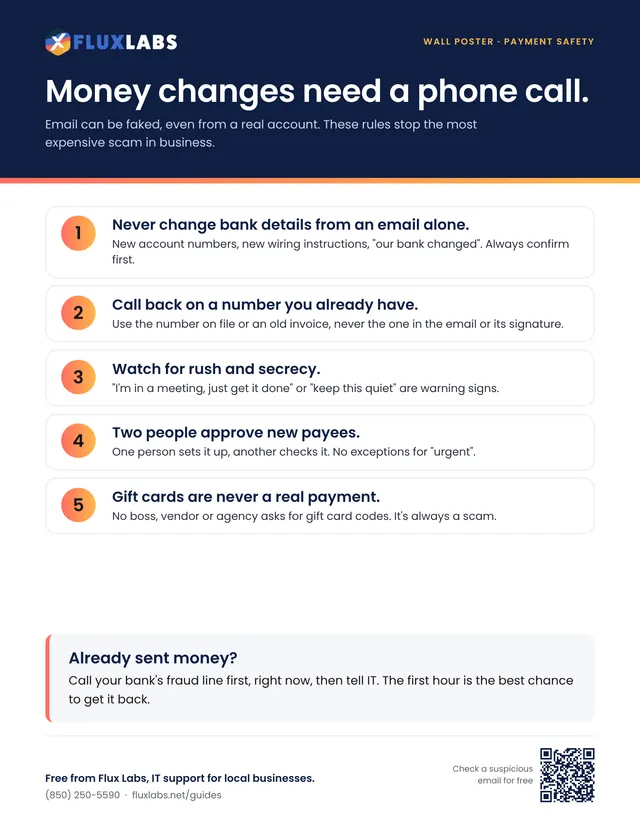
Email can be faked, even from a real account. These rules stop the most expensive scam in business.
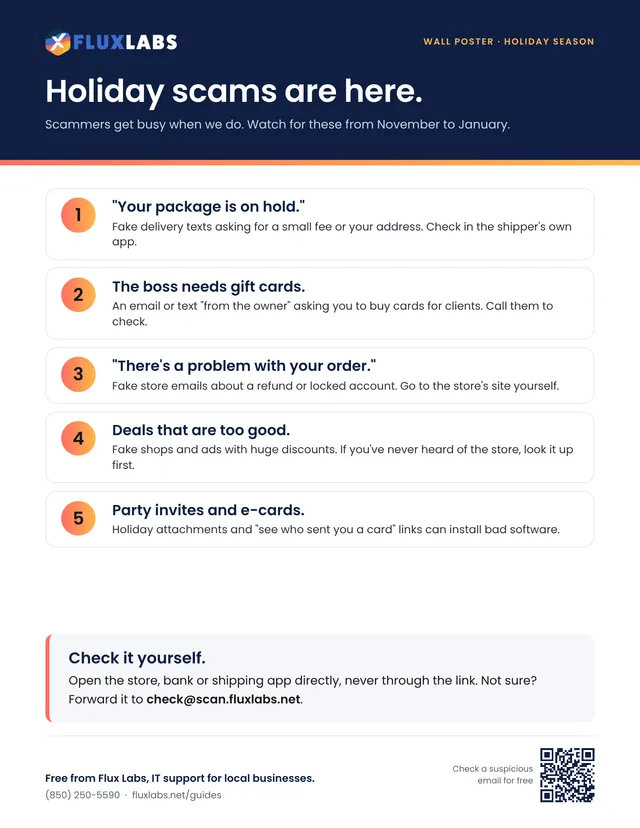
Scammers get busy when we do. Watch for these from November to January.
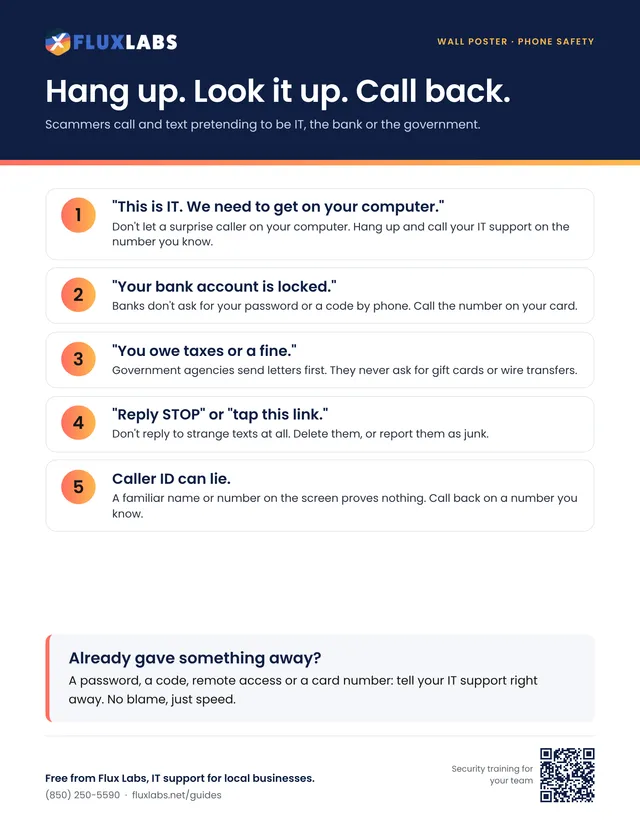
Scammers call and text pretending to be IT, the bank or the government.
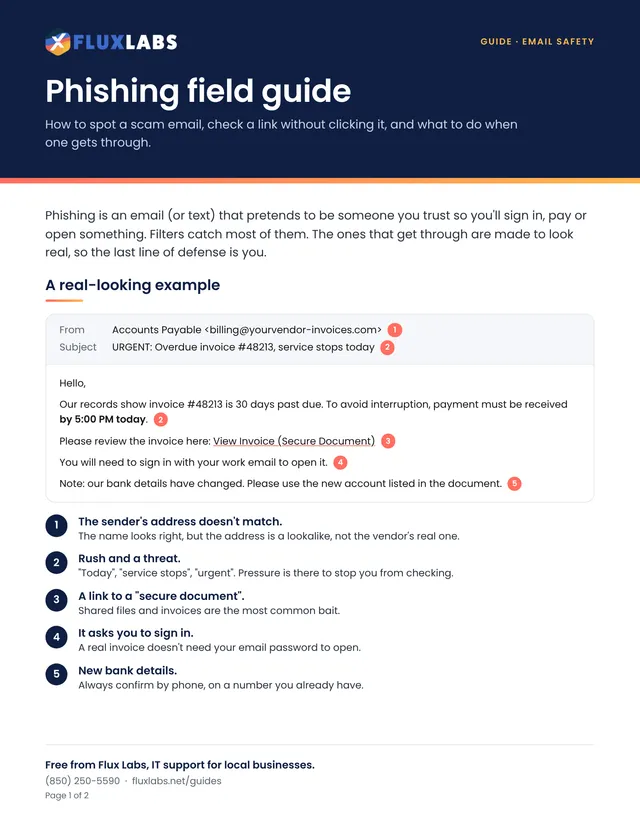
How to spot a scam email, check a link without clicking it, and what to do when one gets through.
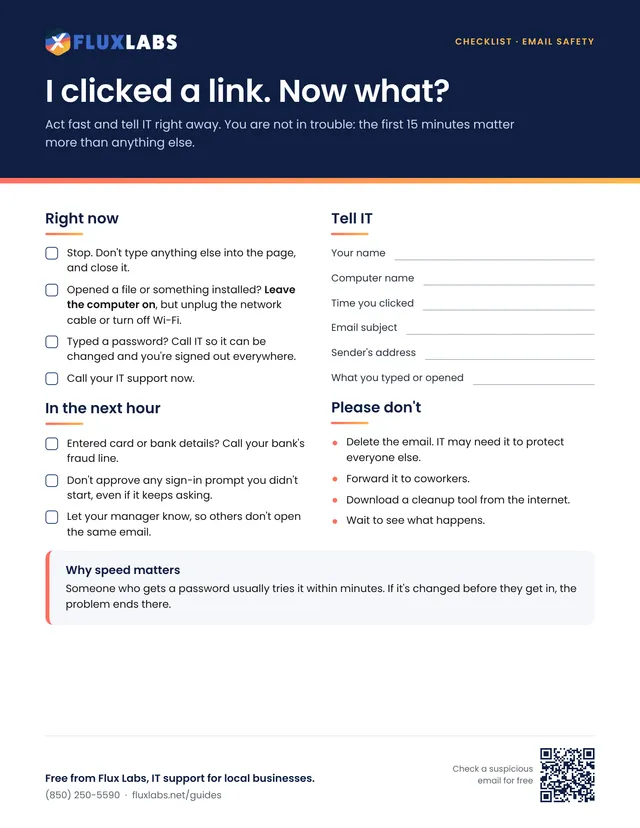
Act fast and tell IT right away. You are not in trouble: the first 15 minutes matter more than anything else.
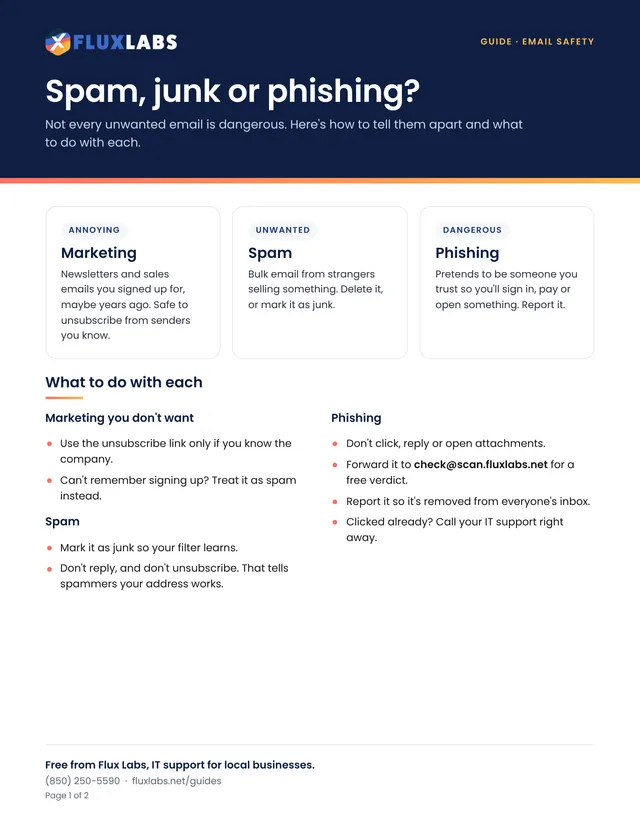
Not every unwanted email is dangerous. Here's how to tell them apart and what to do with each.
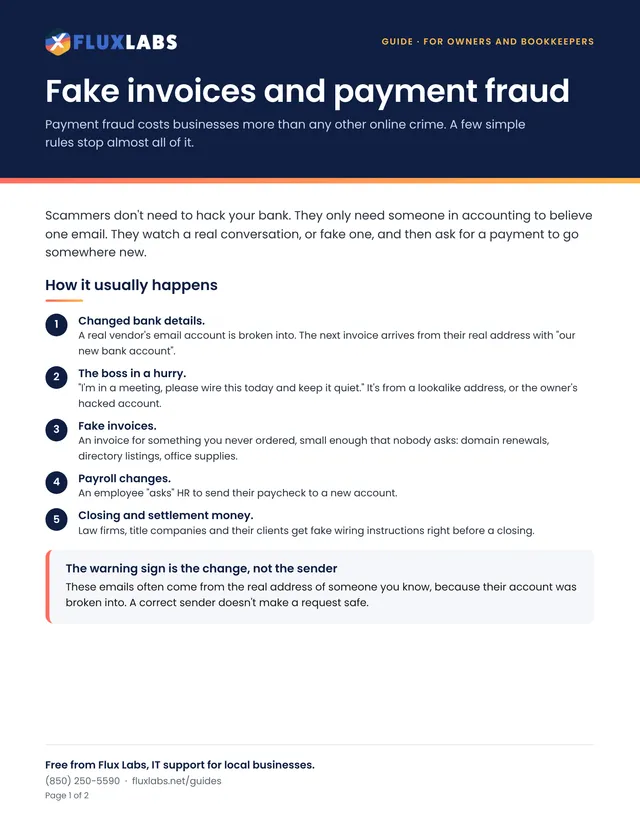
Payment fraud costs businesses more than any other online crime. A few simple rules stop almost all of it.
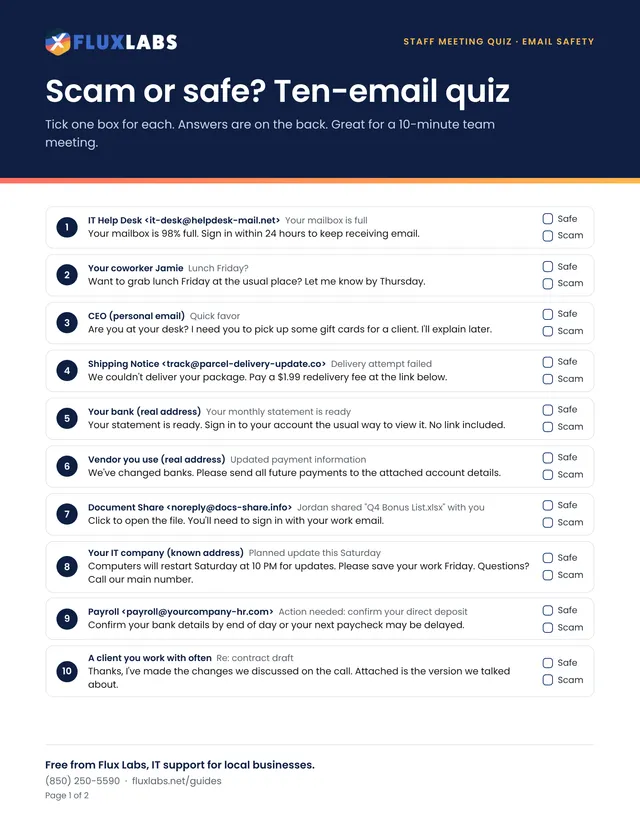
Tick one box for each. Answers are on the back. Great for a 10-minute team meeting.
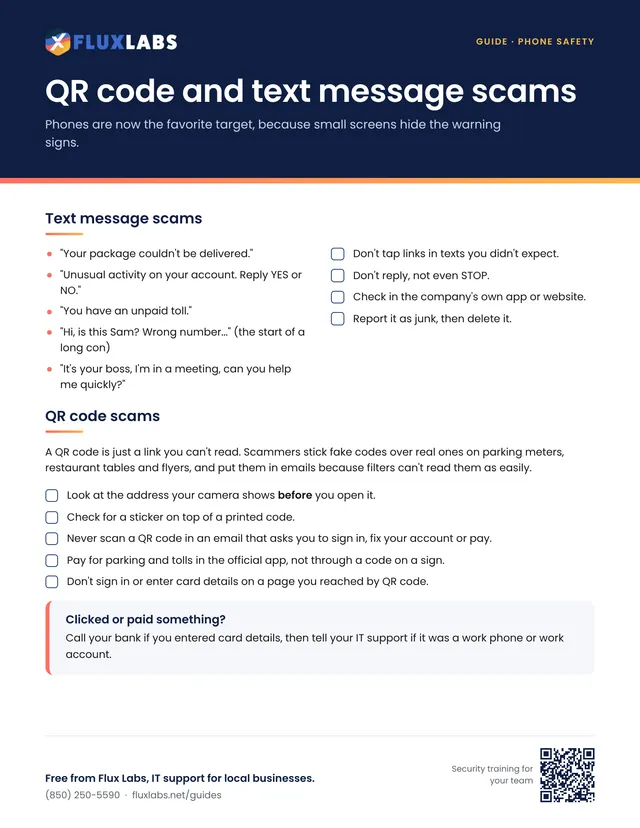
Phones are now the favorite target, because small screens hide the warning signs.
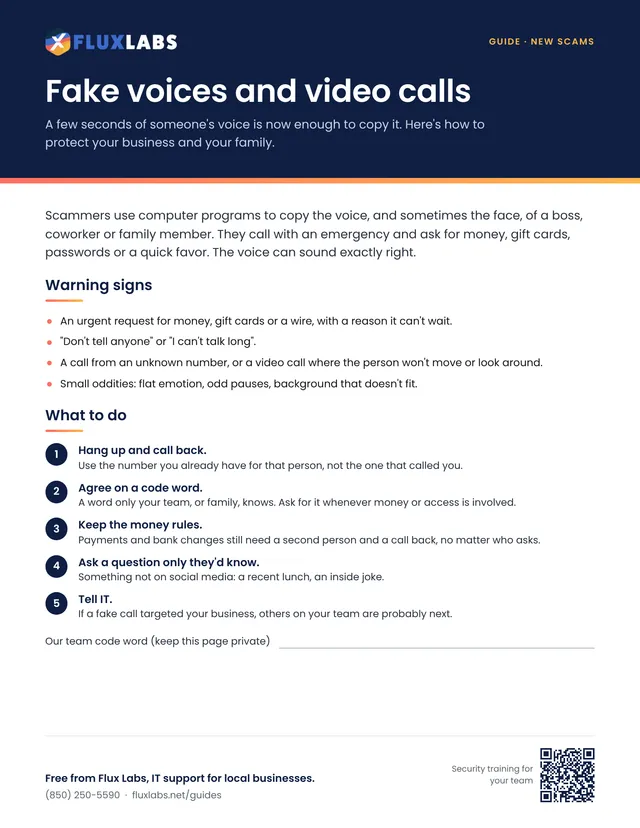
A few seconds of someone's voice is now enough to copy it. Here's how to protect your business and your family.
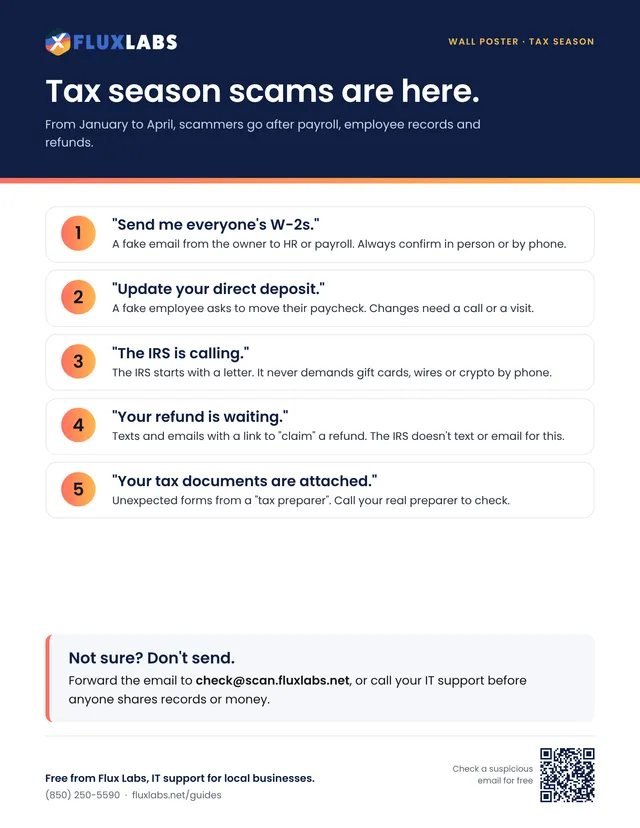
From January to April, scammers go after payroll, employee records and refunds.
Everyday habits that keep accounts, computers and client data safe.
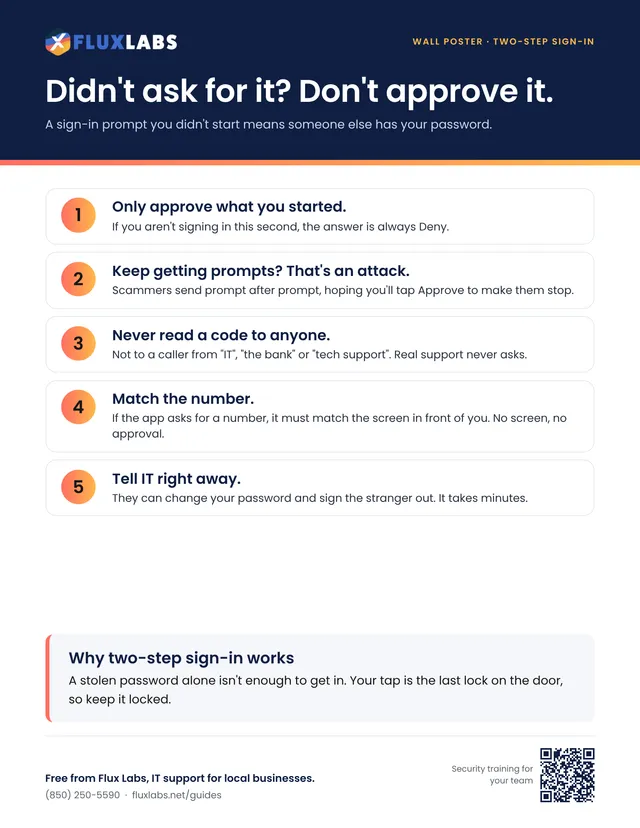
A sign-in prompt you didn't start means someone else has your password.
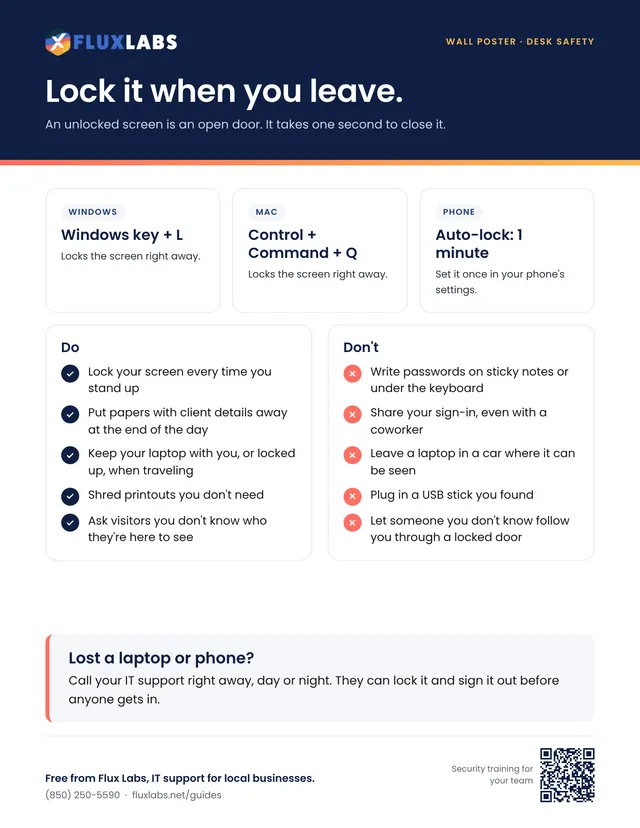
An unlocked screen is an open door. It takes one second to close it.
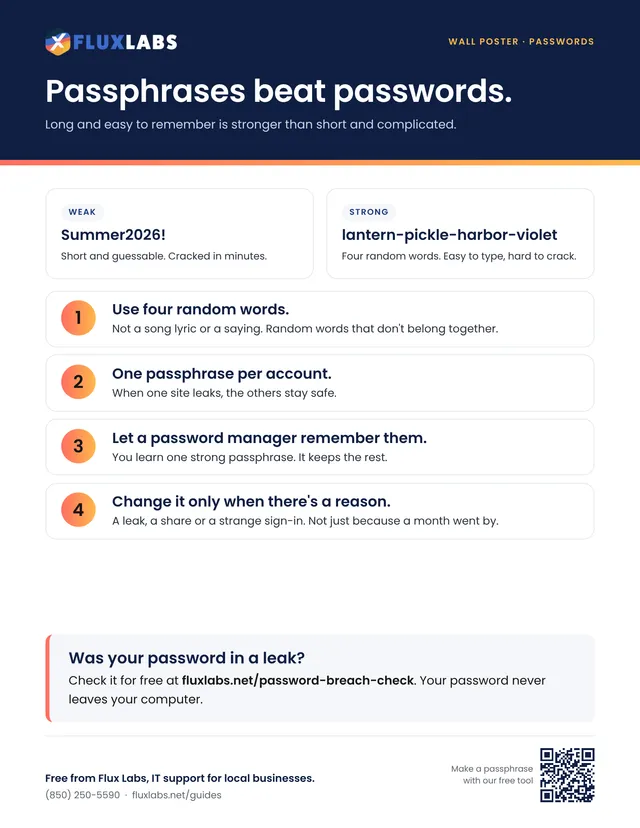
Long and easy to remember is stronger than short and complicated.
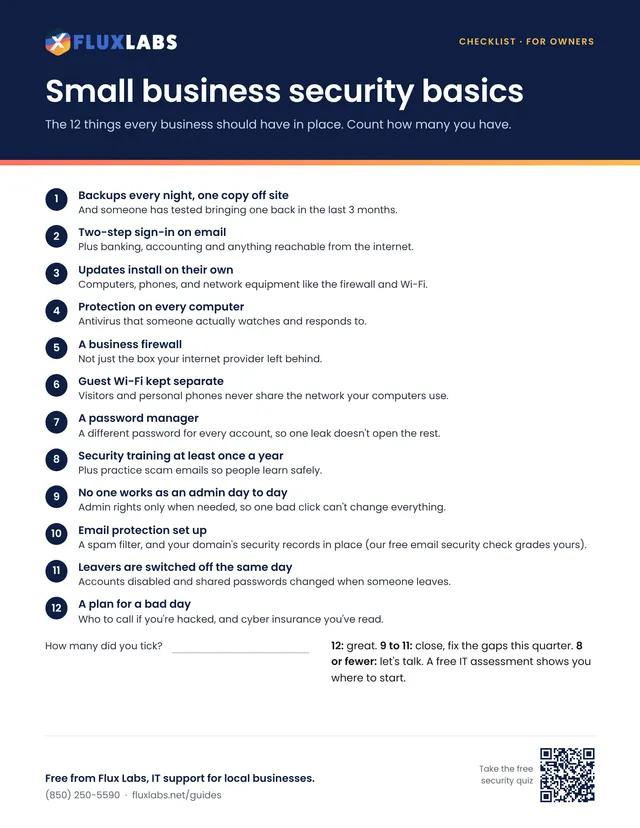
The 12 things every business should have in place. Count how many you have.
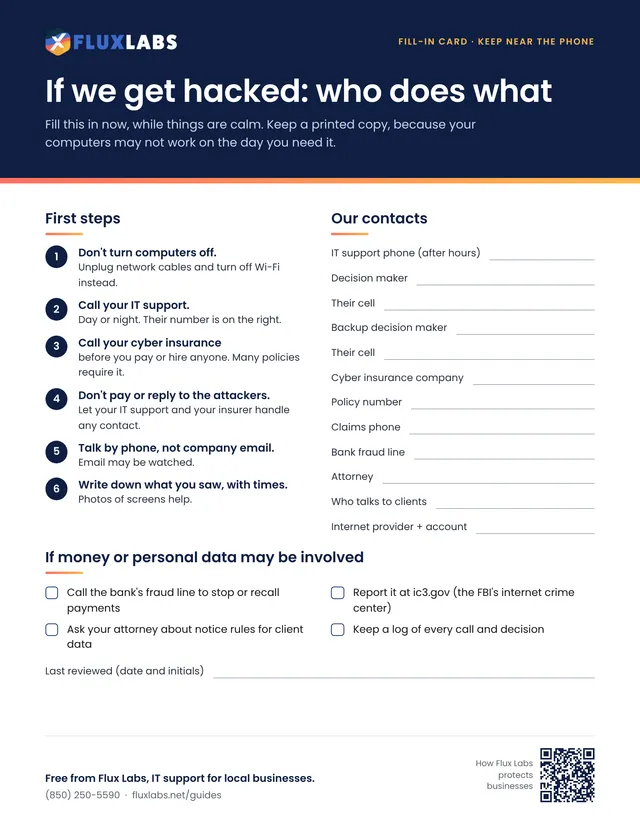
Fill this in now, while things are calm. Keep a printed copy, because your computers may not work on the day you need it.
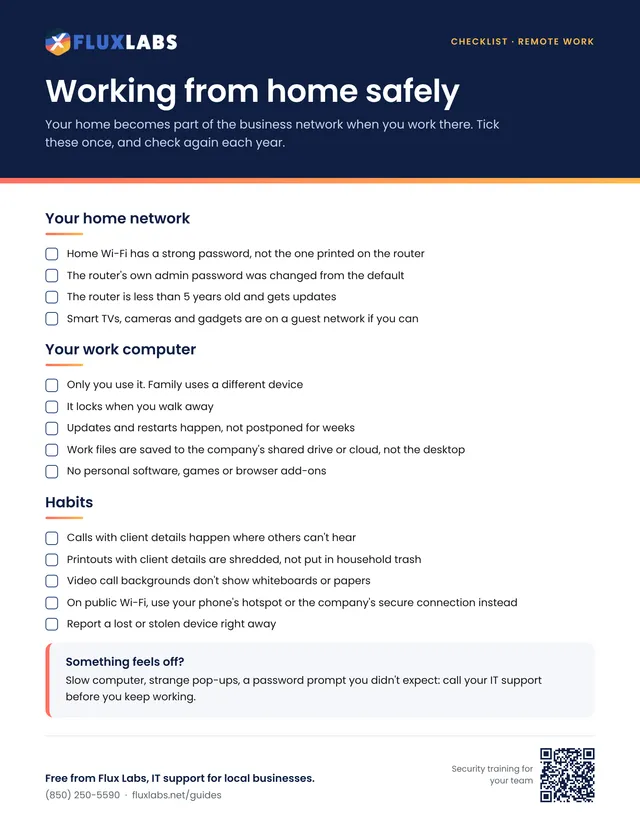
Your home becomes part of the business network when you work there. Tick these once, and check again each year.
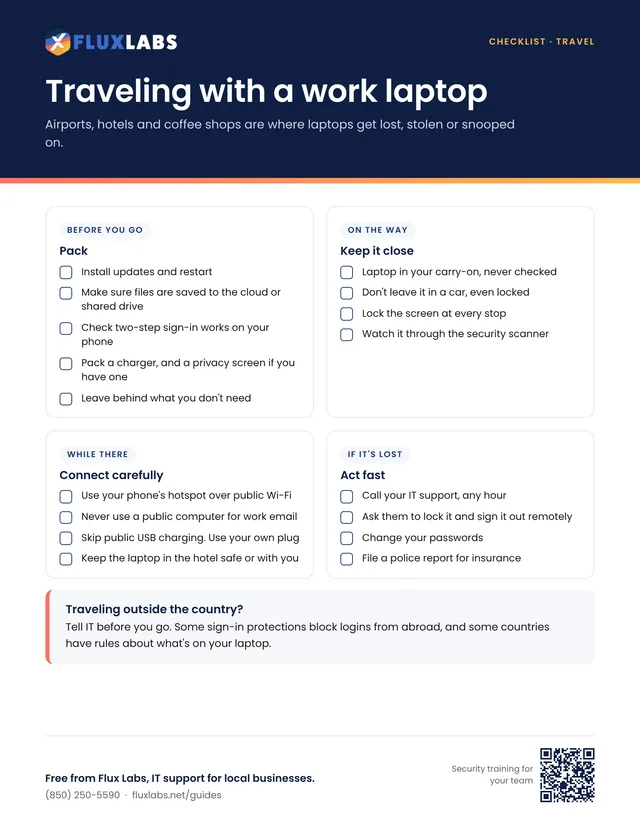
Airports, hotels and coffee shops are where laptops get lost, stolen or snooped on.
Checklists for new hires, departures, backups, moves and a monthly check.
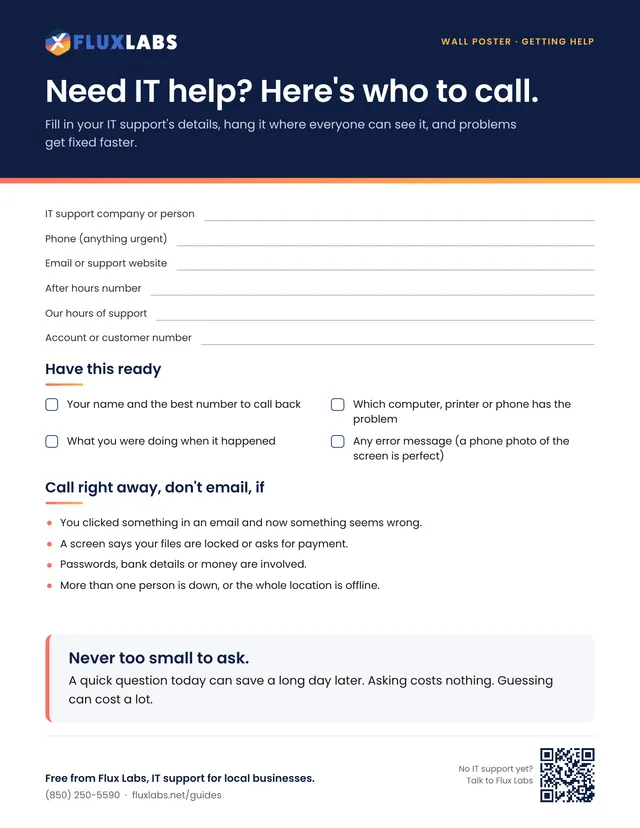
Fill in your IT support's details, hang it where everyone can see it, and problems get fixed faster.
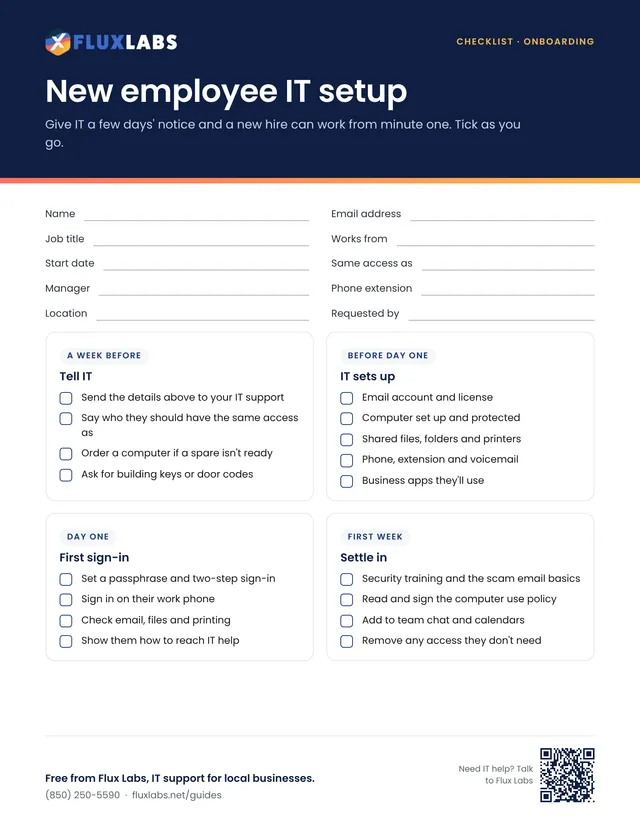
Give IT a few days' notice and a new hire can work from minute one. Tick as you go.
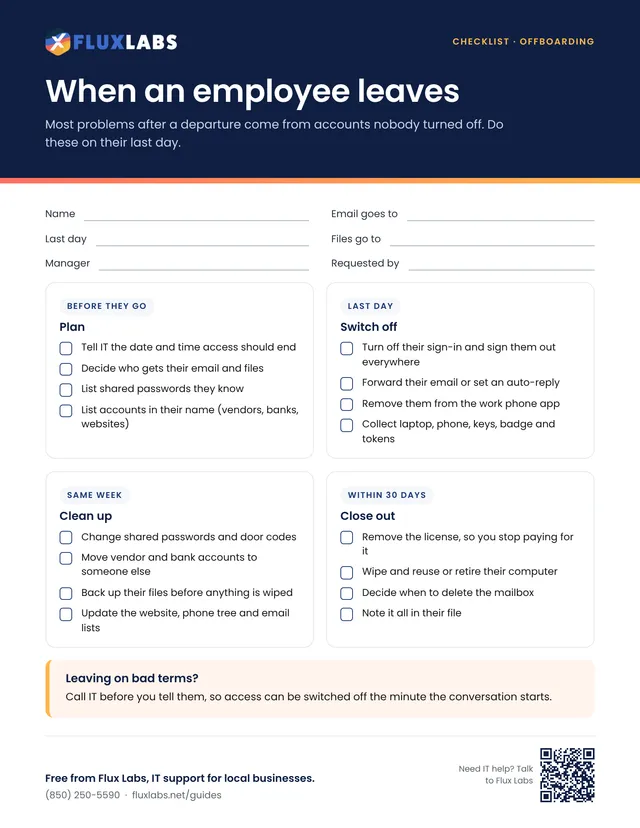
Most problems after a departure come from accounts nobody turned off. Do these on their last day.
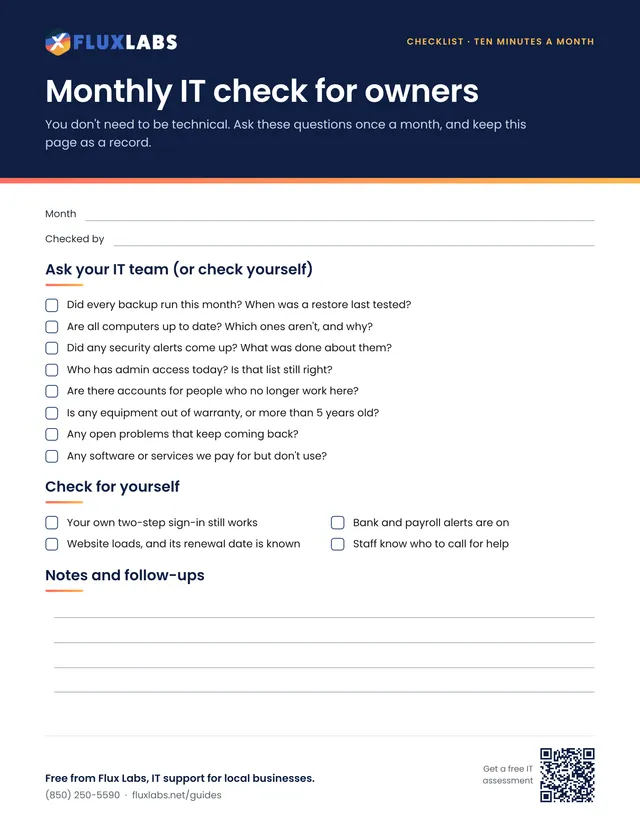
You don't need to be technical. Ask these questions once a month, and keep this page as a record.
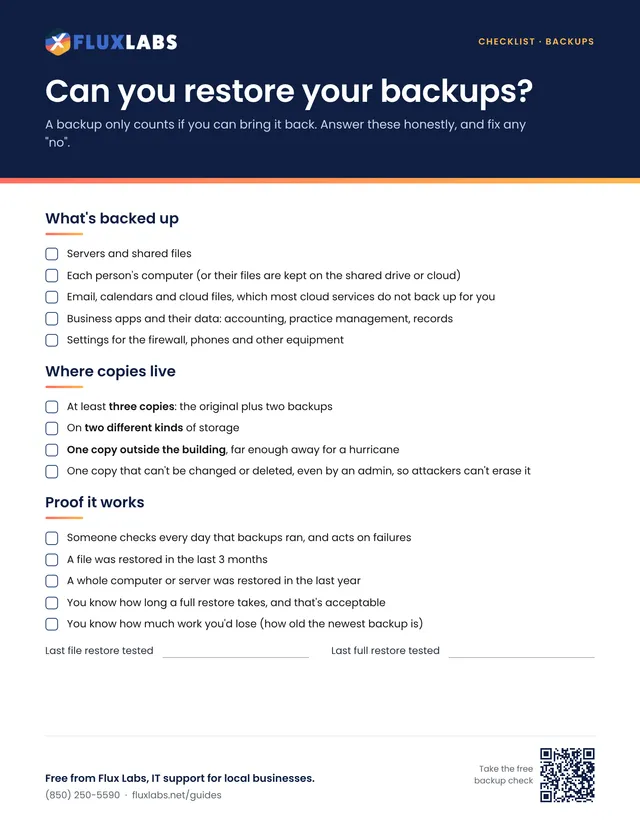
A backup only counts if you can bring it back. Answer these honestly, and fix any "no".
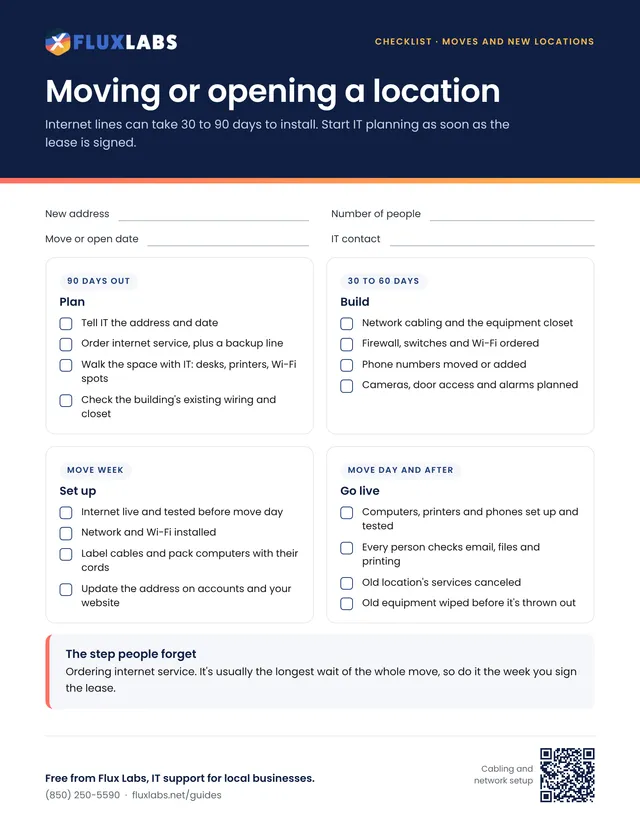
Internet lines can take 30 to 90 days to install. Start IT planning as soon as the lease is signed.
Get ready for storm season, close up safely and reopen fast.
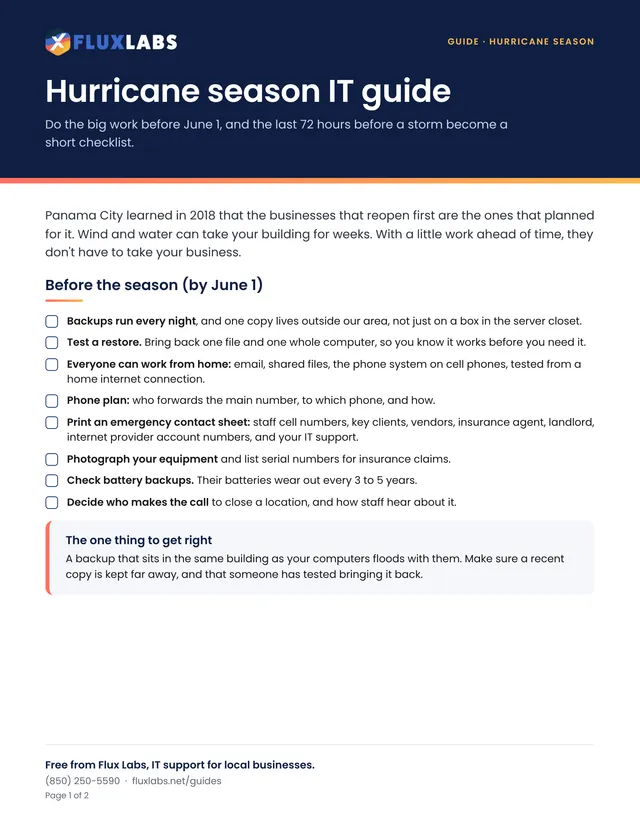
Do the big work before June 1, and the last 72 hours before a storm become a short checklist.
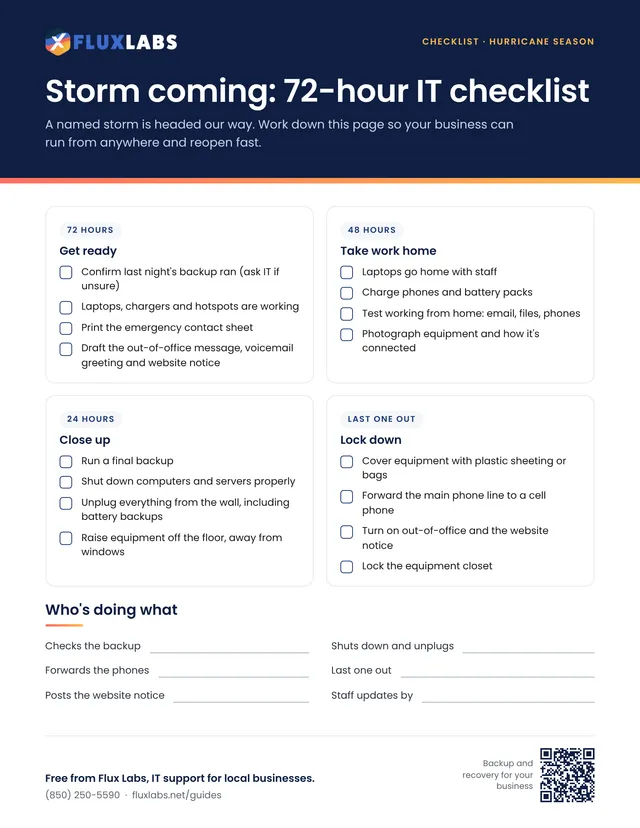
A named storm is headed our way. Work down this page so your business can run from anywhere and reopen fast.
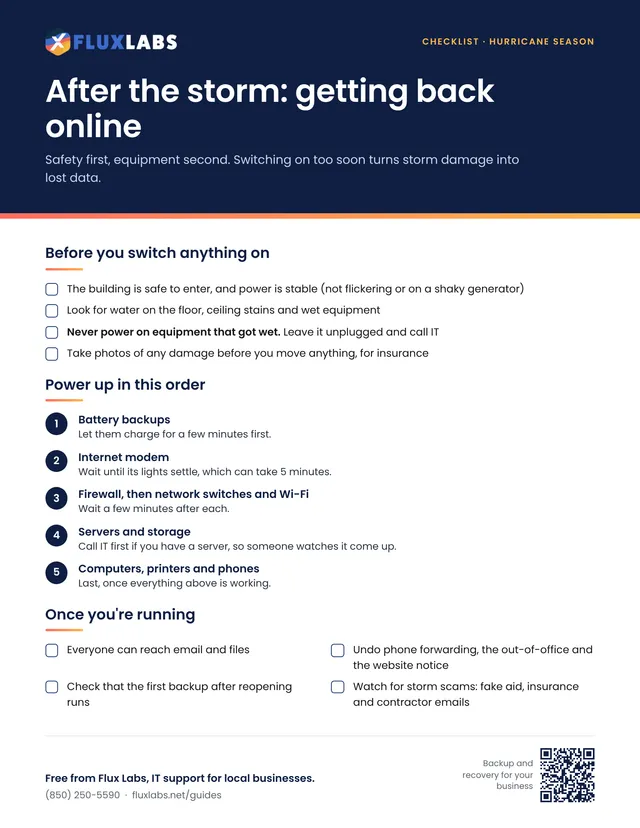
Safety first, equipment second. Switching on too soon turns storm damage into lost data.
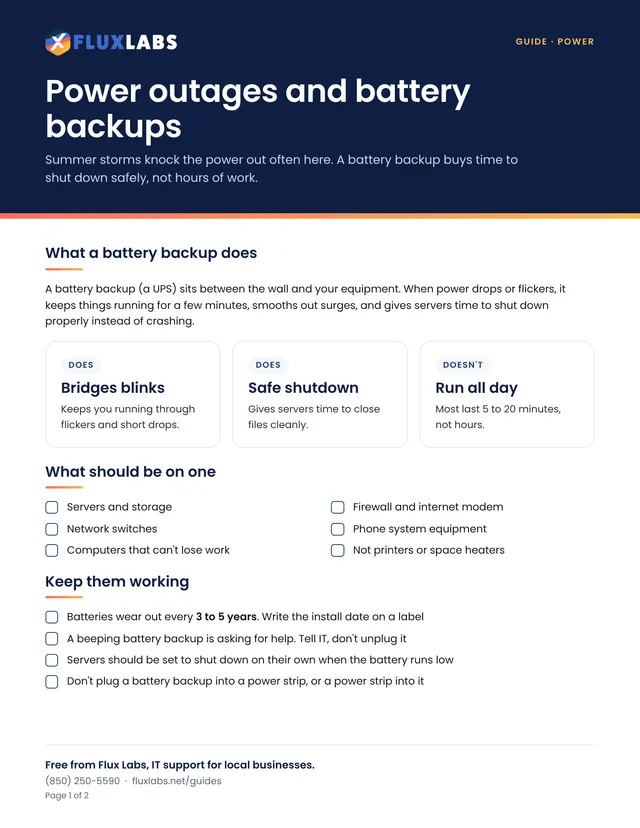
Summer storms knock the power out often here. A battery backup buys time to shut down safely, not hours of work.
For law firms, cities, police, fire, dispatch and medical offices.
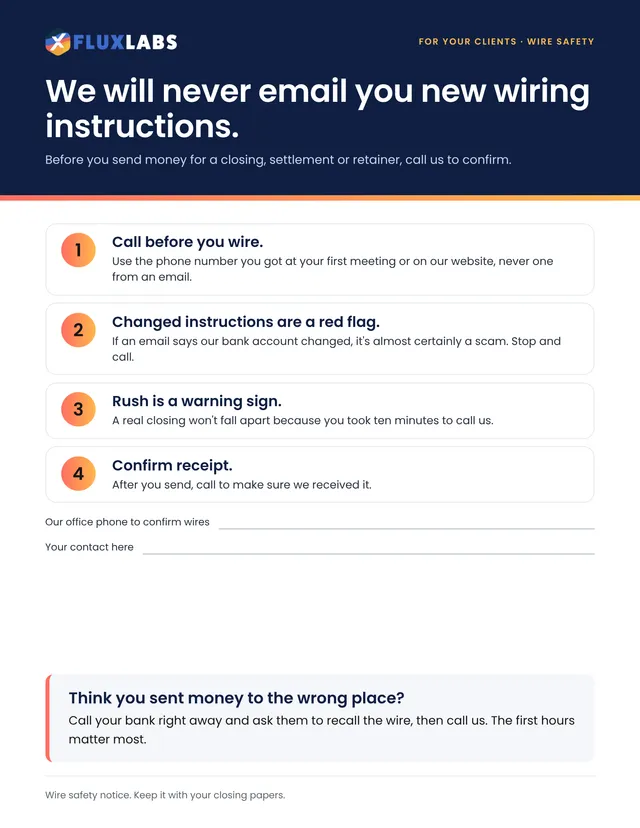
Before you send money for a closing, settlement or retainer, call us to confirm.
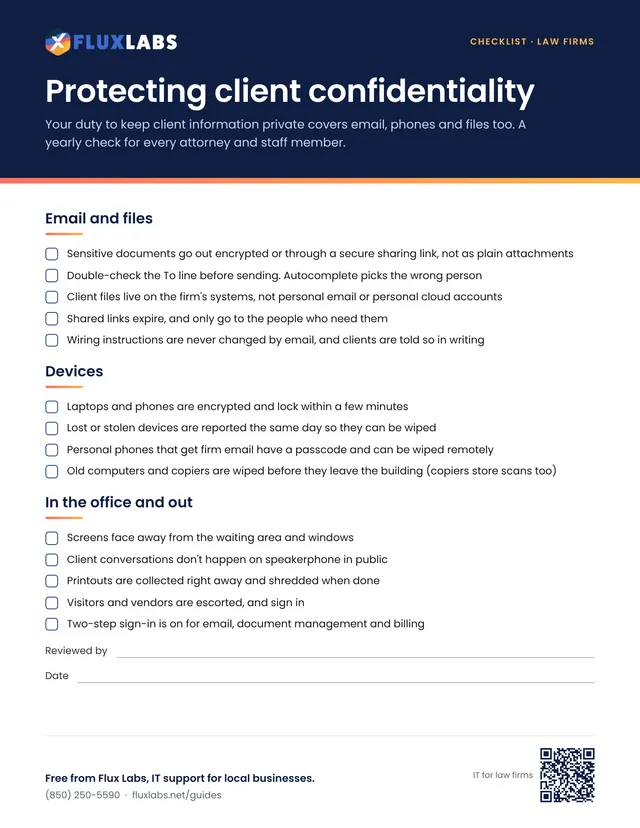
Your duty to keep client information private covers email, phones and files too. A yearly check for every attorney and staff member.
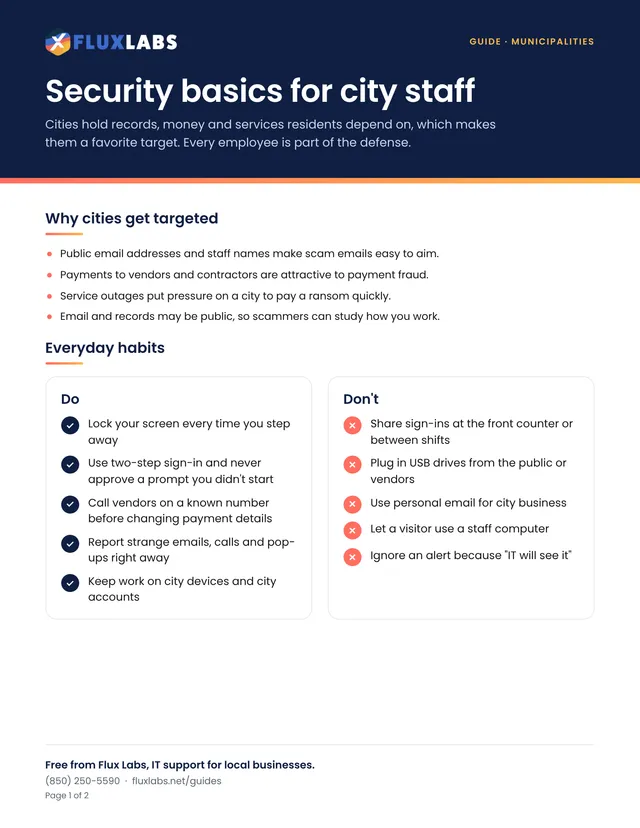
Cities hold records, money and services residents depend on, which makes them a favorite target. Every employee is part of the defense.
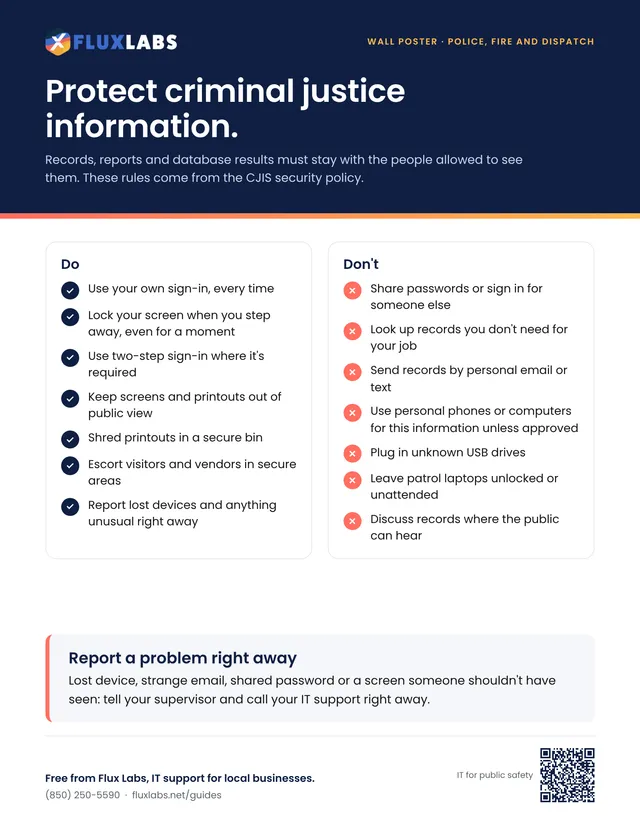
Records, reports and database results must stay with the people allowed to see them. These rules come from the CJIS security policy.
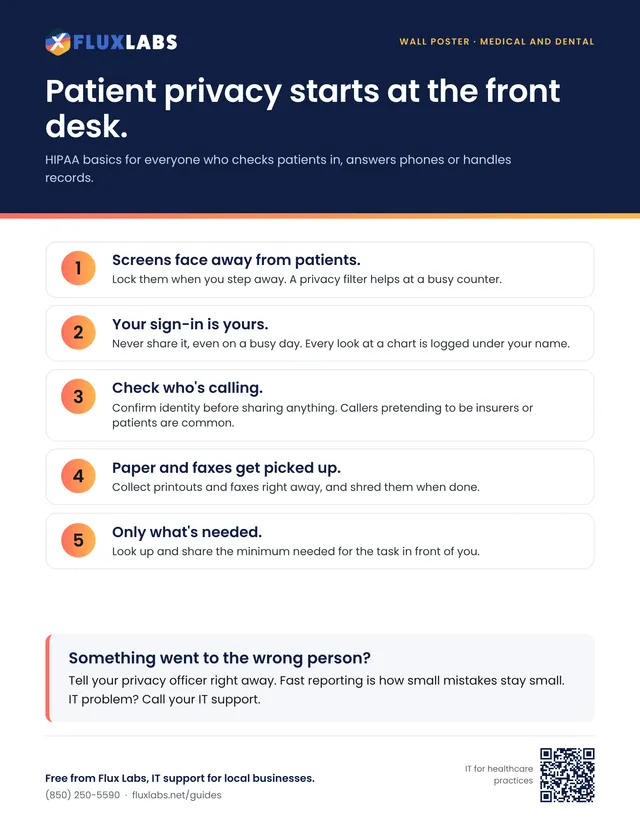
HIPAA basics for everyone who checks patients in, answers phones or handles records.
Nothing here yet. Show everything
Want the whole set?
We'll email you a link to all 34 PDFs in one ZIP file, plus a short note when we add new ones. Optional: every guide above is free to download right now.
We run short security training and practice phishing emails for local businesses, and we'll check how ready your IT is for storm season.
More free tools: see them all