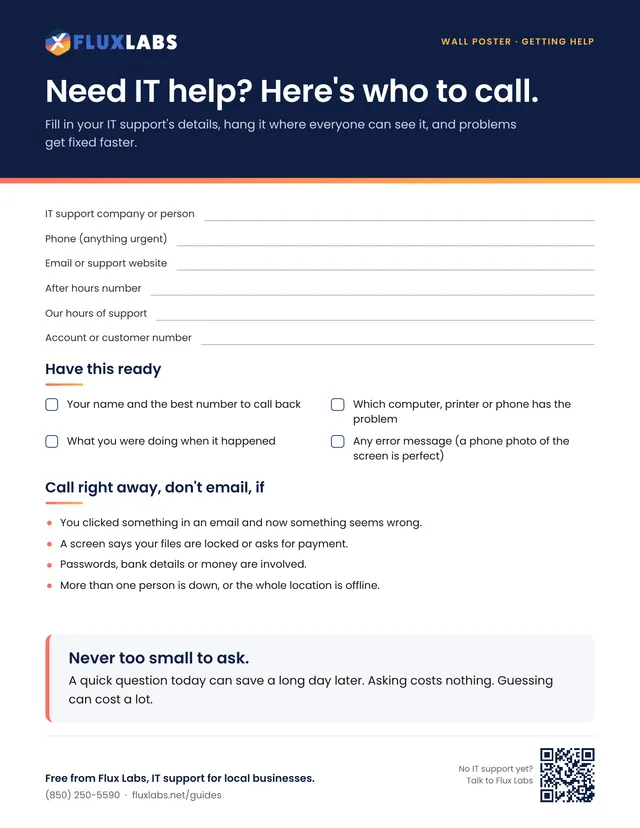
Need IT help? Here's who to call
Fill in your IT support's details, hang it where everyone can see it, and problems get fixed faster.

Checklist · Everyday IT
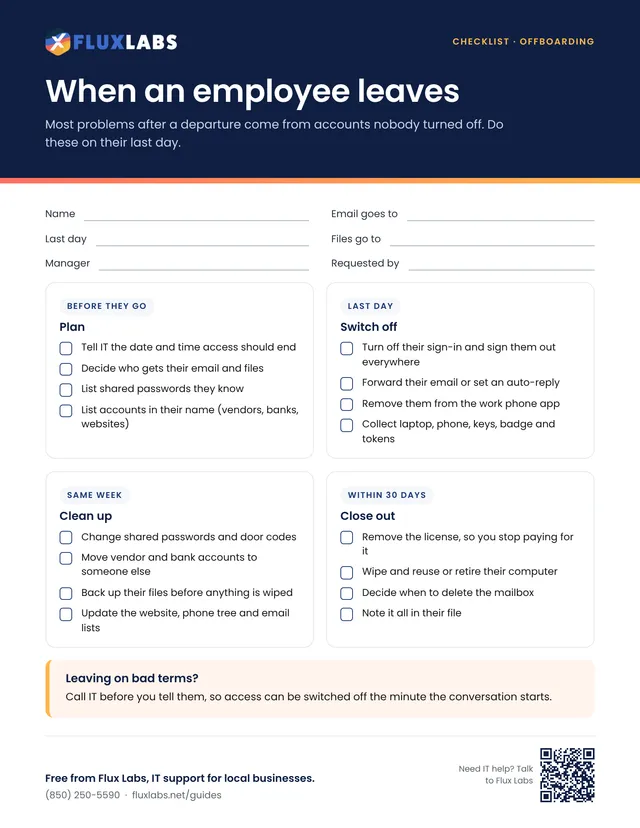
Most problems after a departure come from accounts nobody turned off. Do these on their last day.
One page, US Letter, in color. Tick the boxes and type on the lines right in your browser or PDF reader, then save or print it.
Filling in online works in Chrome, Edge, Safari and Adobe Reader. Your answers stay on your computer.
Want all 34? Get the whole pack by email or browse the library.
What's inside
Call IT before you tell them, so access can be switched off the minute the conversation starts.
Everyday IT
Fill in your IT support's details, hang it where everyone can see it, and problems get fixed faster.
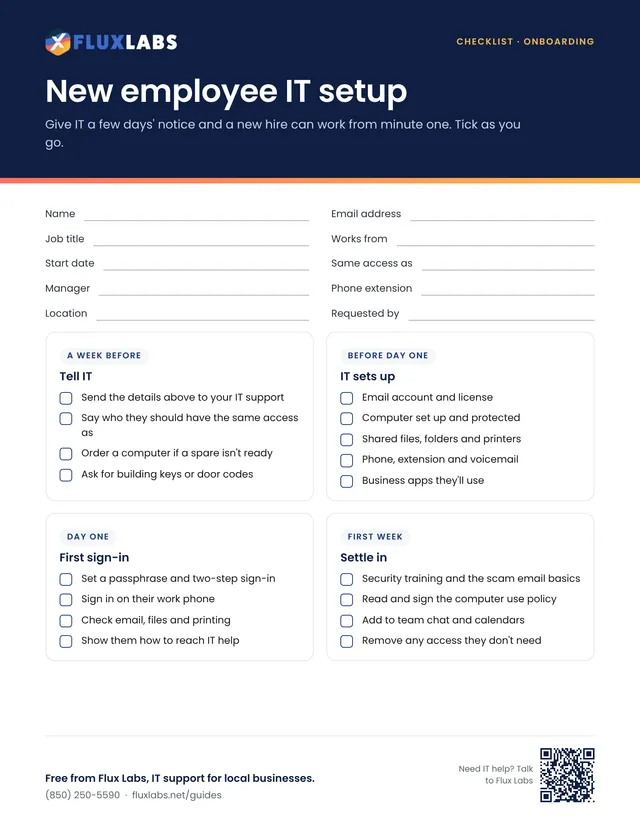
Give IT a few days' notice and a new hire can work from minute one. Tick as you go.
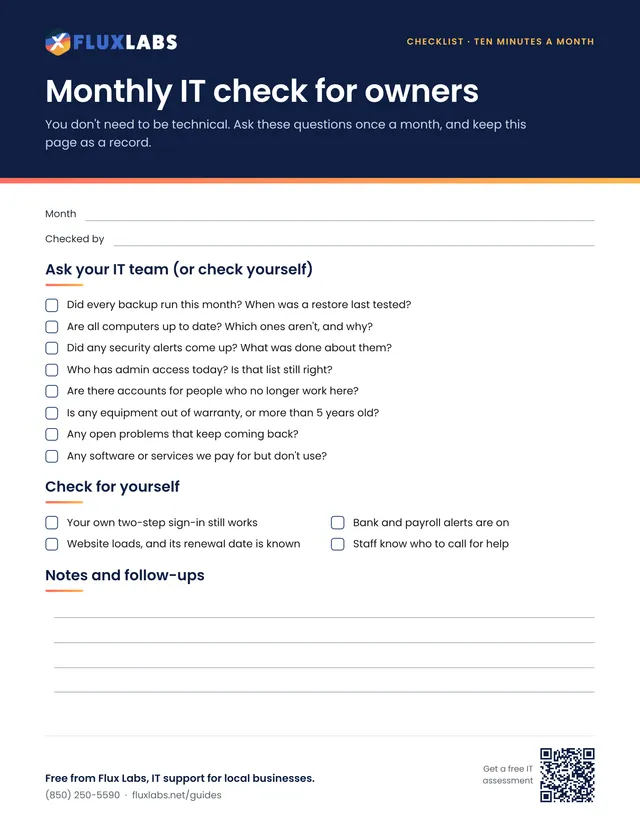
You don't need to be technical. Ask these questions once a month, and keep this page as a record.
Our team helps local businesses with exactly this every day. A 15-minute call is free.