Hurricane season IT guide
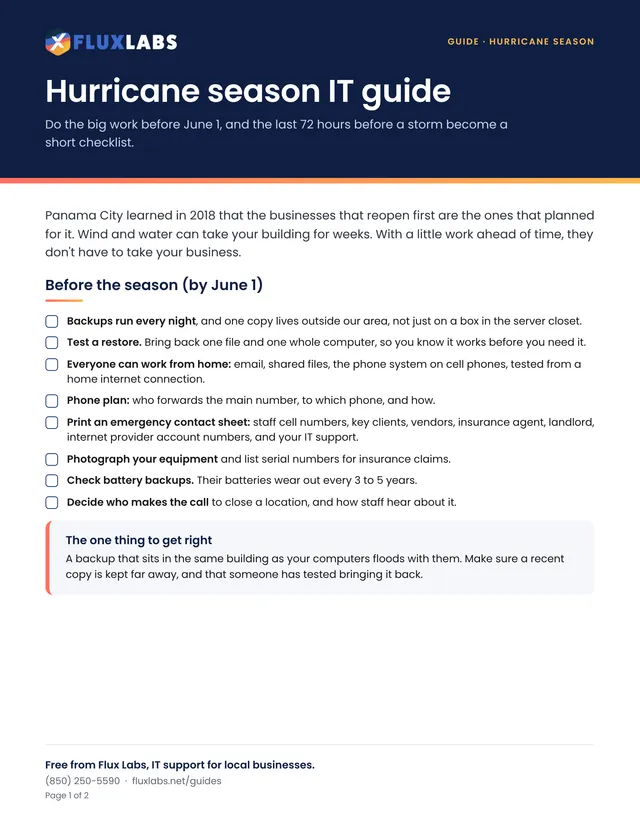
Do the big work before June 1, and the last 72 hours before a storm become a short checklist.

Guide · Hurricanes and power
Summer storms knock the power out often here. A battery backup buys time to shut down safely, not hours of work.
2 pages, US Letter, in color. Tick the boxes and type on the lines right in your browser or PDF reader, then save or print it.
Filling in online works in Chrome, Edge, Safari and Adobe Reader. Your answers stay on your computer.
Want all 34? Get the whole pack by email or browse the library.
What's inside
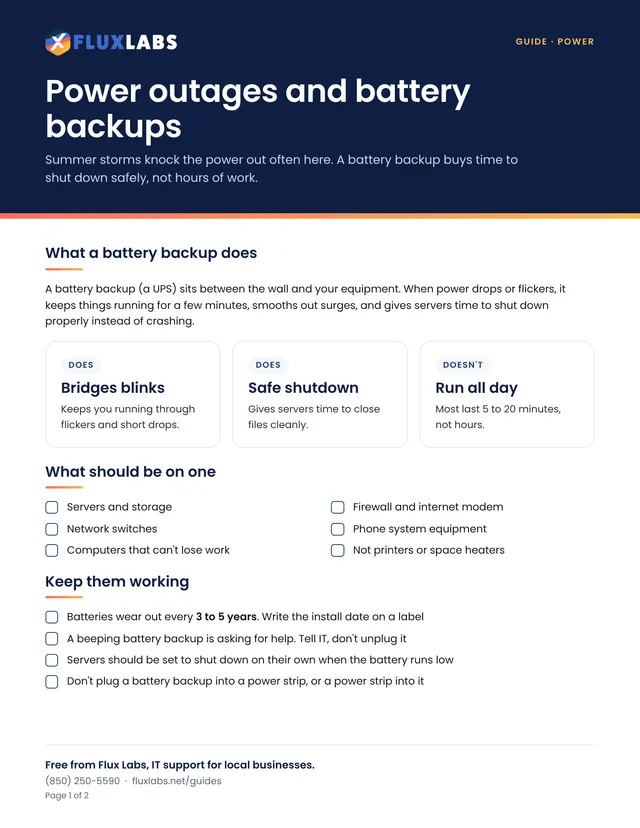
A battery backup (a UPS) sits between the wall and your equipment. When power drops or flickers, it keeps things running for a few minutes, smooths out surges, and gives servers time to shut down properly instead of crashing.
Keeps you running through flickers and short drops.
Gives servers time to close files cleanly.
Most last 5 to 20 minutes, not hours.
The battery is a countdown, not a power plant.
That leaves more battery for the server and network.
Shut down servers properly, or ask IT to do it.
Wait a few minutes for it to settle before turning things back on.
Ask IT to check the batteries and set servers to shut down safely on their own.
Hurricanes and power
Do the big work before June 1, and the last 72 hours before a storm become a short checklist.
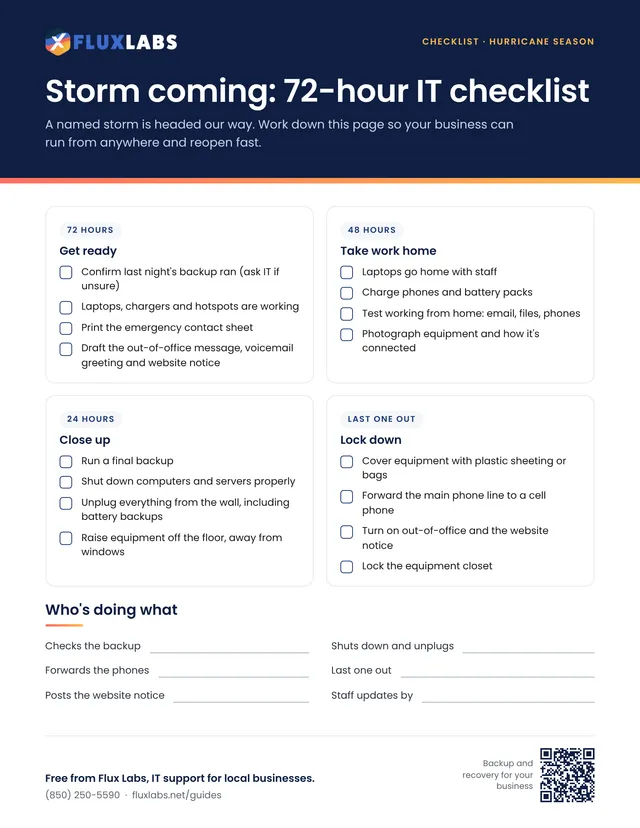
A named storm is headed our way. Work down this page so your business can run from anywhere and reopen fast.
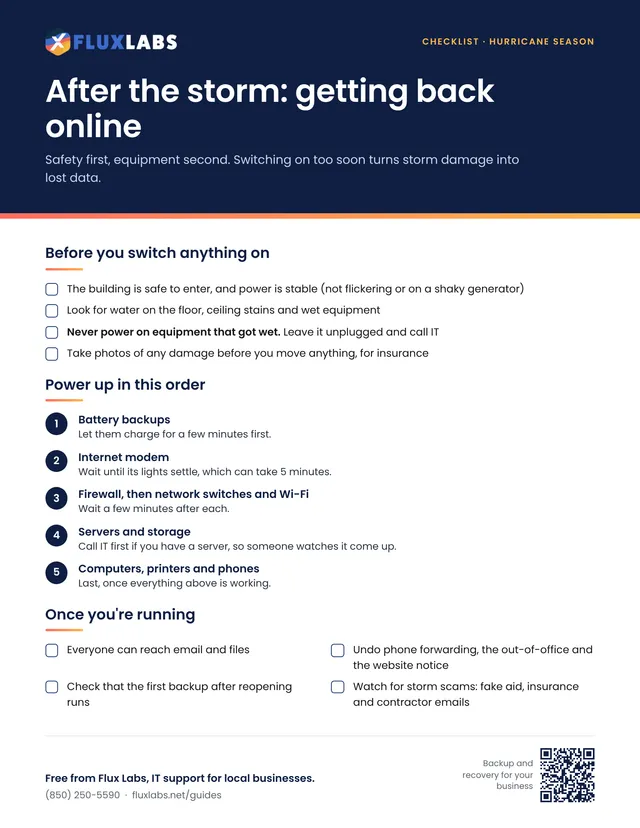
Safety first, equipment second. Switching on too soon turns storm damage into lost data.
Our team helps local businesses with exactly this every day. A 15-minute call is free.