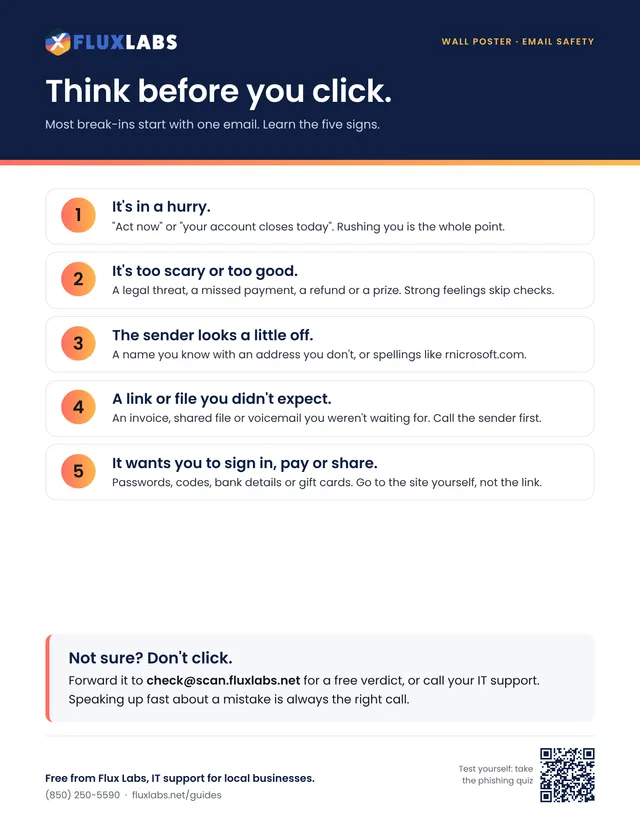
Think before you click
Most break-ins start with one email. Learn the five signs.

Guide · Scams and email
How to spot a scam email, check a link without clicking it, and what to do when one gets through.
2 pages, US Letter, in color. Tick the boxes and type on the lines right in your browser or PDF reader, then save or print it.
Filling in online works in Chrome, Edge, Safari and Adobe Reader. Your answers stay on your computer.
Want all 34? Get the whole pack by email or browse the library.
What's inside
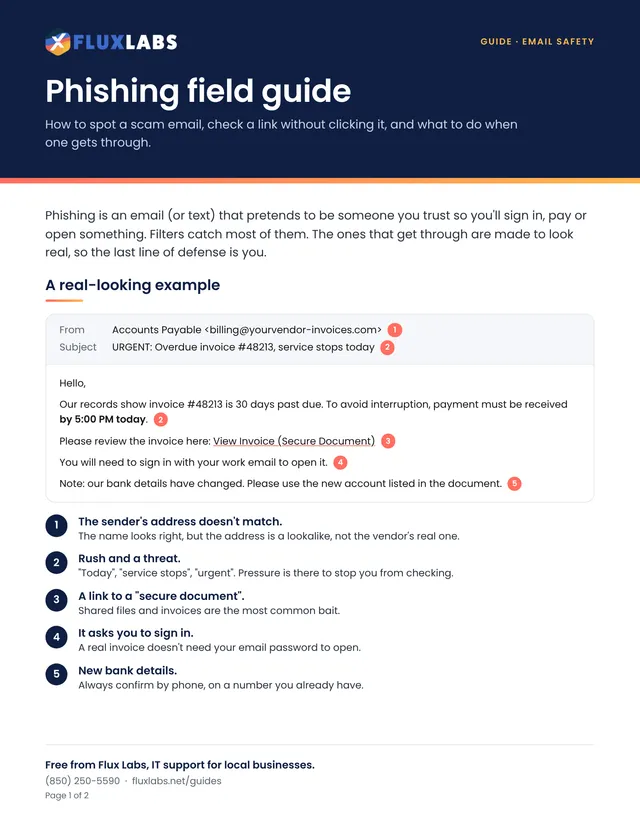
Phishing is an email (or text) that pretends to be someone you trust so you'll sign in, pay or open something. Filters catch most of them. The ones that get through are made to look real, so the last line of defense is you.
Hello,
Our records show invoice #48213 is 30 days past due. To avoid interruption, payment must be received by 5:00 PM today. 2
Please review the invoice here: View Invoice (Secure Document) 3
You will need to sign in with your work email to open it. 4
Note: our bank details have changed. Please use the new account listed in the document. 5
The name looks right, but the address is a lookalike, not the vendor's real one.
"Today", "service stops", "urgent". Pressure is there to stop you from checking.
Shared files and invoices are the most common bait.
A real invoice doesn't need your email password to open.
Always confirm by phone, on a number you already have.
In yourbank.com.secure-login.net/account the real site is secure-login.net, not your bank. Anything to the left is decoration a scammer can type.
Even "unsubscribe" links can be traps.
You'll get a free verdict back by email in a few minutes.
if your business has one, so it's pulled from everyone's inbox.
Call your IT support now. Fast is what matters, not blame.
Scams and email
Most break-ins start with one email. Learn the five signs.
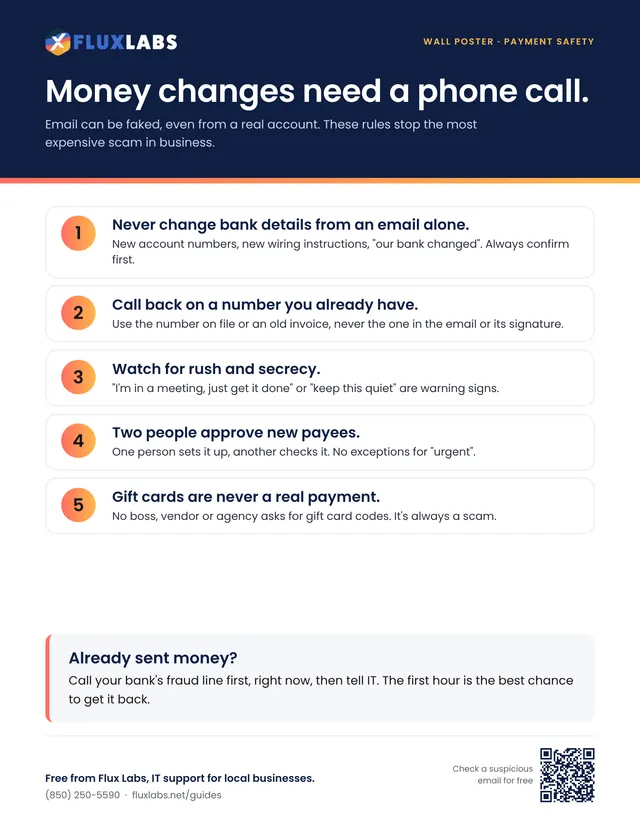
Email can be faked, even from a real account. These rules stop the most expensive scam in business.
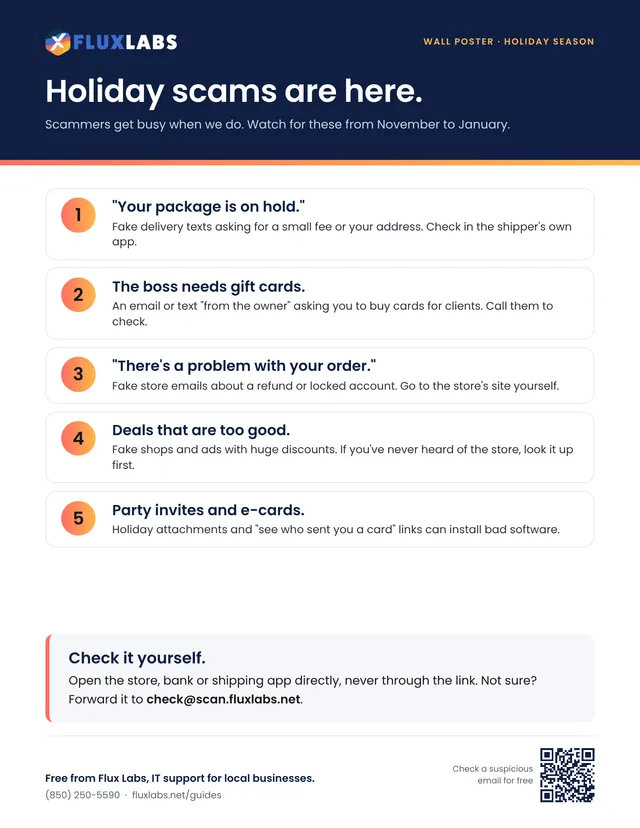
Scammers get busy when we do. Watch for these from November to January.
Our team helps local businesses with exactly this every day. A 15-minute call is free.