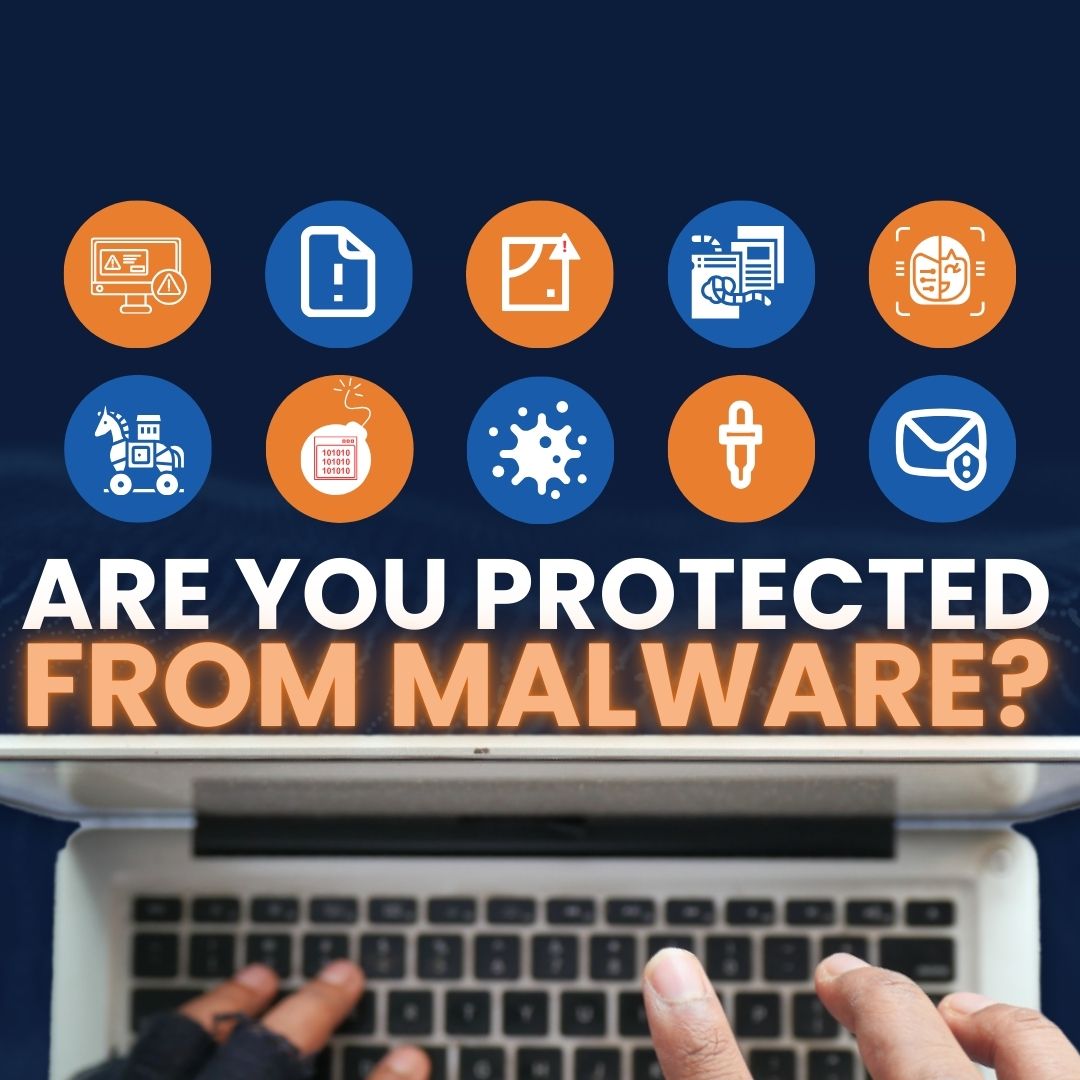
Malware is software built to slip into your computers and cause damage. Here’s a quick look at common malware threats and straightforward ways to lower your risk, written for busy teams around Panama City.
Malware can hide inside files and apps that look safe. It often spreads quietly, then creates headaches—from slow systems to locked data. Knowing what you’re up against helps you spot trouble sooner and protect your business.
Spot and Stop Common Malware Threats
Malware often masquerades as legitimate software and sneaks in through email attachments, downloads, or removable drives. Different strains use different tricks.
Macro viruses
These target familiar tools like Microsoft Word and Excel. The harmful code lives inside documents and can run when you open the file.
Be careful with attachments or files from people you don’t know. Keep macros off unless you trust the sender, and keep your apps updated so known holes get fixed.
Trojans
Trojans pose as real software to convince you to install them. Once in, criminals may gain access and steal information.
Only download programs from sources you trust. Use reputable antivirus and keep your security tools current so they can spot known Trojan behavior.
System or boot‑record infectors
These latch onto critical areas of a drive and activate when the machine starts up—especially if it boots from a compromised disk or device.
Avoid unknown USB sticks and other untrusted storage. Scan your drives regularly and keep your boot settings locked down.
Polymorphic viruses
Polymorphic malware constantly rewrites parts of itself to dodge detection, which makes it harder to find and remove.
Use advanced antivirus that can recognize changing patterns. Update it often and run regular scans to catch shifting variants.
Stealth viruses
Stealth strains blend in by faking normal system activity and tampering with responses, so routine checks may miss them.
Watch for anything unusual—surprise pop‑ups, odd errors, or settings that change on their own—and run a scan if something doesn’t look right.
File infectors
These attach to executable files (like .exe). They wake up when you run the infected program.
Don’t run software from untrusted sites. Scan new files before you open them.
Beyond the Basics: Advanced Threats
Some malware families are more sophisticated and can cause major disruption if they land in your environment.
Logic bombs
Hidden code sits quietly until a specific trigger occurs, then releases a destructive payload.
Protect yourself by keeping reliable backups of important data and using monitoring tools to flag unusual activity before it does damage.
Worms
Worms are stand‑alone programs that spread on their own across networks and systems. They can clog bandwidth and carry harmful code with them.
Harden your network settings. Use firewalls to block unwanted traffic and keep operating systems and software fully patched.
Droppers
Droppers deliver other malware into your system and often slip past basic antivirus tools.
Be selective about what you download. Use comprehensive security that includes behavior‑based (heuristic) scanning to spot suspicious actions common to droppers.
Ransomware
Ransomware locks your files or systems and demands payment to restore access. It often arrives through malicious attachments or downloads.
Regular, tested backups stored in secure locations are essential to limit the damage. Combine that with safe download habits and routine threat scans.
Frequently asked questions
How does malware usually get in?
Common paths include risky email attachments, downloads from untrusted websites, infected external drives, and self‑spreading worms on a network.
Will antivirus catch everything?
No. Some threats—like droppers—can evade basic signature checks. Use up‑to‑date antivirus plus behavior‑based scanning, good patching, and cautious downloading.
What’s the single best step to limit ransomware impact?
Dependable backups. Keep frequent backups in secure locations so you can restore data if ransomware hits.
Feeling Overwhelmed? We’ve Got Your Back
Malware comes in many shapes and sizes, and it’s a lot to keep up with. Partnering with a managed IT provider like Flux Labs means we handle protection and monitoring while you focus on running your business in Bay County.
If you’d like help building a practical, layered defense for your office, get in touch with Flux Labs.