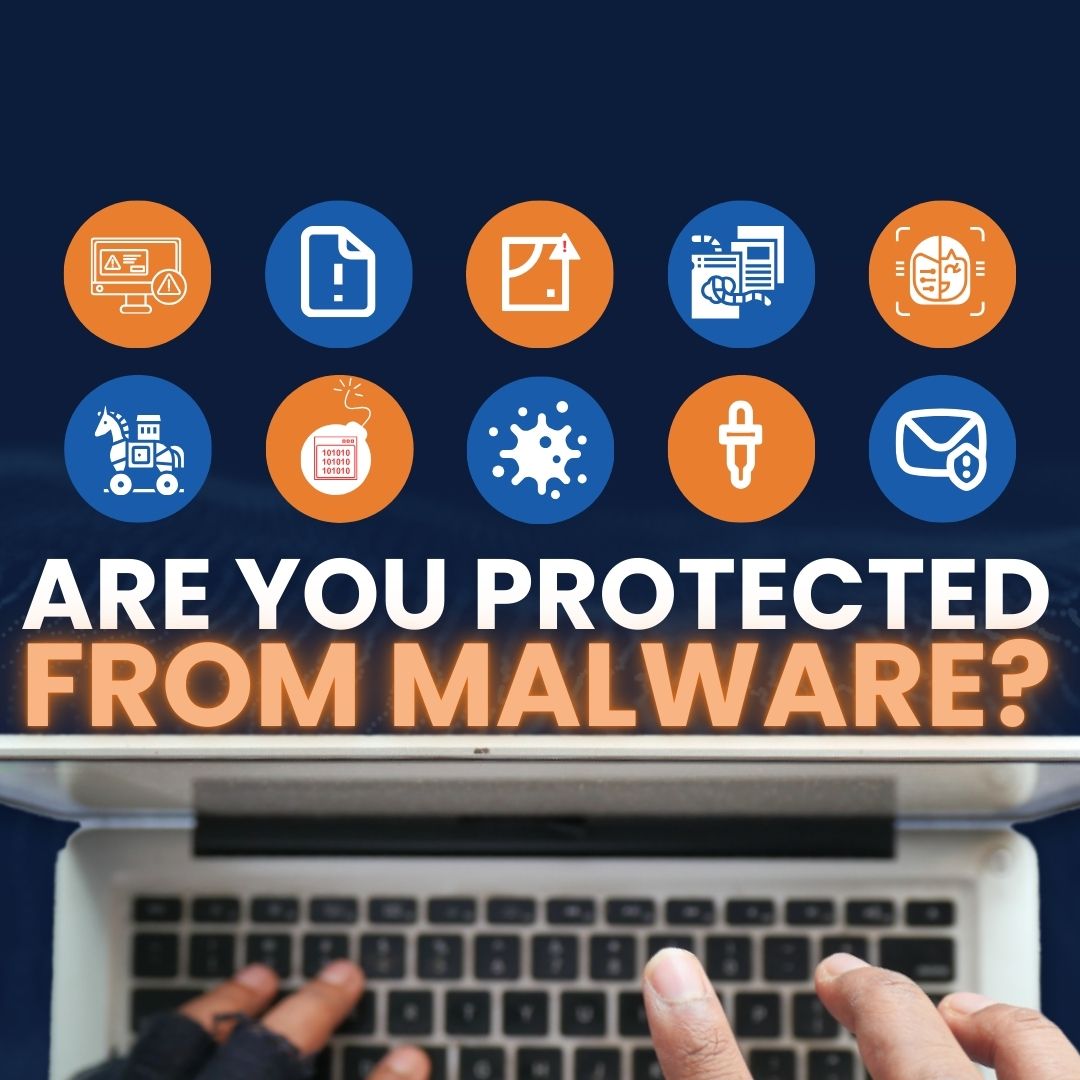
Here are seven new malware threats every small business should watch for—what they are, how they sneak in, and why they’re tough to spot—so you know what to look out for.
Seven New Malware Threats To Know
Malware keeps evolving. Criminals are mixing old tricks with new tactics, making attacks harder to detect and faster to spread. These are the standouts we think business owners should understand.
1) Shape‑Shifting (Polymorphic) Malware
Polymorphic malware alters parts of its code each time it copies itself. Because its “look” keeps changing, simple signature scans often miss it. It uses encryption and a mutation engine to constantly morph.
Under the hood, there are two pieces: an encrypted payload and a small decryption routine. The payload keeps changing; the decryptor stays mostly the same to unpack and re‑pack the rest. That stable piece can make it easier to flag than metamorphic malware, but it can still spin up fresh variants faster than many tools can respond.
Attackers use obfuscation methods such as:
- dead-code insertion
- subroutine reordering
- register reassignment
- instruction substitution
- code transposition
- code integration
The result: traditional, signature-only antivirus struggles, and more advanced detection is needed.
2) Fileless Attacks That Live In Memory
Fileless malware runs directly in memory (RAM) instead of dropping a file on the hard drive, which makes it hard to find and remove. Today, over 70% of malware attacks don’t use files at all.
These attacks usually start with phishing. A link or attachment looks legitimate, the user clicks, and code executes in memory—often by exploiting document readers or browser plugins. From there, it abuses trusted admin tools like PowerShell or WMI to reach a remote command center, pull down scripts, steal data, and sometimes move across the network. Because nothing lands on disk, traditional tools may not see it.
3) Ransomware That Steals First, Encrypts Second
Ransomware locks files using strong encryption and then demands payment for a key. Newer strains don’t stop there—they often copy sensitive data before they encrypt it. That “double pressure” threatens a public leak if the victim refuses to pay.
Once a ransomware agent runs, it scrambles important files locally and on shared drives, then displays instructions for payment and recovery. These campaigns increasingly hit entire networks and have targeted many sectors, including healthcare and critical infrastructure. The business impact can be severe.
4) Social Engineering That Feels Legit
Social engineering malware depends on people, not just tech flaws. Messages look real, the sender seems trustworthy, and the request feels routine—until it isn’t. The typical playbook is simple: gather information, build trust, exploit that trust to collect sensitive data or access, and then complete the objective (like taking over an account).
5) Rootkits That Hide And Take Control
Rootkit malware gives attackers remote access and control over a computer or system. While there are rare legitimate uses, most rootkits exist to open a back door, disable security tools, and stay hidden. Phishing and social engineering are common ways in, and once installed, a rootkit can load other malware (viruses, ransomware, keyloggers) and even change settings to maintain stealth.
6) Spyware That Watches Everything
Spyware slips onto a device, collects information, and sends it to someone else—without approval. It can slow computers, log keystrokes, capture screens, and monitor browsing. Installers often arrive via bundled apps, risky websites, or booby‑trapped attachments. The haul can include login details, card numbers, and browsing patterns.
7) Trojans Disguised As Something Helpful
Trojans look like harmless software but carry hidden malicious code. They don’t spread by themselves; they rely on someone to download, install, and run them—often after a convincing phishing email from what appears to be a real business address.
Once active, a Trojan can delete or alter files, drop additional malware, steal data, send messages from your accounts, or bog down performance.
Reduce Your Risk
Lowering malware risk takes the right tools and everyday awareness. Stay informed, be cautious with links and attachments, and keep security up to date. A proactive approach goes a long way for offices around Panama City and across Bay County.
Want help hardening your network and protecting your data? The Flux Labs team is here—get in touch.
—