Here are the common cyber threats for small business in 2025—plus straightforward ways to avoid them, what to do if something goes wrong, and how these risks are changing.
What You’re Up Against This Year
Cybercriminals are after your data and your money. They use tricks, bad software, and pressure tactics. Knowing the usual moves helps you stop them before they cause trouble for your team and your customers.
The Most Common Cyber Threats for Small Business in 2025
- Phishing scams: Crooks send texts, emails, or set up fake sites to get you to hand over passwords or payment details. Always slow down and check who sent the message, and avoid links you didn’t expect. See a clear overview of how these scams work from Cloudflare.
- Ransomware: This attack scrambles your files and demands payment to restore access. It often arrives through shady attachments or risky downloads. Keep software current and make regular backups so you can recover without paying.
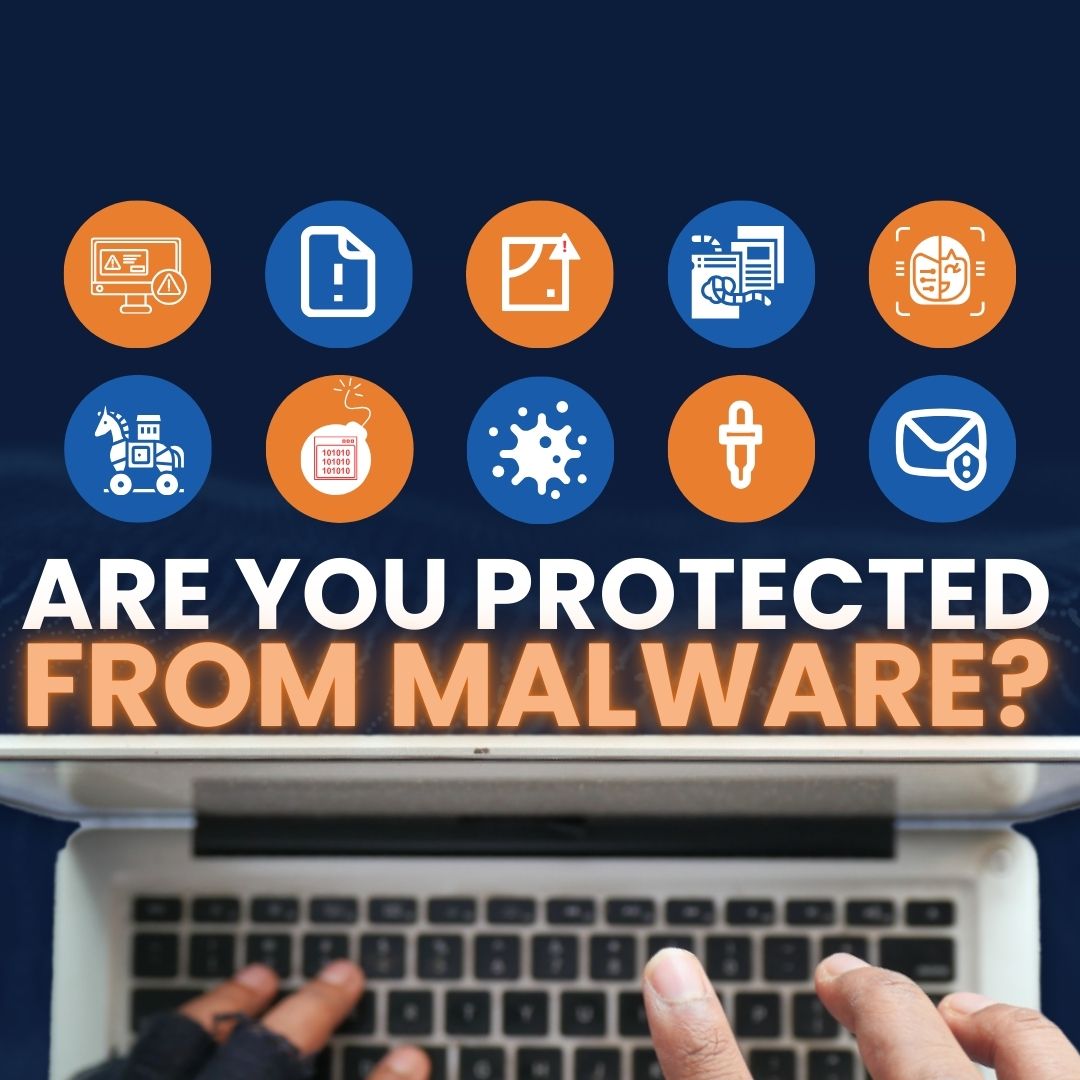
- Malware: Harmful programs can steal information, spy on activity, or damage systems. Run reputable security tools and avoid installing anything from sources you don’t trust.
Simple Ways To Protect Your Business Online
- Use strong, unique passwords: Create different passwords for every account. Mix letters, numbers, and symbols. Update them on a routine schedule.
- Turn on two-step login (multi-factor authentication): Add a quick extra check—like a code sent to your phone—before access is granted. Enable it everywhere it’s offered.
- Be smart with public Wi‑Fi: Open networks are easy to snoop on. If you must use them, connect through a VPN to protect traffic.
Why This Matters To Every Team, Not Just Big Companies
- Protect personal details: Thieves use stolen data for identity fraud. Share less online and keep private info locked down.
- Keep financial activity safe: Banking and shopping online are convenient, but only on secure sites. Check your accounts often and move fast on anything suspicious.
If Something Goes Wrong, Act Fast
- Report it right away: Tell the proper authorities. Quick reporting supports investigations and can limit the fallout.
- Reset access: Change passwords immediately on every affected account to cut off unauthorized use.
What’s Next: How These Threats Are Changing
- Attacks boosted by AI: Criminals are using artificial intelligence to tailor and speed up scams, making them look more believable and better aimed at likely victims.
- More targets through smart devices: As offices add connected gear, those devices become attractive entry points. Keep every device updated and secured.
Frequently asked questions
What should I do first if I click a bad link?
Disconnect from the internet, don’t enter any passwords, and report the incident. Then change your passwords to block further access.
Is a VPN really necessary on public Wi‑Fi?
Yes. Public networks are easy to snoop on. A VPN encrypts your connection so others on the same network can’t read your traffic.
Is two-step login worth the extra time?
It is. That short extra check stops many account takeovers, even if a password leaks.
If you’d like help putting these protections in place for your office around Panama City, get in touch. Flux Labs is here to help you stay secure.
—