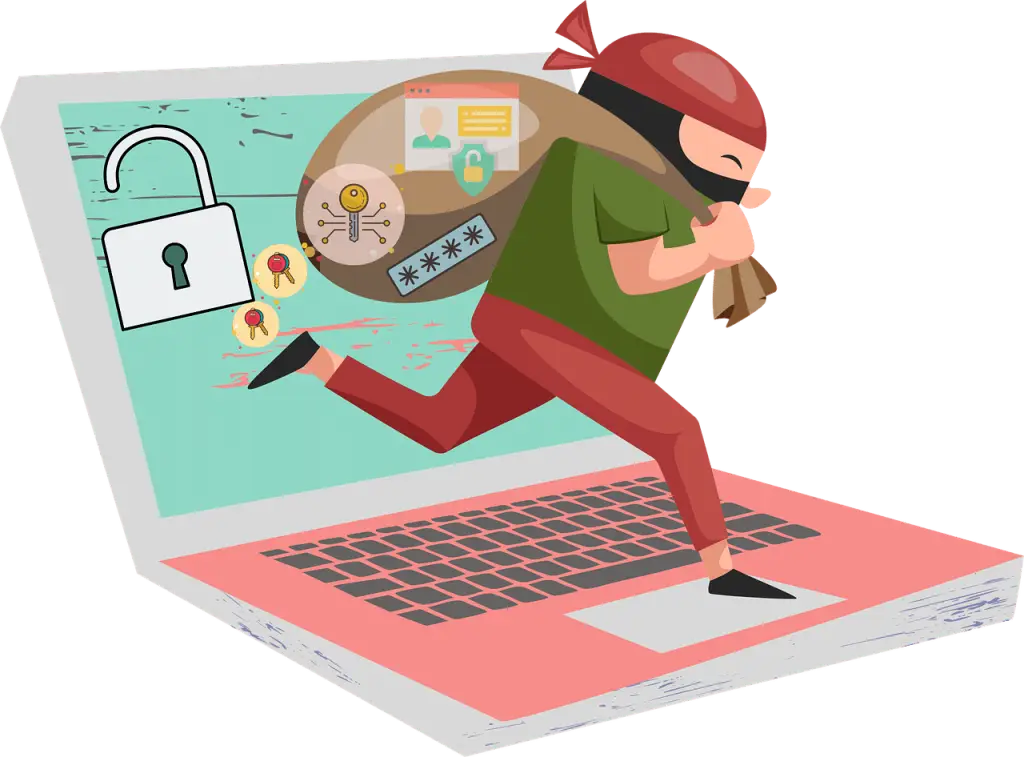
To protect devices while traveling, pack sturdy cases, turn on tracking and two-step login, keep tech with you, be careful on public Wi‑Fi (use a VPN), back up your data, stay alert in crowds, and add anti‑theft gear—plus consider insurance, tighten settings, record serial numbers, and be ready for customs.
Business trips and vacations mean laptops, tablets, and phones come along. That also means more chances for loss, damage, or theft—at the airport, on a train, or in a busy hotel lobby. Here’s a practical checklist we share with clients around Panama City to keep your gear—and your data—safe on the road.
Suit Up Your Tech With Real Protection
Buy tough cases that actually fit. A snug, impact‑resistant shell can prevent cracked screens and dents. Hardshell sleeves work well for laptops and tablets. For phones, pick a case with edge protection and raised lips around the screen and camera. This small step can spare you from downtime and repairs.
Turn On Built‑In Tracking Before You Go
Enable location tracking on every device while you still have a good connection. Apple’s Find My and Android’s Find My Device can help you locate missing hardware, lock it remotely, or erase it if needed. Verify that each device shows up in your account and that remote lock and wipe are ready to use.
Keep Gear With You, Not In Checked Bags
Carry computers and devices in your personal bag or backpack. Choose a bag with secure compartments and zippers you can see. If you must step away, use the hotel room safe. Less time out of your hands means less risk.
Use Strong Passcodes and Two‑Step Login
Set long, unique passwords or passcodes on phones, laptops, and tablets. Steer clear of birthdays, simple patterns, or reused passwords. Add two‑step login (multi‑factor authentication) wherever you can. You can enable two-factor authentication for an added layer of security to keep data protected if a device goes missing.
Treat Public Wi‑Fi As Untrusted
Open networks are handy, but risky. Avoid checking banking or sensitive business systems on public Wi‑Fi. If you must connect, use a VPN to encrypt traffic. Turn off auto‑join to public hotspots and confirm the network name with staff before you connect.
Backups Save The Day
Back up important files before you travel and keep backups current. Use reliable cloud storage or an encrypted external drive. If something is lost or stolen, you’ll still have access to your information and can keep working.
Stay Alert In Busy Places
Airports, stations, rideshares, and tourist spots attract thieves. Keep your bag closed and in front of you. Don’t leave devices on a café table while you step away. Limit how long you display expensive gear in public.
Add Anti‑Theft Accessories
Simple add‑ons can slow down thieves. Laptop locks and cables deter grab‑and‑go thefts. Anti‑theft backpacks often include hidden zippers and cut‑resistant panels. RFID‑blocking wallets can help reduce electronic pickpocketing of cards and IDs.
How to Protect Devices While Traveling: Extra Steps
These additional moves can further reduce risk and speed up recovery if something goes wrong.
Insure Your Devices
Look into coverage for loss, theft, and accidental damage. Make sure limits and deductibles fit what you travel with. Insurance won’t prevent incidents, but it can soften the blow.
Tweak Settings For Travel
Confirm remote wipe is enabled so you can erase a lost device. Turn off Bluetooth and location services when you’re not using them to reduce exposure. Review which apps can access your location and disable anything not needed for the trip.
Keep a Simple Device Inventory
Record make, model, and serial numbers before you leave. Store the list somewhere safe (not on the device itself). If you need to file a police report or an insurance claim, those details speed things up.
Be Ready For Customs Checks
Border agents may ask you to power on devices. Keep them charged and easy to reach in your carry‑on. Having gear accessible helps you move through inspections without delays.
Real‑World Moments To Apply These Tips
Airport Security
Place laptops and tablets in their own bin when screening is required, then watch your items as they roll through. As soon as they clear, pack them up securely before leaving the checkpoint.
Hotel Room
When you’re out, store gear in the room safe. If there isn’t one, use a small lockbox or cable lock secured to a solid anchor. Avoid leaving devices visible on the desk when housekeeping is scheduled.
Public Transportation
Keep your bag closed and in your lap or against your chest, not hanging loosely by your side. Be extra careful near doors where a thief can slip out quickly. Put devices away as soon as you’re done using them.
If you’d like help setting up safer travel practices or tightening device settings before a trip, let’s talk—get in touch.
—