Short answer: yes, in some ways. Many smart devices collect and share more data than you’d expect, and voice assistants have, in some cases, captured unintended audio, according to research by Which? reported by The Guardian. Below we explain the risks and how to protect your privacy.
Smart Tech at Home: Helpful, But Curious
From speakers and displays to video doorbells, TVs, and thermostats, smart gadgets are now part of daily life. They’re great at making homes feel connected and convenient. But a study by consumer group Which? (via The Guardian) raised tough questions about how much these devices see and share.
The researchers looked at popular brands, including Google and Amazon products. Their findings show that the line between convenience and surveillance can get blurry.
What the Research Found
- Extensive data sharing: Many smart devices pass user data to third parties—often without people realizing it. That raises concerns about how widely personal information circulates and whether users truly consent to it.
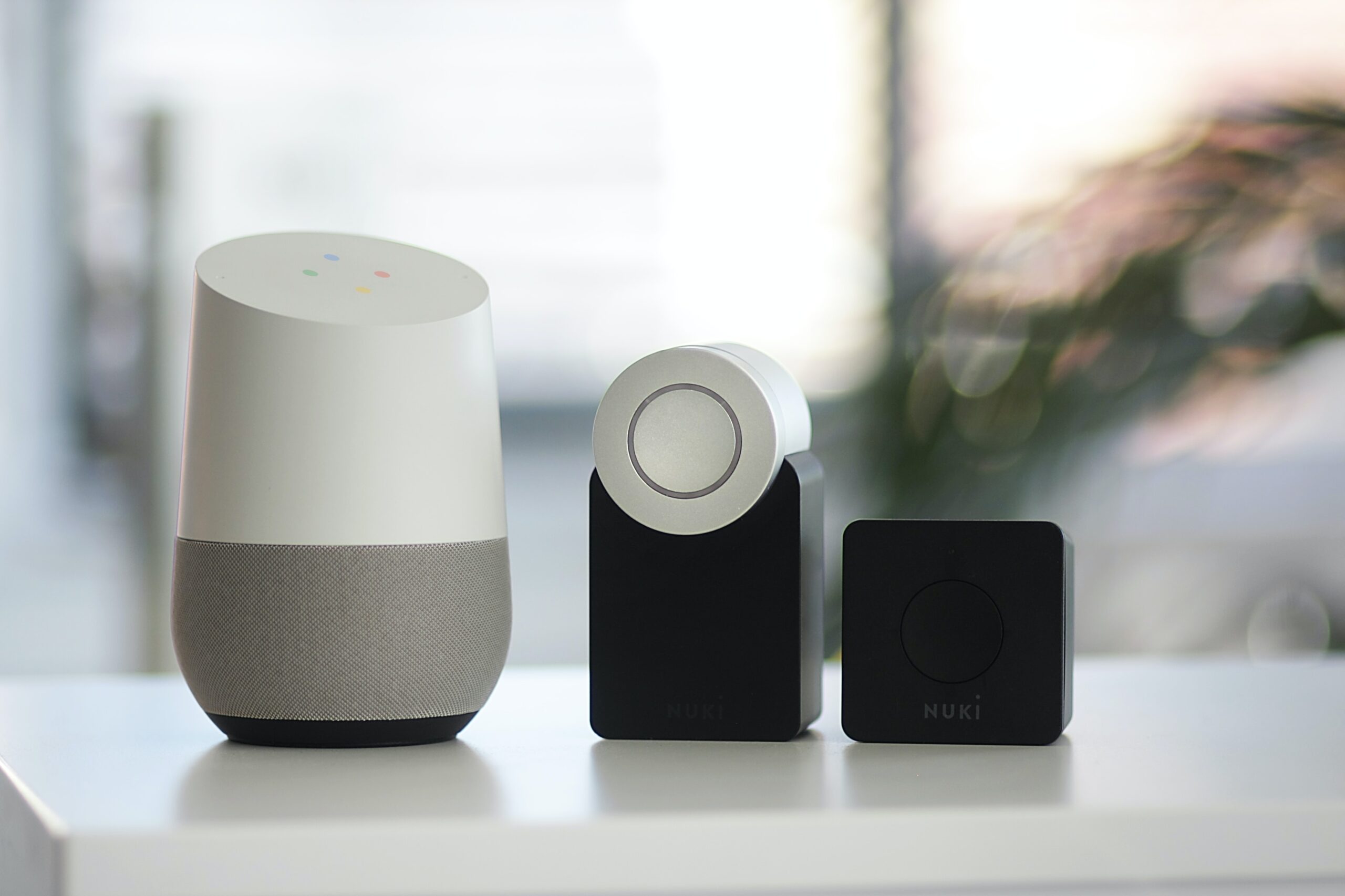
- Unexpected listening: Voice assistants (like Alexa) and smart speakers were found to sometimes capture and transmit audio unintentionally. That could put you under more listening than you intended.
- Little clarity: Privacy practices are often buried in long, hard-to-follow documents. Many makers don’t clearly explain what they collect, how they store it, or who they share it with—leaving buyers unsure of the privacy trade-offs.
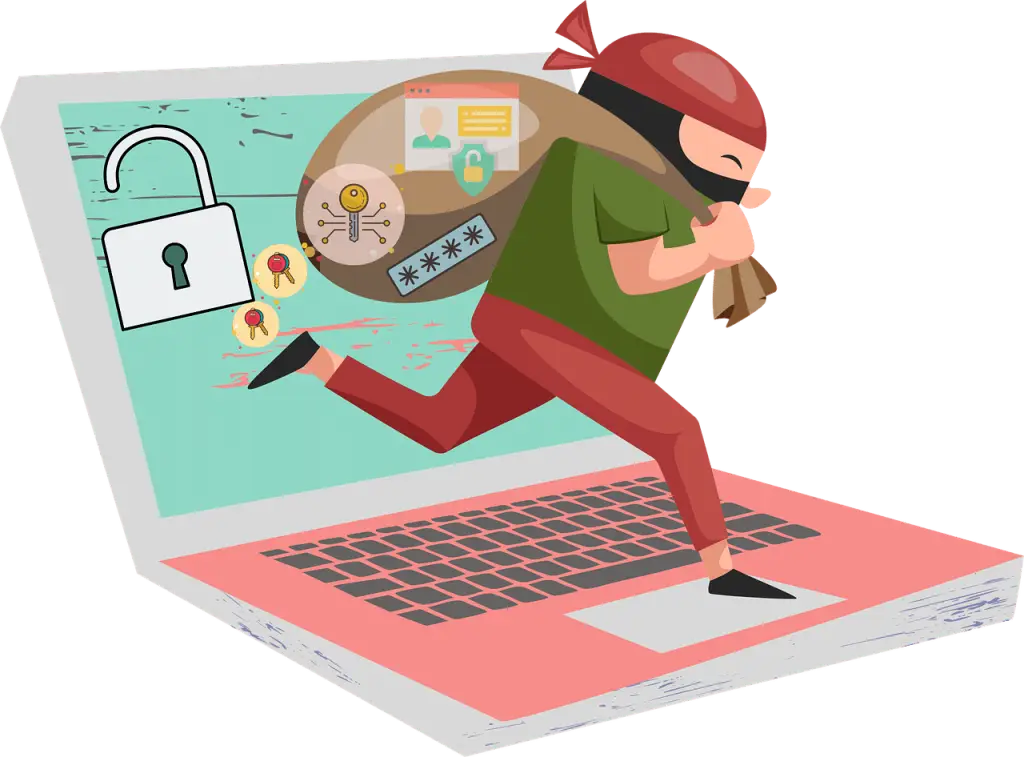
- Security weak spots: Some devices had security gaps that could allow unauthorized access, risking both data exposure and the integrity of your connected setup.
Are Smart Devices Spying on You? A Practical Take
“Spying” can sound dramatic, but the concern is real: these products are built to collect data to function and improve your experience. The Which? findings show that collection can go further than many people expect—and that voice tech can sometimes pick up audio it shouldn’t. The bottom line: understand what your devices do and dial in the right settings.
How to Use Smart Devices With Less Risk
- Read the privacy policy before you buy: Check what data the device collects, who it’s shared with, and how it’s protected. If it’s vague, consider another option.
- Tighten privacy settings: Turn off features you don’t need, reduce data sharing where possible, and adjust voice sensitivity so it’s less likely to mishear a wake word.
- Keep firmware up to date: Updates often fix security issues. Enable automatic updates if available and apply patches promptly.
- Use strong, unique passwords: Don’t leave default passwords in place. Create a unique passphrase for each device and your Wi‑Fi network.
- Prefer offline where you can: If a task doesn’t require cloud features, choose a product that works locally or with limited connectivity.
- Dial back voice features: If privacy is a priority, limit or disable voice controls to reduce the chance of unintended recordings.
- Audit what’s connected: Periodically review all devices on your network. Remove anything you don’t use or that can’t meet basic security standards.
Frequently Asked Questions
Do voice assistants listen all the time?
They’re designed to listen for a wake word. Even so, the Which? research found instances where devices captured and sent audio by mistake. Tighten your settings and consider muting microphones when not in use.
Who gets my data?
The study found many devices share data with third parties. Your device’s privacy policy should explain who receives what—review it before and after purchase.
Can I run smart devices without the cloud?
Sometimes. For certain tasks, you can choose products that work offline or with limited connectivity. That can reduce how much data leaves your home.
How often should I update my devices?
Regularly. Updates patch known vulnerabilities and improve performance. Turn on automatic updates when possible.
Want a Second Opinion on Your Setup?
Smart tech brings real convenience, but it shouldn’t come at the cost of privacy. If you’d like a quick review of your smart home and Wi‑Fi settings—at home or in a small office around Panama City—we can help you think through practical steps.
Have questions about securing smart devices and networks? Let’s talk—get in touch.