Want a smarter home without the headaches? Choose well-known smart lighting, learning thermostats, a central hub, and sensible cameras—and steer clear of smart home devices to avoid like no‑name bargains, overbuilt security setups, always‑recording gear with weak privacy controls, and impulse buys. Review privacy settings (watch things like Amazon Sidewalk) and stick with brands that ship updates.
Smart Home Devices To Avoid (And Better Picks)
- Skip: Unbranded bargain gadgets, complicated security rigs, devices that constantly record without clear privacy options, and anything you buy without research.
- Choose: Smart lighting, learning thermostats, a smart home hub, and security cameras with the right features.
Choose Smart Lighting For Convenience And Savings
Smart lighting is both practical and easy to live with. You can set schedules, adjust brightness and color, and change the mood in any room. Most options work with voice assistants and popular apps. With lots of brands to pick from, smart bulbs and switches can upgrade the look of your space and help trim energy use.
Skip Unbranded Bargain Tech
That low sticker price can hide bigger problems. Many off‑brand devices cut corners on security and quality, and some may trade your data. Few people read long user agreements, which makes it easy to miss how your information is used.
Stick with reputable makers that provide:
- Regular updates
- Security patches
- Works with other smart home gear
- Long‑term support
Buying the cheapest unknown option can cost you more later—in performance, privacy, and time.
Pick A Learning Thermostat
Smart thermostats, such as Nest and ecobee, learn your routine and adjust the temperature automatically. They reduce waste by optimizing heating and cooling based on whether anyone’s home. You can manage them by app or voice, making it simple to stay comfortable while lowering utility bills.
Don’t Overbuild Your Security Setup
Strong security matters, but piling on gadgets can make things confusing and less effective. Every new device is another thing to manage—and another doorway onto your network. Focus on the essentials: smart locks, cameras, and motion sensors. Choose systems with clear, easy controls so you can actually use them.
Centralize Control With A Smart Home Hub
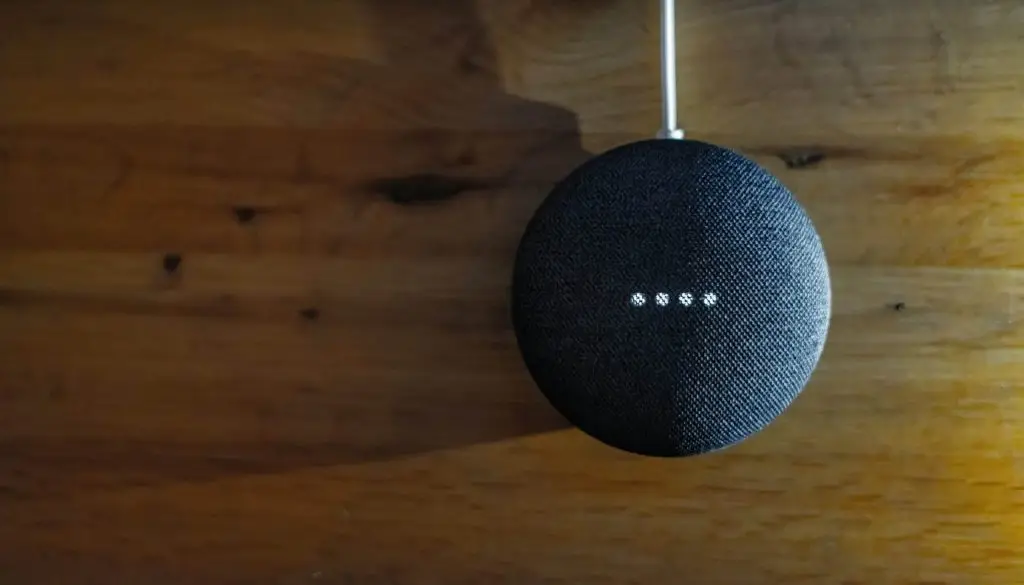
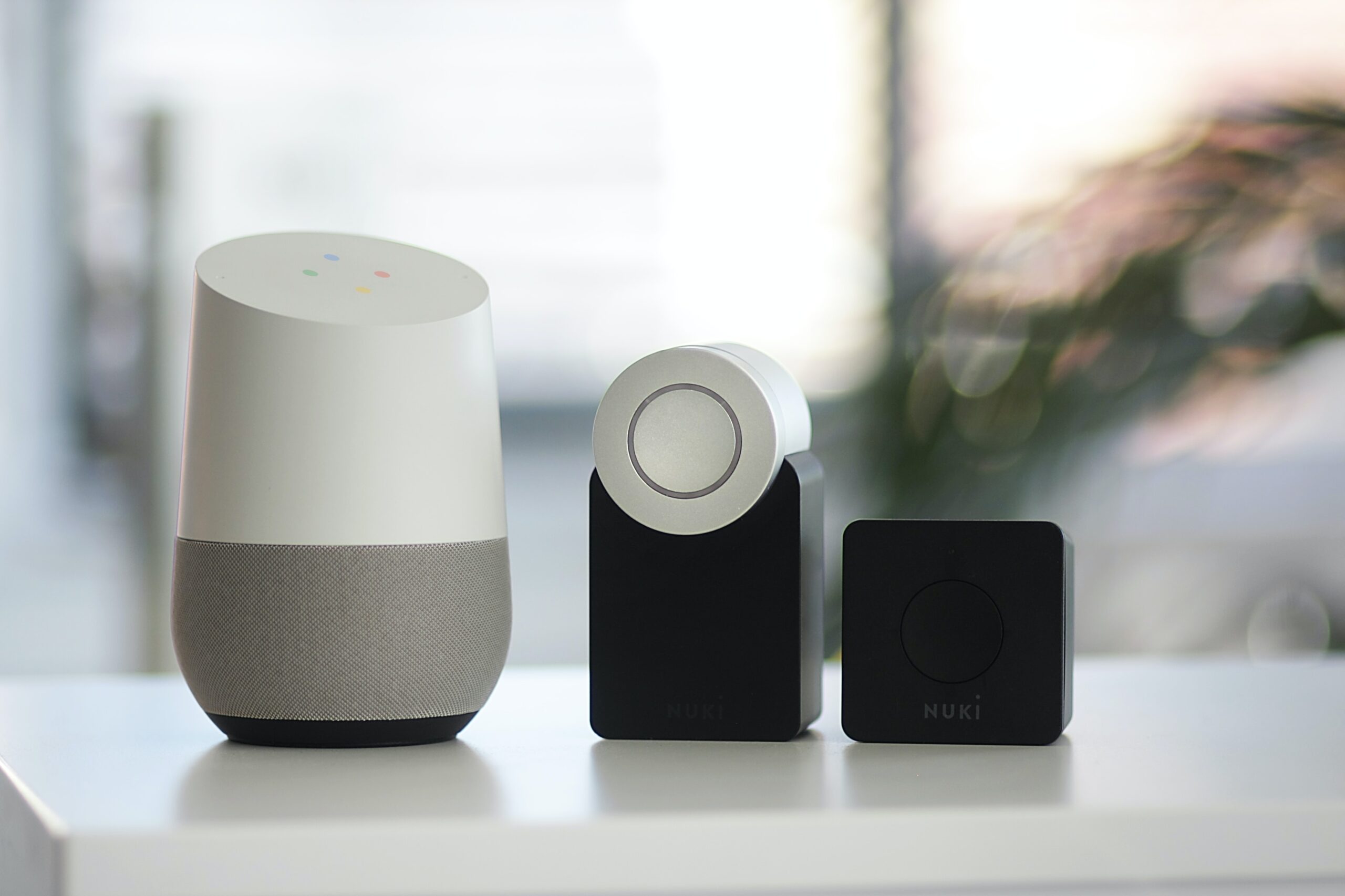
Devices like Amazon Echo and Google Nest Hub act as a single command center for your smart gear. They help different products talk to each other and let you control everything by voice or app. For homes and home offices around Panama City, a well‑matched hub keeps daily routines simple and consistent.
Treat Privacy As A Setting, Not A Surprise
Convenience shouldn’t mean giving up your privacy. Be careful with devices that constantly listen or record video, especially if consent isn’t obvious. Review privacy settings, limit what data is collected, and favor brands that make security a priority.
Keep an eye on vendor announcements too. For example, Amazon recently opted users in automatically to Amazon Sidewalk, a shared neighborhood Wi‑Fi. Unless you were aware, you may not have known to opt out.
Use Security Cameras With The Right Features
Smart cameras help you check in from anywhere and add another layer of safety. Look for motion detection, two‑way talk, and cloud storage. Many brands offer reliable, straightforward camera systems that make it easy to keep an eye on your place.
Slow Down Before You Buy
New gadgets are exciting, but take a minute before you click “buy.” Read reviews, compare features, and confirm compatibility with what you already own. A little research goes a long way toward building a smart setup that fits your needs.
Keep Your Smart Home Efficient And Secure
Smart tech is evolving fast. Thoughtful choices now lead to a safer, easier‑to‑use home tomorrow.
If you’d like help choosing, securing, or managing smart gear at home or in a home office, get in touch with Flux Labs.