To keep a smart home from turning on you, tighten smart home security: secure your Wi‑Fi (WPA3), use strong passwords and two-step login, keep firmware updated, buy from trusted brands, put locks and cameras on their own network, limit app permissions, handle voice assistants carefully, watch for odd activity, understand data sharing, and stay informed.
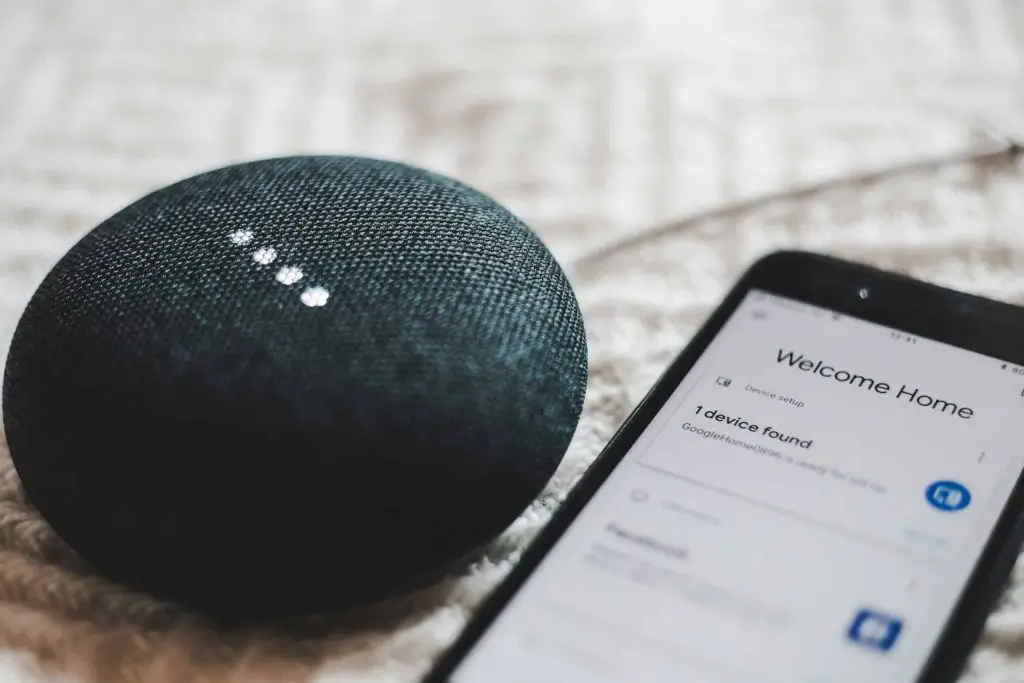
Connected lights, thermostats, cameras, and speakers are part of daily life now—even around Panama City. You can set the temperature from your phone and ask Alexa to play music. It’s convenient. But if you don’t set things up safely, that same convenience can be used against you.
Recent news shows how ugly it can get when smart gear isn’t locked down. In the New York Post’s piece about smart homes “turning on” owners, one buyer inherited the previous owner’s automations. At 11:30 p.m., the system announced bedtime and locked every door. Another person was harassed at home when an ex controlled lights and sounds through connected devices. Stories like these are rare—but preventable with a few habits.
Smart Home Security Tips That Actually Work
1) Start With a Safer Wi‑Fi Network
Your network is the front door to every device. Treat it that way.
- Change the router’s default admin password to a strong, unique one.
- Turn on WPA3 encryption (often found on Wi‑Fi 6 routers).
- Create a guest Wi‑Fi and put smart gadgets there, separate from your main network.
- Update your router’s firmware regularly so you have the latest security fixes.
2) Use Strong, Unique Passwords
Don’t reuse passwords across devices or apps. Avoid easy picks like “123456” or “password.” Use long, unique passphrases with a mix of letters, numbers, and symbols. A password manager can help you keep track.
3) Turn On Two‑Step Login
Add two‑step login (two‑factor authentication) wherever a device maker offers it. Even if someone guesses your password, they still can’t get in without the second step.
4) Keep Firmware Up to Date
Manufacturers release firmware updates to close security gaps. Check for updates regularly and install them promptly. If auto‑update is available, use it.
5) Choose Trustworthy Brands
Not every gadget is built with security in mind. Before you buy, look into the company’s track record for timely updates and clear security features. Be cautious with no‑name devices.
6) Separate Critical Devices
Put the most sensitive items—like smart locks and security cameras—on their own network if you can. Keep lower‑risk gear (bulbs, speakers) apart. If one group is compromised, the others are better protected.
7) Trim App Permissions
Smart home apps often ask for broad access. Review what each app wants and grant only what’s needed for it to function. Less access means less risk.
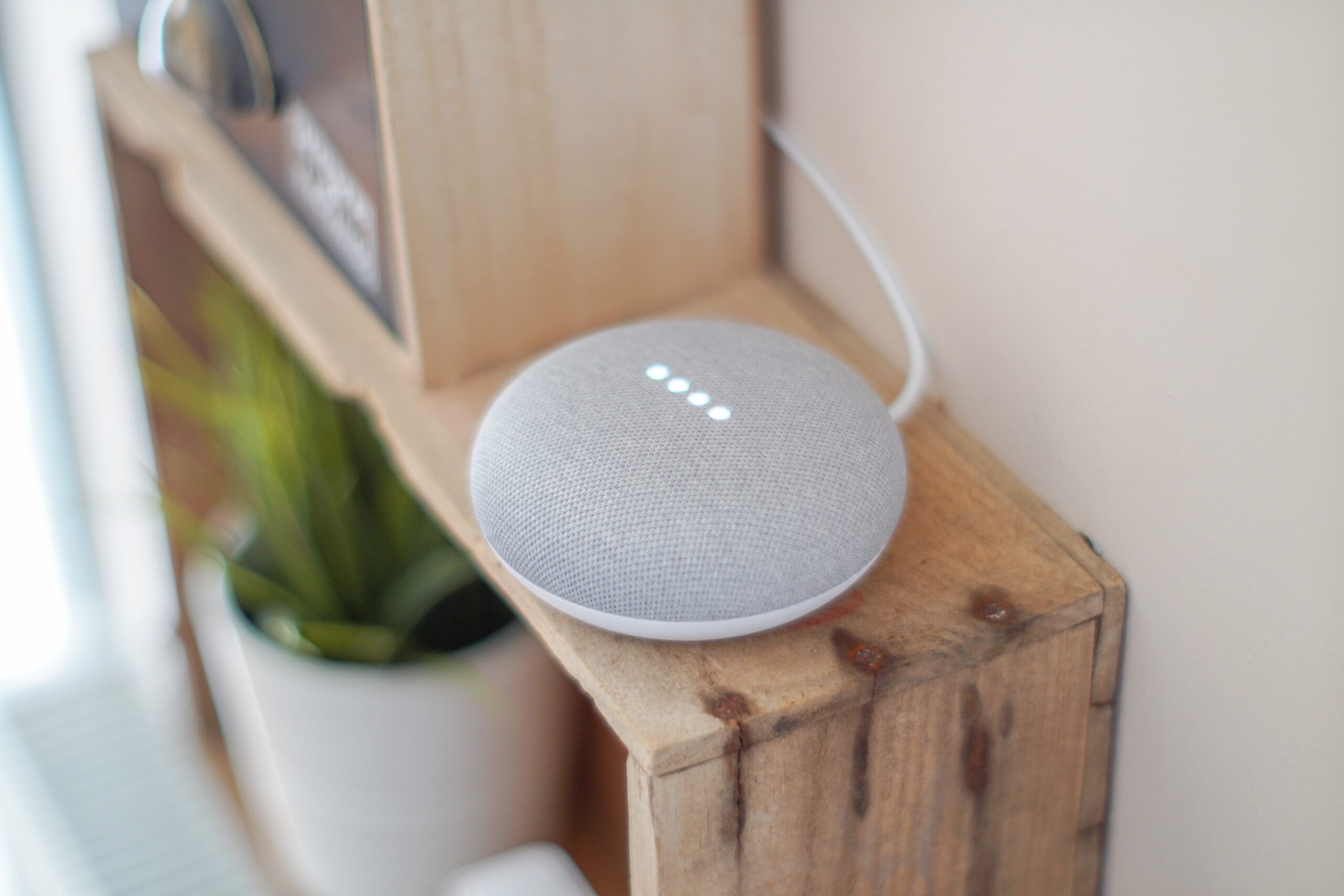
8) Be Careful With Voice Assistants
Alexa and Google Assistant are handy, but they collect data. Review privacy settings, delete old voice recordings if you wish, and consider muting the mic when you’re not using it.
9) Watch for Unusual Activity
Check your devices and router for anything odd: lights switching on by themselves, schedules you didn’t set, or unknown devices on your Wi‑Fi. If something looks off, investigate right away.
10) Know How Your Data Is Used
Read the privacy policy for each device. Some products share data with third parties for ads or analytics. Decide what you’re comfortable bringing into your home.
11) Keep Learning
Security evolves. Follow reliable tech news and security newsletters. Stories like the New York Post article are useful reminders to review your setup.
Need a Hand With Smart Home Security?
Smart gear saves time, but only if it’s set up safely. If you’d like help planning a secure setup—or reviewing what you already have—Flux Labs is here for homes and small offices. Get in touch.