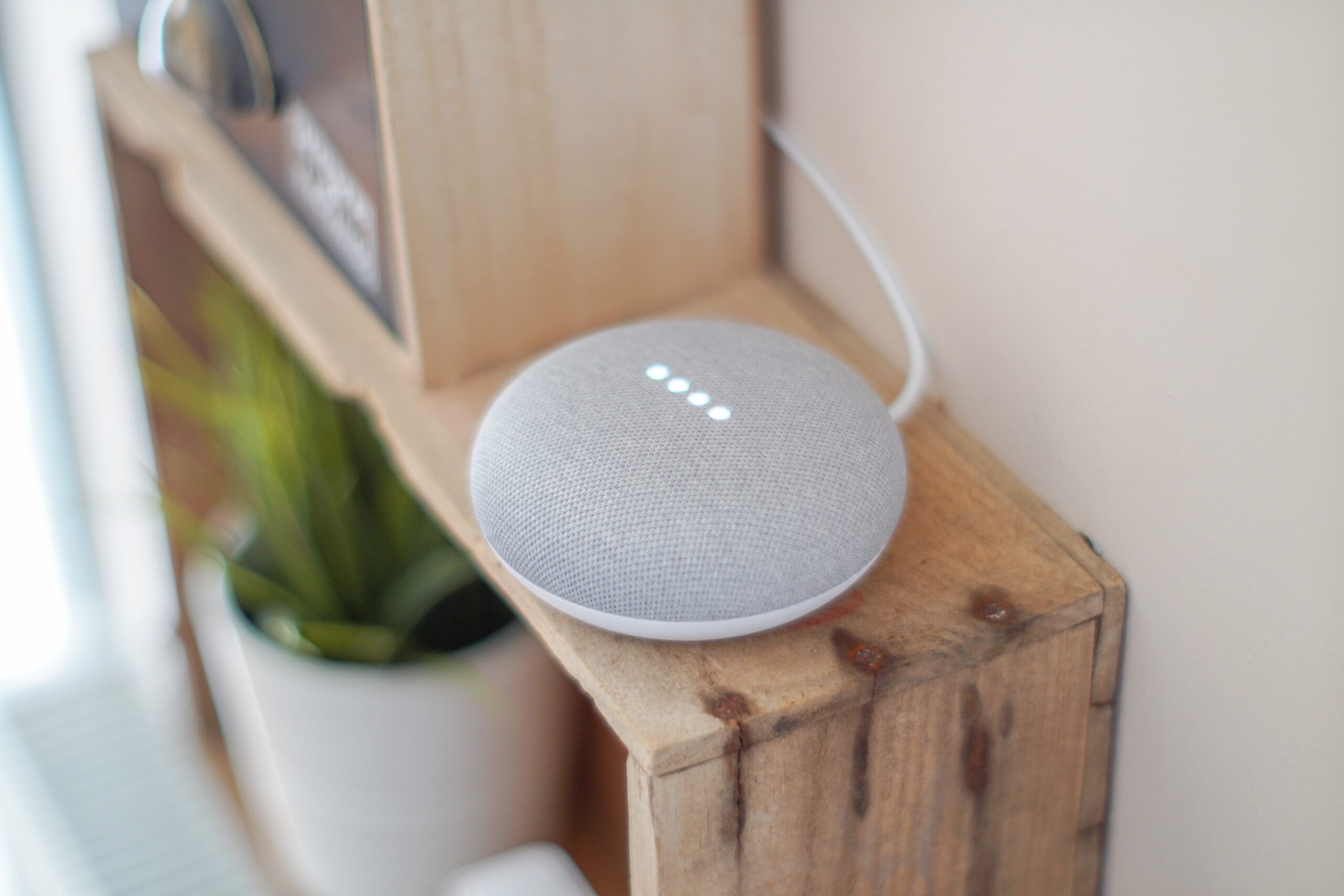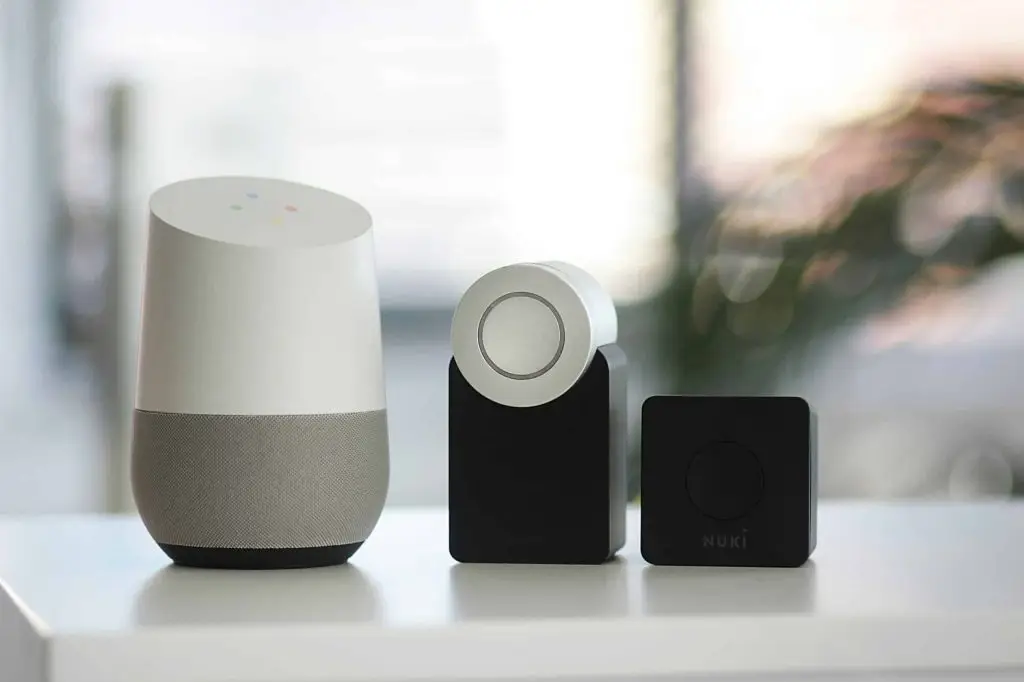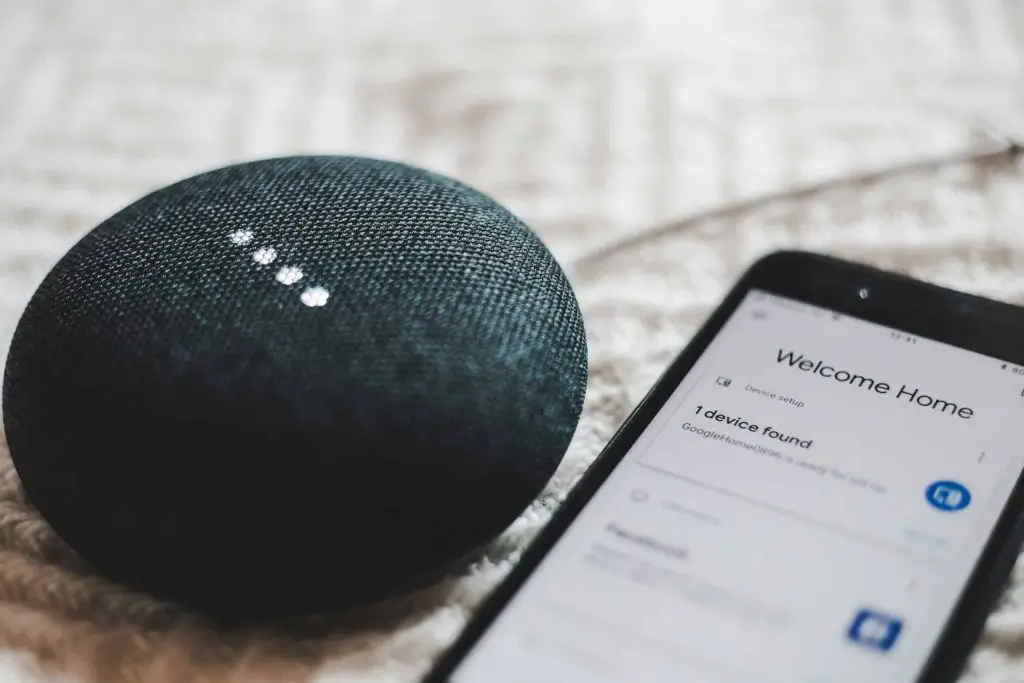
Smart speakers, video doorbells, plugs, locks and thermostats are easy to buy and easy to set up. Before one joins your Wi-Fi, take five minutes with these seven questions. They save money, frustration and, in some cases, your privacy.
1. What does it collect, and where does it go?
Many smart devices have a microphone, a camera or both, and most send data to the maker's servers. Read the privacy summary before you buy, not after. Look for a way to turn the microphone or camera off, a clear list of what is stored, and a way to delete your recordings. If the maker won't say, treat that as your answer.
2. Will it keep getting security updates?
A gadget that stops getting updates becomes a weak spot on your network. Check how long the maker promises updates, whether they install on their own, and how long the company has been around. Cheap, no-name devices are the ones that most often ship with default passwords and never get fixed.
3. Can your Wi-Fi handle it?
Every camera, plug and speaker is another device on your network. A dozen of them can slow things down, especially cameras streaming video. Check that your router covers the spot where the device will live, and consider putting smart gadgets on a separate guest network so they never sit next to the laptop you use for banking or work.
4. Does it work with what you already own?
Smart home products are split into families that don't always talk to each other. Before you buy, check which voice assistant and which app it works with, and whether it supports the newer shared standards (Matter and Thread) that let devices from different makers work together. One app for the whole house beats five apps that each control one thing.
5. What does it really cost over time?
The box price is often the smallest part. Cameras and doorbells may need a monthly plan to save video. Some devices need a separate hub. Batteries need replacing. Add those up for two or three years and compare products on the total, not the sticker.
6. How hard is it to set up, and to remove?
Set it up with a strong, unique password and turn on two-step sign-in for the account behind it. Then think about the other end: when you sell the house, replace the device or move it to the office, can you reset it and remove it from your account cleanly? Devices that stay tied to an old account are a common way strangers end up with access.
7. What happens when the internet or the company goes down?
Some devices stop working entirely without the internet, and a few have stopped working forever when their maker shut down its servers. A smart lock that can't open during an outage, or after the company is gone, is a real problem. Prefer devices that keep basic functions working locally and have a manual backup, like a key.
Smart devices at work need the same care
The same questions apply to the office: smart TVs in conference rooms, video doorbells at the front desk, and voice assistants on someone's desk all join the business network. Keep them on their own network, change default passwords, and include them in your update routine. If you're not sure what's connected at your business, a quick network check from your IT support will show you.