Home office security starts with simple habits: lock your screen every time you step away, phase out unsupported gear, and set clear guardrails for any AI tools—so a few unattended minutes don’t turn into a business breach.
Back at the office, a clean desk meant shredding sensitive papers and putting things away. Today, many teams around Panama City work from home, and the “desk” is a laptop that touches your cloud apps, client files, and finances. Physical access can turn into digital access fast.
Clean Desk 2.0 isn’t about how tidy your space looks. It’s about blocking the easiest path from the chair in front of your computer to the systems your company relies on.
Unlocked Screens Hand Over the Keys
Two-step login (multi-factor authentication) is an excellent front-door lock. But once you’re already signed in, that lock isn’t what protects you anymore. Web apps keep you logged in with a session token, often stored as a browser cookie. Kaspersky explains that session hijacking is “sometimes called cookie hijacking” because those cookies commonly hold the session ID. Proofpoint notes these tokens act like digital “keys,” and if someone steals or reuses them, they can impersonate you and get around protections “like MFA.”
That’s why physical access changes the rules. If a houseguest, a delivery driver, or a thief sits down at your unlocked workstation while you grab coffee, they don’t need to break in. They can ride your already authenticated session into your cloud tools—no prompt for two-step login.
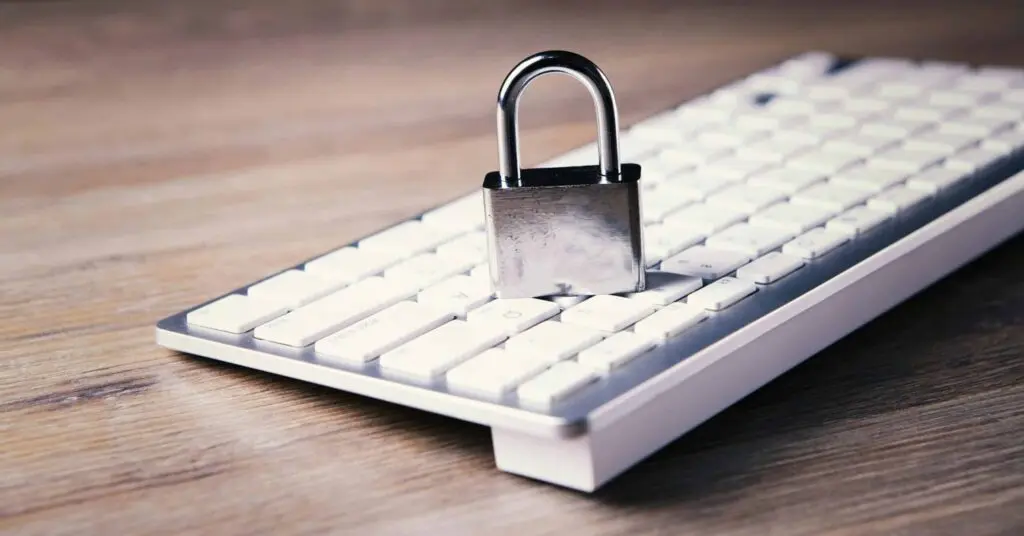
Build an auto-lock habit across your team. Keep screen-lock timers short. Lock your device every time you stand up. Treat an open session like leaving a ring of master keys in the door.
Old Gear, New Headaches
Many of us keep older tech because “it still works.” Working isn’t the same as secure. End-of-support (EOS) is the real line that matters. When a device or app hits EOS, security fixes stop. The UK’s guidance on obsolete products puts it plainly: “Ideally, once out of date, technology should not be used,” and “the only fully effective way to mitigate this risk is to stop using the obsolete product.” You can’t patch what no longer gets patches.
This bites hardest at the edge of your home network—the spots that face the internet, like routers, VPN boxes, and that “backup” laptop you haven’t updated in months.
Home Office Security: Mind the Internet Edge
Give your home-office “edge” the same discipline you’d expect in a server room:
- List anything that’s reachable from the internet (routers, remote-access tools, exposed services).
- Make sure each item is still supported and receiving updates.
- Retire or replace what isn’t.
Your AI Helper Still Needs a Locked Door
Automation is now built into everyday tools. An AI agent might draft emails, update your CRM, schedule meetings, or move a workflow along with little input once you press go. That’s power—and risk—on an unattended screen.
If a process is running while you’re away and your screen is unlocked, anyone at the keyboard is a click away from changing an approval, redirecting funds, or meddling with an in‑flight task. The answer isn’t to ditch automation. Treat AI like any other high‑impact system: set boundaries and approvals first.
Decide in advance:
- Which decisions the AI can make on its own.
- Which actions always require a human approval step.
- Any spending limits and when to escalate.
- Which apps and data it can touch—and what’s off-limits.
Tidy Desk, Tidy Cloud
Clean Desk 2.0 is also about operational discipline. Cloud waste is the digital equivalent of leaving lights on all weekend: idle servers, test environments that never shut down, and storage that keeps growing because nobody owns cleanup. It doesn’t look urgent, but it quietly swells your monthly bill.
The fix is visibility and ownership. Assign each environment and major resource to an owner, review what’s actually used, and schedule non‑production systems to power off outside business hours. These routines cut spend, reduce clutter, and make incident response simpler.
Make Clean Desk 2.0 the Default
Securing a home office isn’t about paranoia—it’s basic professionalism. In 2026, your house workspace is part of your company’s perimeter, whether you’re in Panama City, Lynn Haven, or the Beach.
Set modern defaults: fast screen locks, supported hardware, and clear automation rules. When these habits stick, small lapses at home don’t snowball into business‑wide issues.
Frequently asked questions
What is “Clean Desk 2.0” in plain English?
It’s the updated version of clean‑desk habits for a home workspace. Lock your screen, keep unsupported gear out of service, and control what automation can do while you’re away.
How short should my screen-lock timer be?
Keep it brief enough that stepping away triggers a lock quickly. Combine that with a manual lock every time you stand up.
Do I need to replace all my old equipment?
No—but anything past end‑of‑support should be retired. Once updates stop, risk rises, especially for internet‑facing devices.
Why does an unlocked screen beat two-step login?
Because your apps use session tokens to remember you. As Kaspersky and Proofpoint explain, those tokens act like keys. If someone uses your active session, they can bypass another login check.
Sources and further reading
- Kaspersky: What is session hijacking?
- Proofpoint: Session hijacking
- NCSC: Managing obsolete products
If you want help turning these ideas into a simple, enforceable baseline for your team, get in touch with Flux Labs.
—