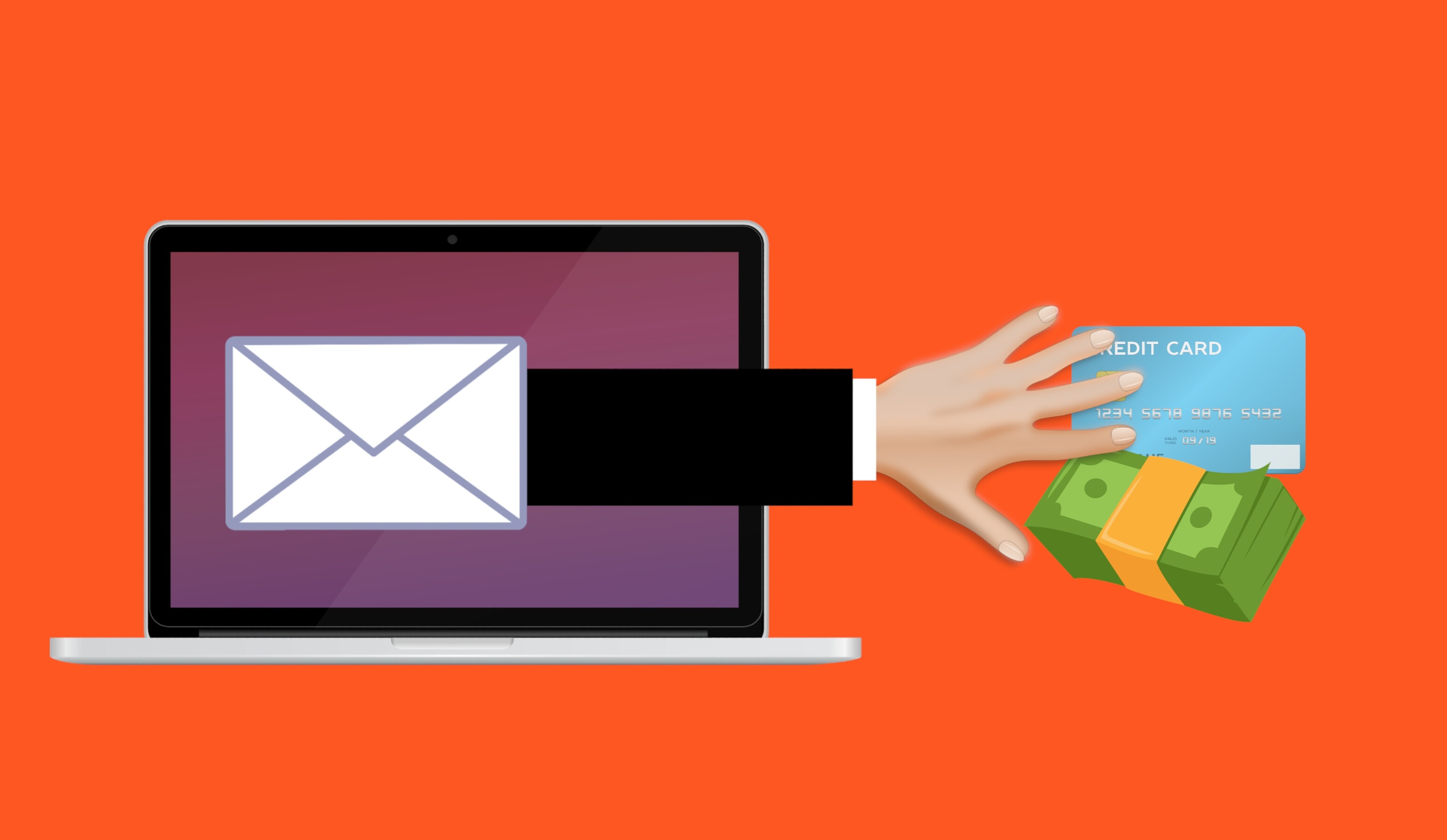
Scammers now use AI to make phishing emails read like normal business messages. To learn how to spot a scam email today, focus on what the message wants you to do, not how it’s written. Both the UK’s National Cyber Security Centre and the FBI warn that AI has removed the easy spelling-and-grammar test, so people need a new playbook.
For years, the quick trick for catching a fake email was to look for typos and clunky phrasing. That shortcut worked—until now.
AI tools can draft clean, polished messages in seconds. They can even mimic a tone or style that sounds like a real colleague or vendor. If you run a business around Panama City or anywhere in Bay County, that shift matters: your team can no longer depend on messy writing to flag a phish.
The grammar test is broken
The old clue worked because many criminals weren’t writing in their first language. Generative AI erased that tell. The UK’s NCSC notes that AI now produces convincing phishing messages without the usual translation and grammar blunders that used to expose them. The FBI says the same: criminals are using AI to scrub out those errors so their messages sound credible.
Why today’s phishing lands so well
- Polished writing. A machine generates the email, so it reads like any other office note—friendly, on-brand, and typo-free.
- Personal details. Attackers can feed in public information from your site, staff LinkedIn pages, or a press release, and get a message that drops real names, roles, and projects.
- Much higher volume. AI speeds up production, so more attempts go out. The FBI’s IC3 tied AI activity to over 22,000 complaints and almost $893 million in reported losses, and even added an AI section to its annual report for the first time (FBI).
Instead of a clumsy “Your account is locked” note, a finance teammate might see an email that looks like a real vendor, references an active job, and asks to update payment information. It feels routine—except the vendor didn’t send it.
Your filter won’t snag every one
Keep your email security on—it blocks a lot of junk. But a tidy, targeted message that asks a normal-sounding question may not trip a filter, especially when there’s no obvious bad link or file attached. Both the NCSC and the FBI expect more of these to slip through. That’s why the human reading the email is the safety net.
It’s moved to calls and texts too
AI doesn’t stop at email. The FBI warns that scammers can recreate someone’s voice from a brief audio sample—enough to leave a voicemail that sounds like a boss or relative asking for urgent help. Treat requests for money or sign-ins the same way on the phone: hang up and call back using a number you already trust, not one provided in the message.
How to spot a scam email today
If writing style is no longer a giveaway, judge the ask. Red flags include:
- Requests to send funds, buy gift cards, or route payment to a different bank account.
- Prompts for usernames, passwords, two-step codes, or other sensitive details.
- Pressure tactics—tight deadlines, threats, or urgent “act now” language.
- Directions to revise a vendor’s banking information before paying the next bill.
- Unexpected links or attachments.
- A familiar display name, but the real sender address looks off.
All of these are about the action the email wants you to take. Teach this simple rule: if it involves payments, sign-ins, or changing how you pay a vendor, pause and verify.
Practical steps to protect your team
- Verify money and login requests on a second channel. If someone emails instructions to change bank details or asks for credentials, confirm by calling a known number. Don’t reply to that email or use contact info it provides.
- Update the training. Stop telling people to rely on spelling mistakes. Coach them to focus on the request and slow down whenever money or access is involved.
- Make one firm rule for payment changes. Any change to banking info must be confirmed by phone every time—even when it feels urgent.
- Enable strong two-step login (multi-factor authentication) or passkeys, so a captured password by itself won’t let an attacker in.
- Make reporting easy and judgment-free. Give staff a simple way to flag a sketchy message, and thank them for checking.
- Keep it fresh. Short reminders beat posters. A five-minute team chat now and then helps people remember what to look for.
Frequently asked questions
Can bad spelling still reveal a phishing email?
Not consistently. Attackers now lean on AI to produce clean, well-written emails. Treat perfect grammar as neutral and judge the request instead.
What warning signs still matter?
Look at the action: sending money, switching bank info, sharing a login or code, or being pushed to move fast. These signals don’t depend on wording.
Is AI-made phishing actually more effective?
Yes. The NCSC and the FBI both report that AI makes phishing more believable and tailored. The FBI links AI activity to tens of thousands of complaints and hundreds of millions of dollars in losses.
Will my spam filter block AI-driven phishing?
It will stop a lot—and you should keep it running—but a personalized email without obvious malware can still look safe to a filter. People trained to verify are essential.
What should employees do if they’re unsure?
Take a breath and confirm through a trusted route, like calling a known number or checking with the person in question. And report the message, even if it proves legitimate.
Sources and further reading
• NCSC: The near-term impact of AI on the cyber threat — how generative AI removes the giveaway grammar mistakes from phishing messages.
• FBI IC3: Criminals Use Generative AI to Facilitate Financial Fraud — details on AI-written text and synthetic voices, and why these make fraud harder to spot.
If you’d like help training your team or turning on stronger sign-in protections, we can set that up. If you don’t have a managed IT provider, get in touch and Flux Labs will help you sort it out.
—