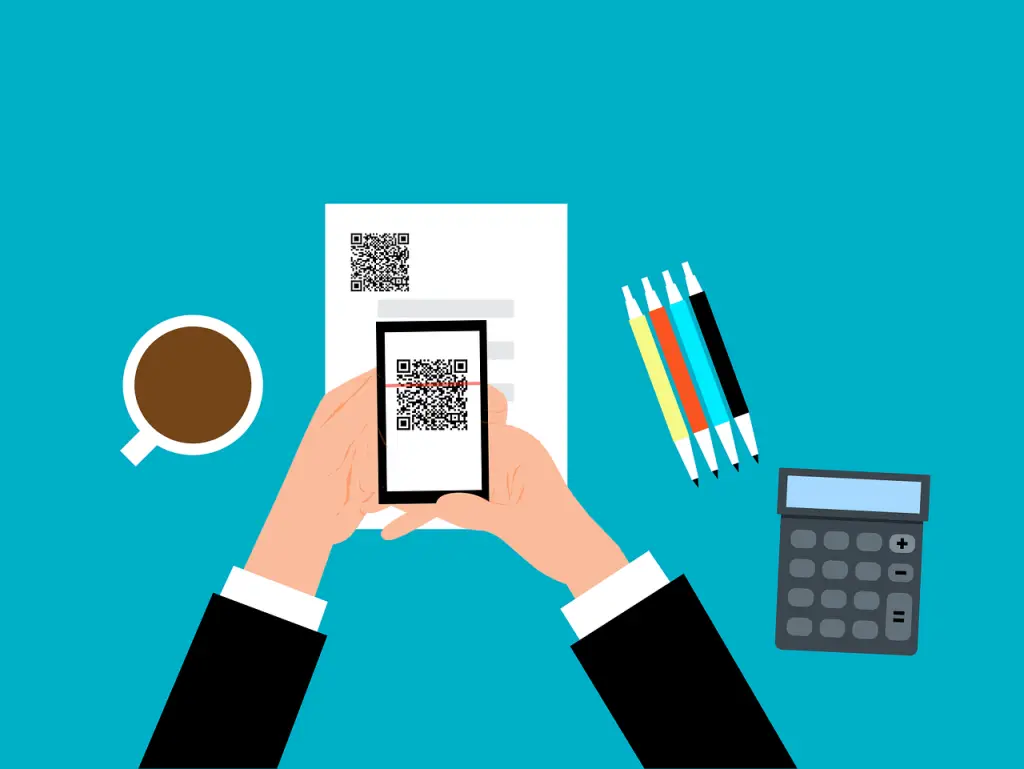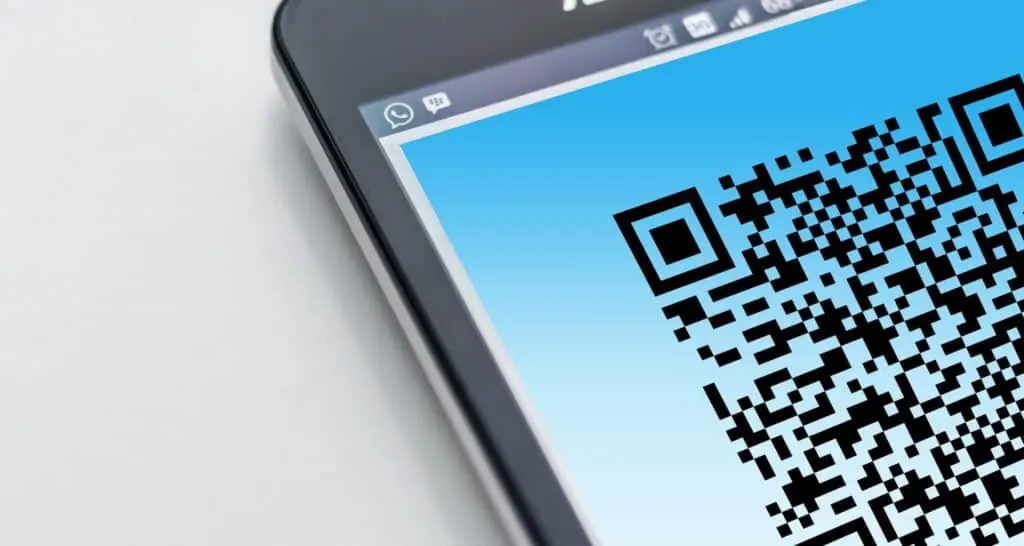
QR code scams (often called quishing) tuck a malicious link inside a QR image, which helps the email slip past link-scanning filters and nudges people to use a personal phone that isn’t covered by company protections. Microsoft reported a 146% jump in QR code phishing in the first quarter of 2026.
QR codes are everywhere now—menus, parking, guest Wi‑Fi, shared docs. Cybercriminals know that. They’re swapping the usual blue-text link for a square code that sends you to the same fake pages used in normal phishing, just by a different route. This guide explains how these scams work, why your tools may miss them, what the common lures look like, and smart habits that keep your team safe in offices around Panama City and across Bay County.
QR code scams, explained
A QR code scam is just phishing with a different delivery method. Instead of a clickable URL your filters can examine, the attacker encodes the web address into a QR image. You point your phone’s camera at it, your phone opens the site, and you’re taken to a bogus login or payment page designed to capture your information.
The destination is familiar: a page dressed up to look like Microsoft 365, your bank, or a payment portal. The QR code is simply the vehicle that gets you there.
Why these scams dodge your defenses
Two factors make quishing effective.
1) The link is inside an image. Most email security looks at message text to spot known malicious URLs. Because a QR code is a picture, the embedded address isn’t plain text for those tools to read. The UK’s National Cyber Security Centre notes that many phishing-detection products do not analyze images for QR content, which is exactly why criminals use them.
2) Scanning pushes you to your phone. Your work computer likely has web filtering, endpoint protection, and DNS controls to block risky sites. A personal phone often lacks those layers. The moment you scan, you’ve stepped outside the protection your business relies on—often without noticing.
How widespread is it?
Attackers are using this tactic more each month. In its Q1 2026 email threat report, Microsoft observed about 8.3 billion phishing threats overall in those three months. QR-based phishing grew 146% during the quarter, rising from 7.6 million attempts in January to 18.7 million in March. By March, it reached its highest monthly level in at least a year.
Microsoft also saw most QR phishing delivered via PDFs, increasing from 65% of QR attacks in January to 70% in March. The scam code is placed inside a PDF that’s attached to an email, so it comes across like a routine file until someone scans it.
Common QR code scam setups
- “Security” notice. An email posing as Microsoft or “IT support” urges you to scan a code to re-enroll two-step login (multi‑factor authentication) or avoid account suspension. The scan sends you to a phony sign-in page.
- Shared document request. A message claims a coworker or client shared a file and tells you to scan to view it. You’re then prompted to sign in on a counterfeit page.
- Invoice with a quick-pay code. A PDF bill includes a QR code promising faster payment. The code routes funds to the attacker.
- Missed delivery alert. A text or email says a package couldn’t be delivered and asks you to scan a code to reschedule. The U.S. Federal Trade Commission has warned about this exact tactic.
- Sticker over the real thing. Criminals print look‑alike QR stickers and place them on top of genuine codes on parking meters, posters, or payment terminals. You think you’re paying or accessing info, but you’re feeding data to the wrong place.
QR code scam protection: practical steps
- Treat QR codes in email like suspicious links. If a message pushes you to scan—especially to sign in or pay—slow down. The NCSC advises caution with QR codes that arrive in email, even though codes on menus or other known locations are usually fine.
- Read the address before opening. After you scan, your phone shows the URL. Look closely. If it doesn’t match the real site you expect, back out.
- Go straight to the site. If a message claims your Microsoft account needs attention, don’t use the code. Open your browser, type the official address, or use a saved bookmark instead.
- Be wary of urgency. Threats like “within 24 hours” are meant to rush you past good judgment. That pressure is a red flag.
- Use phishing‑resistant two-step login. If a password gets stolen, strong multi‑factor authentication (MFA)—such as a passkey, a hardware security key, or number matching in an authenticator app—makes it far harder to misuse.
- Inspect physical codes. Before scanning a QR on a meter or terminal, check for stickers, misalignment, or anything that looks tampered with.
- Coach your team. Many people haven’t been briefed on QR risks. Share a short note with a real‑world example so employees know what to avoid.
If someone already scanned a bad code
If you or a team member scanned a code and entered information on the site that opened, act fast:
- Immediately reset the password for that account, and for any other account using the same password.
- Verify two-step login is enabled for the account.
- Notify your IT contact so they can review sign‑in activity and take any needed actions.
- If card or banking details were provided, contact your bank and monitor transactions closely.
Quick action reduces how much damage an attacker can do with stolen details.
Frequently asked questions
Are QR codes safe to use?
Most legitimate codes are fine—think restaurant tables or known payment terminals. The higher risk comes from QR codes dropped into unexpected emails or texts, and from fake stickers placed over real codes in public places. Treat those with extra care.
What is quishing?
Quishing is just phishing delivered via a QR image instead of a typed link. The aim is the same: steer you to a counterfeit site that captures your sign‑in or payment info.
Can antivirus or email filters stop QR code scams?
Sometimes, but not reliably. Many filters look for dangerous URLs in message text; a QR code conceals the URL inside an image, which can slip through. Some products now analyze images for QR content, but you shouldn’t assume the filter will block every attempt.
Why is a QR code in an email riskier than a normal link?
A standard link can be checked by email security and, when clicked, often opens on a protected work device. A QR image hides the URL from text‑based scanning and nudges you to use your phone, which typically has fewer safeguards.
What if I scanned a suspicious code but didn’t type anything?
If you closed the page without entering details, the risk is low. Exit and don’t return to the site. Let your IT team know so they can watch for anything unusual. If you entered a password or payment data, follow the recovery steps above.
Want help tightening QR code scam protection for your business in Bay County? Flux Labs is here to help—get in touch.
—