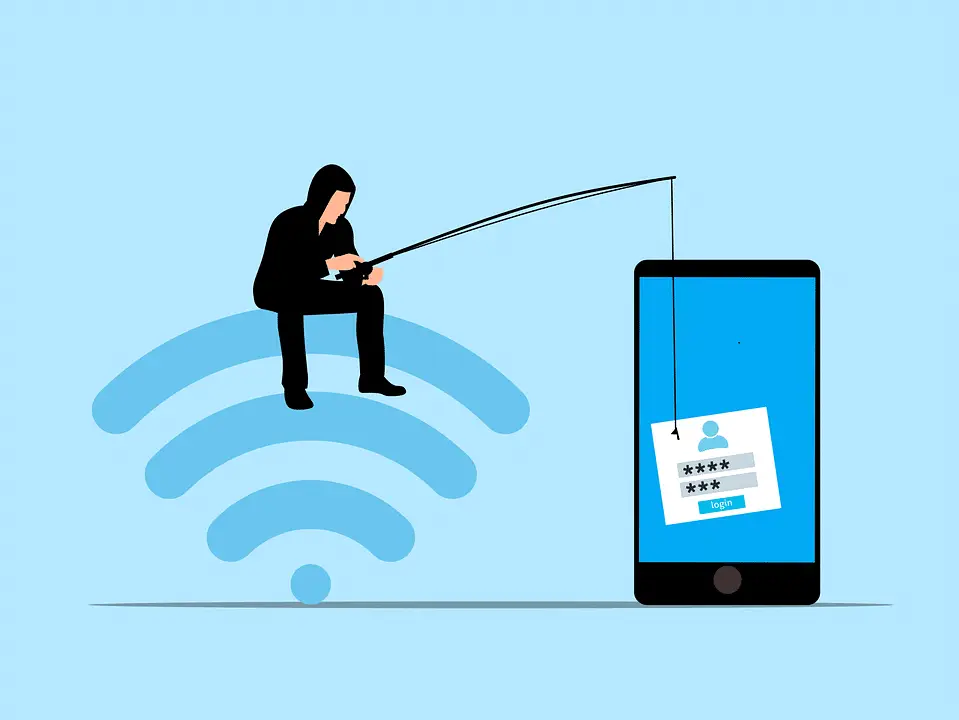
Small business ransomware usually starts with stolen or guessed passwords, a phony login page that slips past two-step login, and quiet email snooping to size the ransom—then files get locked late on a Friday; you can block this with unique passwords, phishing-resistant two-step login, no external auto-forwarding, someone watching alerts, and less oversharing online.
Many owners assume criminals chase big corporations. In reality, the highest volume of ransomware hits happens to small firms. A 22-person outfit has enough data and cash to make it worthwhile, but not a full-time security team. Below is a week-in-the-life scenario pulled from current threat reporting. It’s a composite story, but the steps are real. After the walkthrough, you’ll see five simple places this would have been stopped—most with tools you likely already have.
Monday: Why You Ended Up on the List
Attackers keep regular hours and work a small pipeline—around 40 prospects a month—because it pays best. The sweet spot is 10 to 50 staff. A 22-person commercial services company has payroll, customer and project files, vendor accounts, and an owner who needs the business back online fast. That balance of value and limited defense makes it attractive.
They don’t need a previous breach to find you. Public records—state business registries, federal awards, county licenses—show your legal name, contracts, contact names, and a rough sense of revenue. One search can reveal your company name, registered agent, the value of a recent city job, and who handled the paperwork.
Ironically, a spotless incident history is a green light. It suggests passwords haven’t been changed lately, no security training has raised alarms, and nothing has forced a cleanup. That “nothing bad ever happened here” is a signal to try.
Tuesday: Mapping Your Team From Public Info
With only a browser, about 40 minutes of open-source research builds an org picture. LinkedIn lists employees and roles. Maybe your office manager mentions accounts payable, payroll, and vendor invoicing. A second admin looks new. The owner’s profile is sparse with few connections—unlikely to notice odd profile views or social engagement.
Public filings confirm company and owner names. A two-year-old “meet the team” post on Facebook shows first names and headshots, including someone who helps in the office part-time. A comment shares the owner’s surname.
Job ads hint at software tools—search for “QuickBooks” or “Sage” in your listings. From all this, an attacker can learn who moves money, who can approve payments alone, and who’s busiest. That approver becomes the prime target. They have access, handle vendor payments, and triage email fast. No spend required yet.
Wednesday: Buying Your Passwords for $14
Credentials stolen by “infostealer” malware end up in bundled packages called stealer logs. The malware captures anything typed on an infected personal device—usernames, passwords—and the logs are sold in underground markets on Telegram channels and forums. Buyers can search by company email domain.
A quick search returns two hits for the company. One is the office manager’s work email with a browser-saved password. The other is a personal Gmail address likely tied to a family member who once shared the same home network.
The log costs $14. The purchase takes minutes.
The office manager’s password follows a common pattern: a pet or child’s name plus a year and an exclamation point. A check against HaveIBeenPwned shows it appeared in a retail loyalty program breach three years ago—and it was never changed.
The family member’s reused password, with small variations, appears across a streaming app, a gaming account, and the company’s Microsoft 365 login. It works. The only remaining barrier is the second step of login.
Total attacker spend so far: $14.
Thursday: Slipping Past Two-Step Login
Two-step login (multi-factor authentication, or MFA) blocks a lot of break-ins, but how it’s set up matters.
Simple “approve” fatigue attacks are weaker now. Microsoft turned on number matching by default for Authenticator push prompts in May 2023, which means the user must enter a code shown on the login screen. That change stops basic push bombing.
What still works is adversary-in-the-middle phishing (AiTM). The attacker emails a Microsoft 365-looking password reset, mentioning the same breach where the password showed up. The link opens a perfect copy of the real sign-in page—but it’s a proxy controlled by the attacker.
When the user enters the password and approves the prompt, the proxy passes everything to Microsoft. Microsoft completes the login and sends back a session token. The attacker keeps that token. The user sees a normal sign-in and a “password updated successfully” message.
With the token in the attacker’s browser, Microsoft treats the session as valid. As a backup, the attacker also phones the office, pretends to be the IT company named in an old Google review, and asks the receptionist to expect a verification prompt. No cost for the call.
By evening, the attacker is in the office manager’s Microsoft 365 account. They set an inbox rule that forwards a copy of each email to an external address and wait.
Friday, 2:47 p.m.: Why They Waited 36 Hours
The 36-hour pause before encrypting isn’t laziness—it’s pricing. Reading email reveals what you can pay and what you must protect.
In that window, the attacker finds a cyber policy from your broker with a $250,000 cyber liability sub-limit. A bank reconciliation sent two weeks earlier shows roughly $180,000 at month end. A customer list sits in an emailed quote template. A thread with a city project manager mentions a start in three weeks with a deadline you can’t miss.
The ransom is set at $65,000 in cryptocurrency—low enough to pay, high enough to be worth the effort, and under the common “fight back” threshold. Demands above about 10% of visible liquid assets often get pushed back.
Encryption launches at 2:47 p.m. on Friday. Timing matters. The bookkeeper’s auto-reply says they leave at 3 p.m. The owner is out on a job, per the shared calendar. The person most likely to notice is gone; the decision-maker is hard to reach.
By the time anyone pieces it together, it’s Friday evening. Files on the shared drive are locked, and a ransom note sits on every screen.
Total attacker outlay: $14 and roughly six hours of work spread over the week.
Small Business Ransomware: Five Places This Attack Would Have Stopped
1) Stop the credential reuse. HaveIBeenPwned is free to check whether a password or email appears in known breaches. Microsoft Entra password protection can block weak or previously breached passwords. Unique passwords per account—enforced by a password manager and Entra policies—turn a $14 log purchase into a dead end.
2) Make the second step phishing-resistant. Microsoft already shut down easy push bombing with default number matching. Today’s common bypass is the adversary-in-the-middle proxy. Stronger defenses include phishing-resistant two-step options (FIDO2 hardware keys, passkeys, or Windows Hello for Business), Conditional Access that requires a compliant or hybrid-joined device, and anti-phishing in Microsoft Defender for Office 365. Any one of these would have blocked the token theft or made the stolen token useless from the attacker’s IP.
3) Block external auto-forwarding. In Microsoft 365, admins can disable external email forwarding rules at the tenant level. With that in place, the attacker couldn’t have read 36 hours of mail. They might still encrypt, but they’d be guessing on price.
4) Watch the alerts you already get. Microsoft Defender for Business raises an alert when a new inbox forwarding rule appears. If someone saw that alert—because alerts are routed somewhere visible—the attacker would have been spotted Thursday night. The biggest win for a company your size is often not buying something new; it’s reviewing the signals your current tools already send.
5) Share less about who does what. You can’t hide public registries or contract awards. But you can talk with your team about what they post. Detailed LinkedIn lines about approving payments or managing payroll make a perfect target list. Frame it as practical security awareness, not a rule.
Three Quick Questions for Your IT Provider
- Are we using phishing-resistant two-step login (FIDO2 keys, passkeys, or Windows Hello for Business) for finance, admin, and executive accounts?
- Is external email forwarding turned off for the whole tenant?
- Do our security alerts go to a place someone actually reviews?
Frequently asked questions
Do attackers really go after small businesses?
Yes. Most ransomware crews focus on small and mid-sized companies. With 10–50 staff, there’s valuable data to hold hostage and usually no dedicated security team. That’s the most profitable range for them.
What is adversary-in-the-middle phishing?
It’s a fake sign-in page that proxies the real one (Microsoft 365 or Google Workspace). You type your password, approve the prompt, and the proxy grabs the session token. The service thinks you signed in, but the attacker keeps the token. This method surged after default number matching cut off simple push spam.
What are stealer logs?
They’re bundles of credentials lifted from infected personal devices by infostealer malware. Logs include saved passwords, cookies, and tokens, and often sell for $10–$20 per set. Infections commonly come from pirated software or bad browser extensions.
How much does it cost to hit a small business?
In the walkthrough above, about $14 for stolen credentials and six hours of work. Costs vary, but this style of attack is well under $100 to attempt.
Are there built-in tools that would have blocked this?
Yes. Many controls here come with Microsoft 365 for small businesses. Turning off external forwarding and watching Defender for Business alerts are configuration changes. HaveIBeenPwned is free. Phishing-resistant hardware keys are a small per-user cost compared to an incident.
Sources and further reading
- CISA: Stop Ransomware Guide — federal guidance on the controls referenced in this walkthrough.
- Microsoft Learn: How number matching works in MFA push notifications — Microsoft’s documentation on the default Authenticator feature that blocks push-bombing attacks.
- HaveIBeenPwned — the public database used to check if an email shows up in known breaches.
- Microsoft Learn: Configure external email forwarding in Microsoft 365 — how to block tenant-level external forwarding rules.
If any of this feels a little too close to home for your office around Panama City and Bay County, we can help you close the gaps. Please get in touch.
—