Gmail faces sharper risks in 2025—AI-written phishing, deepfakes, stealthy malware, zero-day exploits, and future quantum threats—so tighten Gmail security for business now with strong passwords, two-step login, careful app access, and Google’s Advanced Protection.
Why Gmail Is a Prime Target Right Now
Criminals love Gmail because it’s everywhere and tied to many Google tools. If someone breaks into your inbox, they may also reach your files in Google Drive, payment details in Google Pay, and even saved passwords. That’s a lot of access from a single account, so one slip can have a big impact for individuals and teams around Panama City.
Attackers are also using artificial intelligence to craft very convincing messages. These emails copy your writing style or your vendors’ tone, making scams harder to spot. Some groups use AI to generate deepfake audio or video and to build malware designed to slip past standard security tools. Research shows that nearly half of phishing attempts now use AI, which raises the odds of a successful scam.
Google continues to strengthen Gmail’s defenses, but criminals keep changing tactics. Staying safe means knowing what’s new and adjusting your habits.
How These Attacks Work
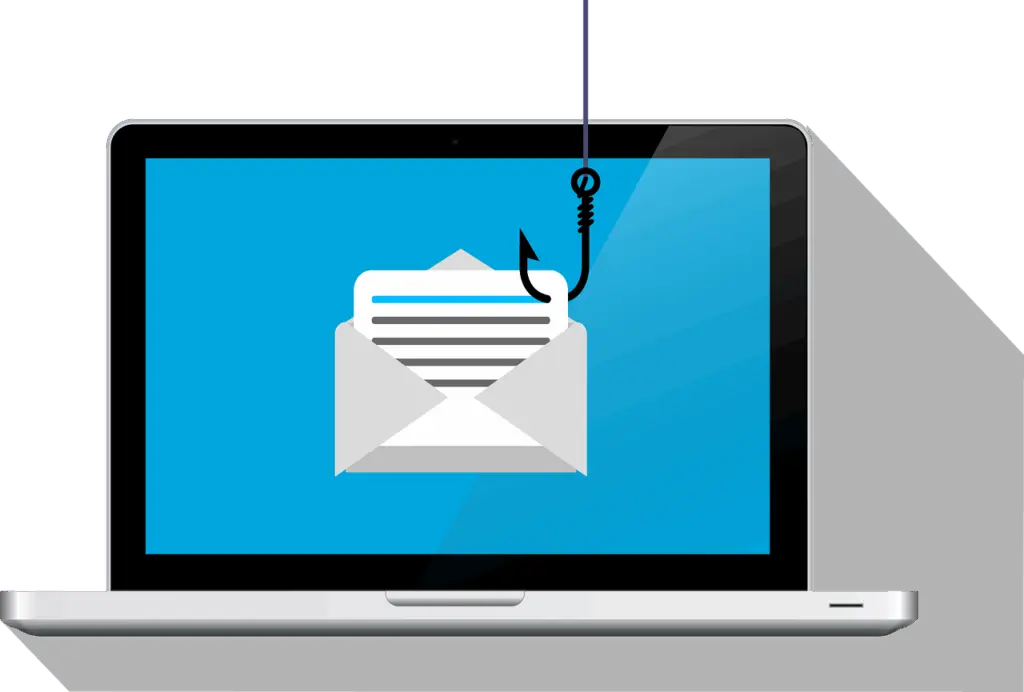
AI-powered phishing studies how you and your contacts communicate, then mirrors that style. You might see messages that look exactly like they came from your bank, HR, or even Google. Personalized details increase trust and trick more people into clicking or sharing passwords.
- Deepfakes can create fake voice notes or video messages that appear to come from coworkers or vendors, pushing urgent actions like “pay this invoice now.”
- AI-built malware can change itself to dodge common antivirus and email filters.
What This Means for People and Companies
For individuals, the risks include identity theft and financial loss. For businesses, a single compromised Gmail account can expose sensitive files, disrupt operations, and lead to wider data breaches. The bottom line: one mailbox can be a doorway to your broader Google Workspace data and day-to-day work.
Other Risks on the Horizon
Brand-new flaws that no one has patched yet—often called zero-day exploits—are being used more often. If attackers find a Gmail-related weakness before Google can fix it, they might slip past normal protections.
Quantum computing also poses a long-term risk to today’s encryption. As it matures, it could break complex passwords and keys faster than current computers can. That’s another reason to use stronger authentication and keep a close eye on account activity.
Practical Ways to Improve Gmail Security for Business
Even with smarter threats, a few habits make a big difference. Start with these steps:
Use a Unique, Strong Password
Create a long, unique password you don’t reuse anywhere else. A password manager can generate and store it for you.
Turn On Two-Step Login
Add two-step login (also called multi-factor authentication) so a thief needs more than a password. Use a verification code, prompt, or a physical security key for stronger protection.
Review Third-Party App Access
Check which apps and services can see your Google account. Remove anything you don’t recognize or no longer use.
Consider Google’s Advanced Protection Program
Advanced Protection adds extra checks against malware and scams, favors security keys, and puts tighter controls around risky downloads and app installs. It’s a strong option for high-risk users and business owners.
Frequently Asked Questions
Do I still need two-step login if my password is strong?
Yes. A great password can still be stolen. Two-step login blocks most break-ins because attackers also need your code or key.
How can I spot AI-written phishing emails?
Slow down and verify. Watch for unexpected urgency, payment requests, or password prompts—even if the tone sounds right. Confirm using a known phone number or a fresh browser tab instead of clicking links.
What should I do if I clicked a suspicious link?
Change your Google password immediately, enable two-step login if it isn’t on, review recent account activity, and remove unknown third-party access. If you’re part of a company, alert your team.
Stay Ready as Threats Evolve
AI-driven scams, deepfakes, and zero-days are on the rise, and quantum risks are coming. Keep learning, keep updating your settings, and keep your guard up—especially if your Gmail unlocks key business data.
If you’d like help locking down Gmail and Google Workspace for your team in Bay County, get in touch. Flux Labs is here to help you stay ahead of new threats.
—