
Google and Yahoo tightened their rules in February 2024, making DMARC—and the rest of email authentication—essential. If your business email isn’t set up with SPF, DKIM, and DMARC, your messages may be filtered or blocked, and your domain is easier to spoof. Here’s what to do now.
What Changed With Google and Yahoo
Phishing drives many of today’s data breaches and security events, which is why email providers are raising the bar. Phishing remains a leading cause of breaches, and inbox providers are responding.
Google and Yahoo began enforcing tougher authentication in February 2024. If you send more than 5,000 messages a day, you’re expected to have DMARC in place. Both companies also set requirements for smaller senders focused on SPF and DKIM. Their updated rules raise the security baseline.
The Scam That Makes This Necessary
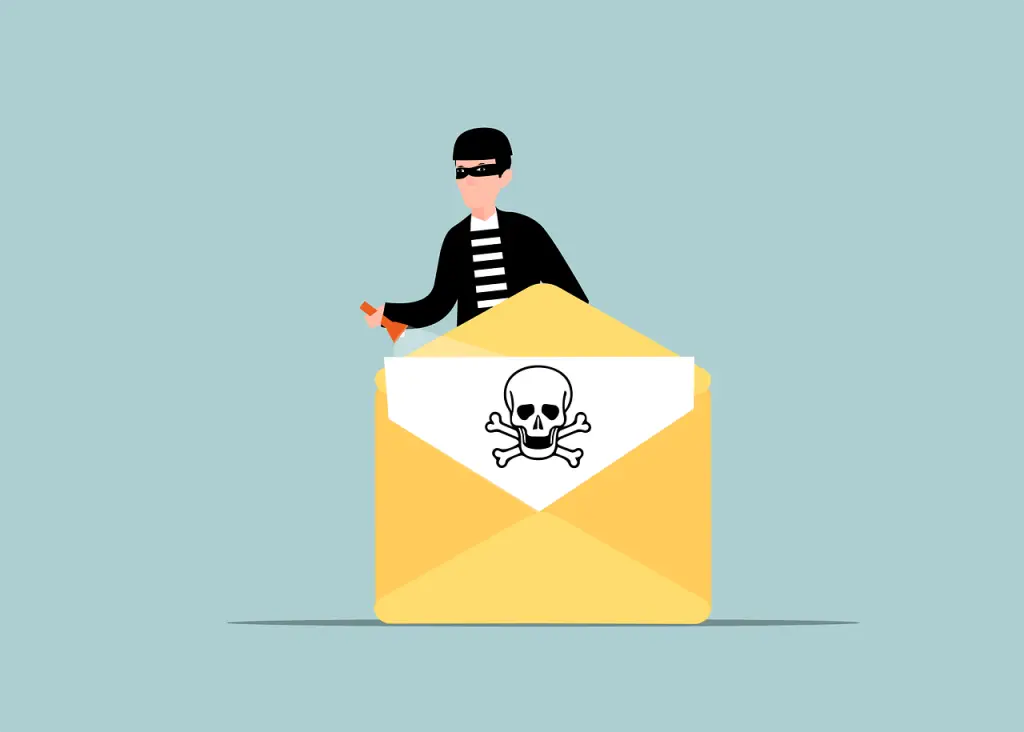
Criminals often send emails that look like they came from your company. That’s email spoofing. Someone pretends to be you, emails your customers or vendors, and tricks them into clicking a link or sending money.
- Financial loss
- Damage to your reputation
- Data exposure
- Lost future business
Because spoofing is common and effective, every business needs a way to prove their messages are real.
Email Authentication for Business: What It Is
Email authentication helps receiving mail systems confirm a message truly comes from your domain. It also gives you visibility into misuse of your name online. The three building blocks work together:
- SPF (Sender Policy Framework): Lists the servers and services allowed to send mail for your domain.
- DKIM (DomainKeys Identified Mail): Adds a digital signature to each message so recipients can verify it wasn’t altered and really ties back to your domain.
- DMARC (Domain-based Message Authentication, Reporting, and Conformance): Tells receiving servers how to handle messages that fail SPF and/or DKIM, and where to send you reports about activity using your domain.
SPF and DKIM do the checking; DMARC enforces what to do with failures and sends you feedback.
How DMARC Works Day to Day
- Add the records: Publish SPF, DKIM, and a DMARC record in your domain’s DNS. The DMARC record sets your policy (monitor, quarantine, or reject) and where reports should go.
- Mail gets checked: When you send a message, the receiving server verifies SPF and DKIM results for your domain.
- Policy is applied: Based on your DMARC policy, the receiver delivers, places in spam, or rejects the message.
- You get insight: DMARC reports show which systems are sending as your domain and whether anyone is trying to spoof it.
Why This Matters to Your Company
- Protect your name: Authentication makes it much harder for attackers to impersonate your brand and erode customer trust.
- Reach the inbox: Proper setup improves deliverability so your real messages avoid the spam folder.
- See what’s happening: DMARC reporting gives visibility into how different providers handle your mail and helps you spot issues to fix.
Get Started: Simple Steps
- Learn your options: Understand how SPF, DKIM, and DMARC fit your domain and the email services you use.
- Work with your managed IT provider: Ask your team to configure records correctly and align your senders. If you’re in or around Panama City, we can help.
- Monitor and tune: Review DMARC reports, adjust settings, and keep records current as your tools and vendors change.
Frequently Asked Questions
We send fewer than 5,000 emails a day. Do we still need this?
Yes. Google and Yahoo also set requirements for smaller senders, especially around SPF and DKIM. Having all three—SPF, DKIM, and DMARC—helps protect your domain and supports reliable delivery.
Will this keep my emails out of spam?
Authentication improves deliverability, but it’s not the only factor. Content, engagement, and list hygiene still matter. Think of SPF, DKIM, and DMARC as the foundation the inbox providers expect.
How do I know it’s configured correctly?
Check DMARC aggregate reports for failures and unknown senders, and run test sends to major providers. Your IT team or managed IT provider can monitor and fine-tune the records over time.
Need Help With DMARC and Ongoing Monitoring?
DMARC is a key layer in modern email security. It works best alongside solid configuration of SPF and DKIM. If you need a hand setting this up and keeping an eye on the reports, we’re here to help offices across Bay County.
Questions or ready to strengthen your email setup? Let’s talk—get in touch.


