
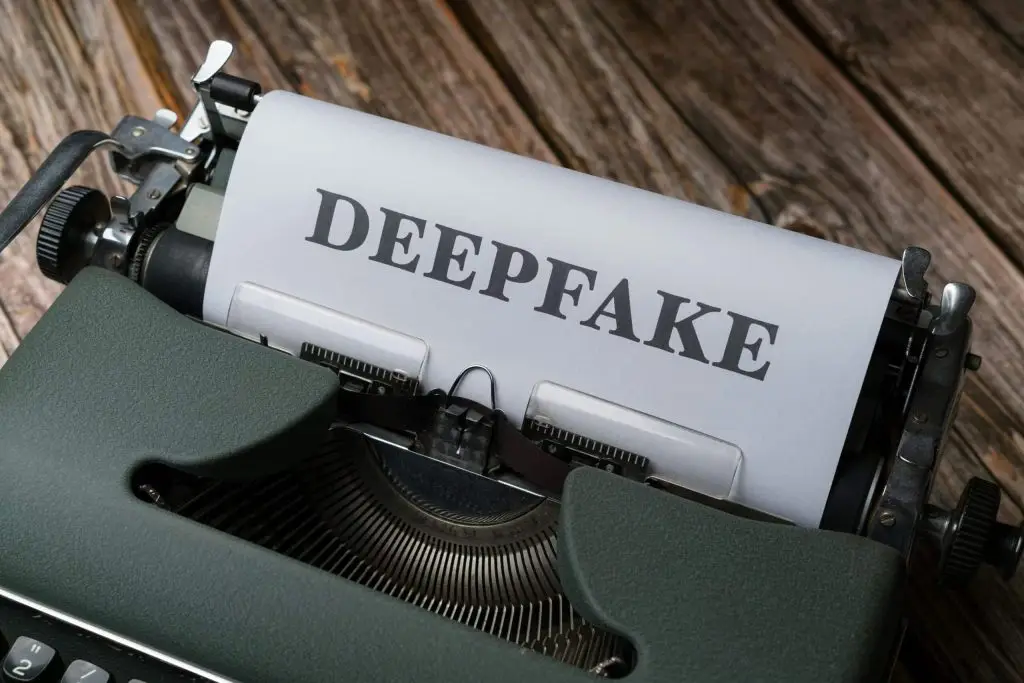
Wondering how to spot deepfakes? Watch for lighting and motion that don’t match in video, odd cadence or emphasis in audio, writing that feels off, and physics or shadow mistakes in edited clips. Always check where it came from and verify with trusted sources before you believe or share.
Maybe you’ve watched a clip of a public figure saying something shocking, only to learn later it was fabricated. Or you’ve seen an urgent email that looked like it came from your boss, but something wasn’t right. That’s the world of deepfakes.
Deepfakes use artificial intelligence to create convincing but fake media—often video and audio. They can be fun in satire or entertainment, but they’re also used the wrong way. We’ve already seen them show up in politics. In 2024, a fake robocall mimicked a candidate’s voice to mislead voters. Beyond that, deepfakes can fuel misinformation, hurt reputations, sway markets, and power phishing scams. Knowing the types and the warning signs helps you protect your team and your business here in Bay County.
How to Spot Deepfakes
Below are the most common kinds of deepfakes and practical ways to catch them before they cause trouble.
Face-Swap Videos
One person’s face is mapped onto someone else’s body so it looks like they’re the one speaking or acting. High-quality footage and advanced tools can make these very convincing.
- Scan for mismatches: Check lighting, skin tone, and expressions from frame to frame. Watch for small glitches—hair that doesn’t move naturally, edges around the face and neck that don’t line up, or eyes that don’t track correctly.
- Confirm the source: Did you find it on a reputable outlet or a random account? Be extra careful with unverified social posts.
- Listen as well as look: Does the voice match the person’s usual tone and rhythm? If it sounds out of character, dig deeper.
Cloned Voice Audio
AI can copy someone’s speech patterns to produce fake voice messages or calls. Scammers use these to claim things a person never actually said.
- Notice the sound quality: Fakes may have a slightly robotic feel, odd pauses, strange emphasis, or inconsistent pronunciation compared to real recordings.
- Sense-check the message: Ask if the content fits what that person would normally say or do in that context.
- Look for proof: If there’s no independent confirmation, stay skeptical until you can verify.
AI‑Written Text Imposters
These are posts, articles, or emails generated by AI to mimic a person’s or publication’s style. They’re used to impersonate people online or spread false stories.
- Read with a critical eye: Compare tone, vocabulary, and style with known writing. Watch for unusual phrasing, grammar slips, or tone shifts.
- Verify the claims: Cross-check facts with reliable sources instead of taking the text at face value.
- Watch for emotional hooks: Content designed to spark fear, anger, or outrage may be trying to cloud your judgment.
Objects Altered in Video
This goes beyond swapping faces. AI can change how objects look or behave inside real footage, making up events or altering visual evidence.
- Check physics and lighting: Do objects move the way they should? Are sizes, shadows, and reflections consistent? Sudden size jumps or lighting that doesn’t match can be clues.
- Find the original: If you can, track down the earliest or source version of the clip and compare it to spot edits.
Stay Alert and Verify
Deepfakes thrive when we react fast and don’t double-check. Slow down. Compare with trusted outlets, look for signs of editing, and confirm context before sharing. The more your team understands these red flags, the safer your business will be—whether you’re in Panama City, Panama City Beach, or anywhere in Bay County.
Get a Device Security Checkup
Criminals use deepfakes in phishing. If someone on your team clicked a convincing fake, a virus may already be on the device. A security checkup can find and remove threats so you can move forward with confidence.
Want help training your staff and checking devices around Panama City? Let’s talk—get in touch.


