
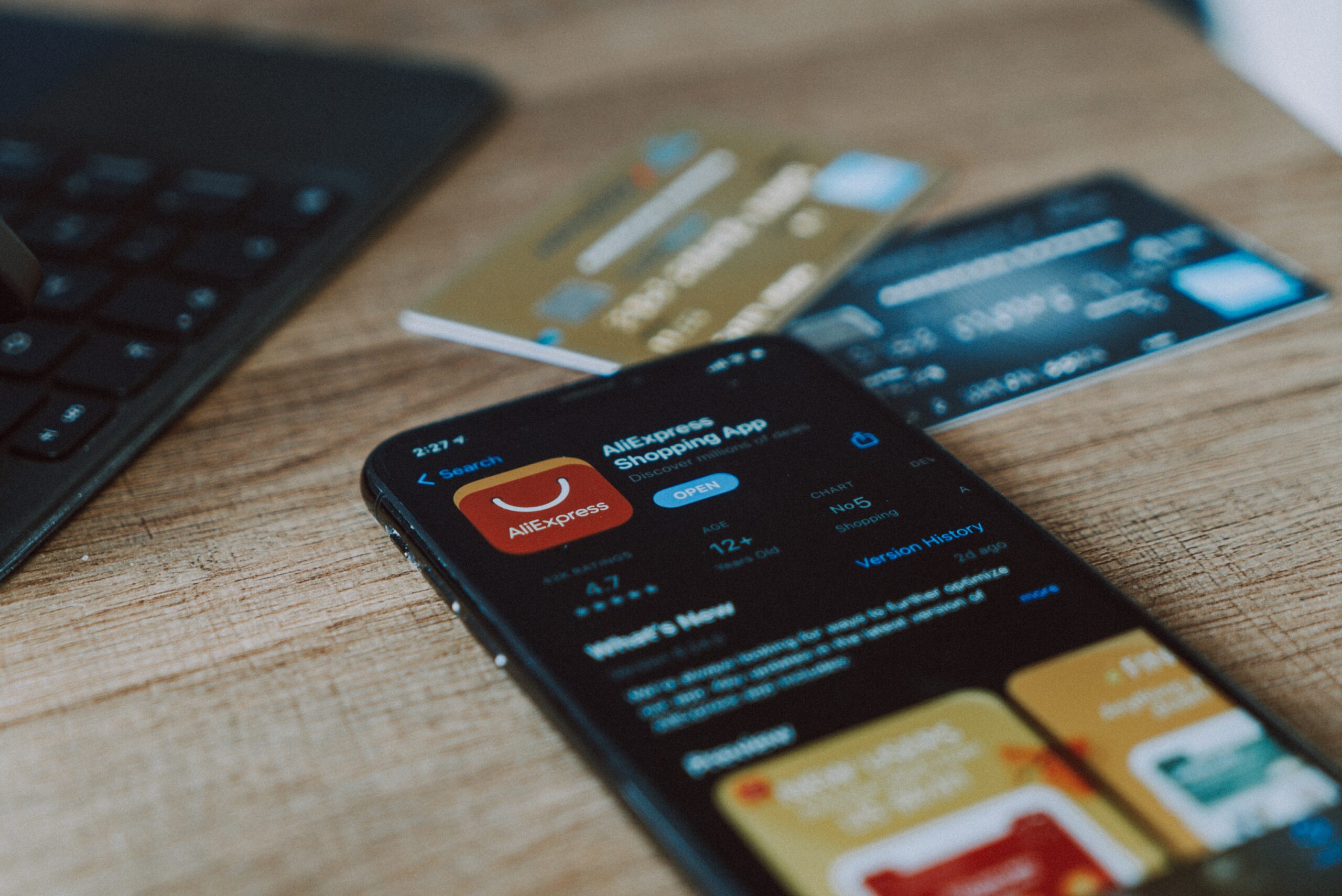
Worried about shopping app privacy? Some popular apps collect far more data than you’d expect—sometimes including clipboard contents, location, and device details—so it pays to review permissions, trim what you share, and use safer habits on phones used for personal and business tasks.
Buying from your phone is simple and fast. That convenience can come with a trade-off: your privacy. Many shopping apps pull data from your device that has nothing to do with placing an order. If you use the same phone for work and home, that oversharing can put both personal and business information at risk.
What to Know About Shopping App Privacy
Security researchers recently flagged a widely used shopping app that watched what people copied and pasted, logged keystrokes, captured screenshots, and tracked GPS location. The app named in reports was SHEIN. Investigators said it accessed data from users’ clipboards—meaning anything you copy, including passwords or card numbers, could be exposed. They also reported access to location and motion sensors like the accelerometer and gyroscope, which can reveal movement patterns and how the device is being used. The developer said this was to “optimize the user experience,” and for internal use, but privacy experts pushed back on how broad that collection was.
Another Example: Temu’s Data Collection
Temu has seen rapid growth since a 2023 Super Bowl ad, and questions have followed about what it gathers. According to reports on Temu, the app may collect:
- Your name, mailing address, and phone number
- Details you provide, such as your birthday, profile photo, and social profiles
- Your phone’s operating system and version
- Your IP address and GPS location (if enabled)
- Browsing activity
That’s a lot of information for a simple checkout. The good news: you can dial this back.
Simple Ways to Limit What Shopping Apps See
- Skim the privacy policy first. Before you install, open the app’s privacy policy and search for words like “collect” or “your data.” You’ll quickly see what the app takes and how it’s used. If the list feels too long, skip the app.
- Turn off unneeded sharing. In your phone settings and inside the app, switch off access you don’t need—especially location. Most phones let you choose “While using the app,” “Ask each time,” or “Never.” Pick the least access that still lets the app work.
- Delete apps you don’t use. Unused apps can still gather data in the background. If you haven’t placed an order in months, remove the app and use the website when needed.
- Do a quick reputation check. Before downloading the latest trend, search the app name with terms like “privacy,” “security,” or “data collection.” A two-minute check can save you headaches later.
- Prefer the website when possible. Many stores sell the same items on their websites. Using a browser can reduce sensor and background access that mobile apps often request.
Stronger Mobile Security for Work Phones
Phones now handle more day-to-day work than laptops, but they often don’t have the same protections. If your team in and around Panama City shops on company devices—or on personal phones used for work—set some basics: standard permissions, a list of approved apps, and regular reviews to remove ones you no longer need.
Want help tightening mobile security for your business? Let’s talk about simple controls that protect your team’s data without slowing them down—get in touch.


