Business email compromise is surging—up 81% in 2022. Cut your risk by teaching your team what to look for, securing your email domain, and confirming every payment request before money moves.
What Business Email Compromise Looks Like Today
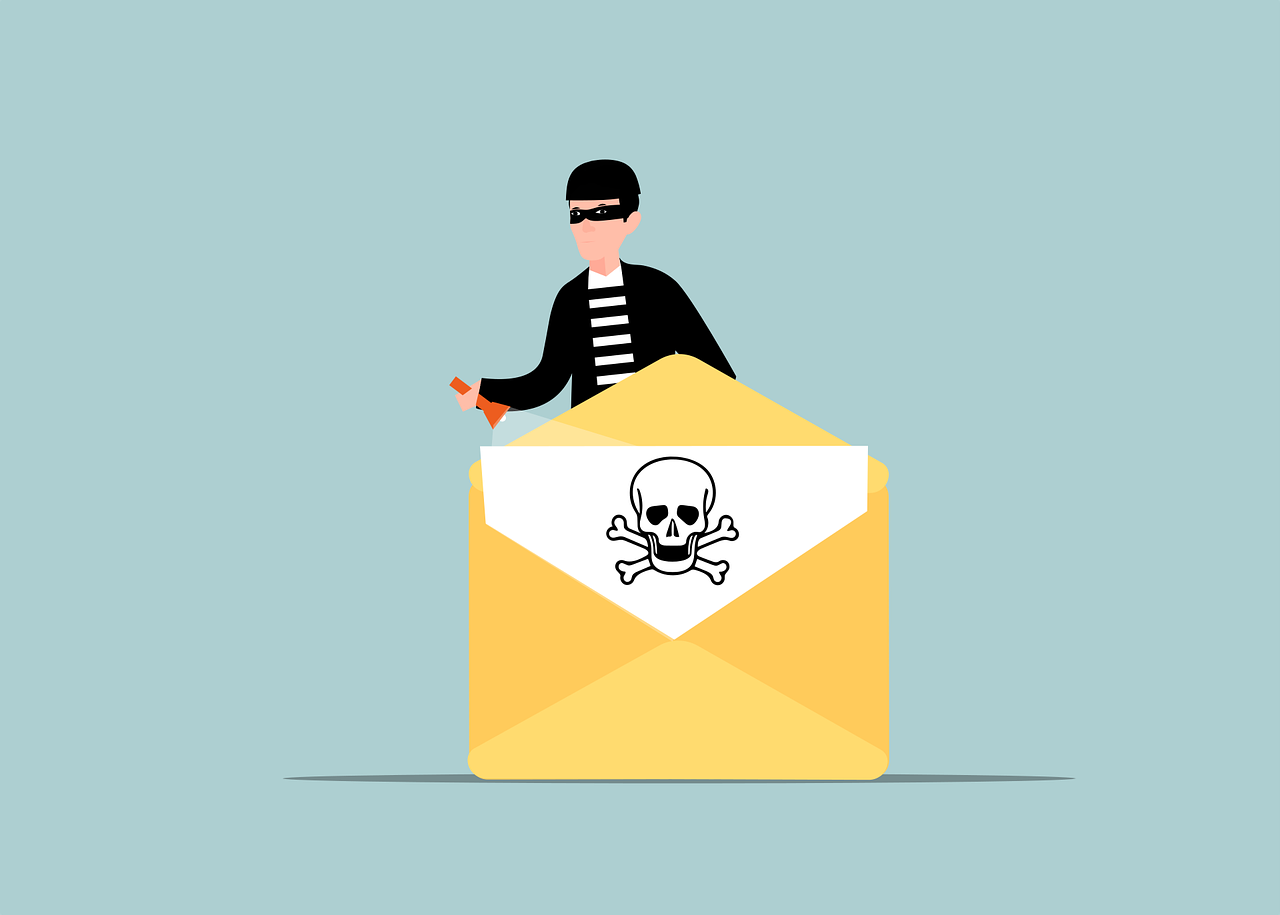
Business Email Compromise (BEC) is a con where criminals use email to pose as a company leader, customer, or vendor to get someone to send money. They often aim at people who handle wire transfers or update vendor banking details. The messages feel familiar, urgent, and private—on purpose.
The financial impact is serious. The FBI has tied BEC to about $1.8 billion in losses in 2020, rising to $2.4 billion in 2021. That kind of hit can damage cash flow and reputation for any business.
How These Scams Usually Play Out
These emails are not random. Attackers do their homework first, digging through LinkedIn, Facebook, and company websites to learn who does what, who your suppliers are, and how you communicate.
- They copy your style and send a convincing note that looks like it came from a boss or trusted partner.
- The message pushes for fast action—often marked urgent or confidential—to bypass normal checks.
- Common stories include a new deal that needs a deposit, a vendor with updated banking, or a tax payment overseas.
- Some build fake look‑alike websites or use spoofed domains to make the request feel legitimate.
If someone sends the money, the funds are quickly moved and hard to recover, leaving the business with the loss.
How To Fight Business Email Compromise
There’s no single switch that stops BEC, but layering people, process, and technology goes a long way—for offices around Panama City and anywhere else.
- Teach your team. Explain the red flags: sudden urgency, secrecy, payment changes, and requests that skip the usual process. Make it normal to slow down and ask. Include how to handle suspicious email.
- Account hygiene to cover in training:
- Check the Sent folder regularly for anything you didn’t send.
- Use a strong email password of at least 12 characters.
- Change the email password on a routine schedule.
- Store passwords securely, not in spreadsheets or notes.
- Alert your IT contact right away if a message seems phishy.
- Turn on email authentication for your domain. Set up these standards to make spoofing harder and improve deliverability:
- Domain-based Message Authentication, Reporting, and Conformance (DMARC)
- Sender Policy Framework (SPF)
- DomainKeys Identified Mail (DKIM)
- Build a payment check process. Require a second person to review and approve wire transfers or changes to banking details. Use a two‑step login (multi‑factor authentication) on finance systems and email to protect approvals.
- Review transactions on a schedule. Put recurring calendar reminders in place to scan for unusual transfers or new payment instructions. Consistent reviews make small issues visible before they become big losses.
- Plan your response. Document how to report a suspected BEC, how to try to freeze a transfer, and when to notify law enforcement. Practice the steps so your team knows what to do.
- Use anti‑phishing protection. Modern tools can flag and block many malicious emails, and they keep improving with AI and machine learning. Criminals use AI too, so stay vigilant and keep defenses current.
Frequently asked questions
Is business email compromise the same as phishing?
It’s a targeted form of phishing. The attacker pretends to be someone you trust—often an executive or vendor—and pushes for a quick wire transfer or change in payment details.
Why don’t employees report BEC attempts?
Many miss the warning signs or aren’t sure what they saw. One report found as many as 98% didn’t report a BEC threat they received. Make it easy and expected to forward anything suspicious to IT.
Do DMARC, SPF, and DKIM block all BEC emails?
No. They reduce spoofing and help prove a message came from your domain, but you still need staff training and payment verification steps to catch well‑crafted scams.
What should we do if we sent money to a scammer?
Act immediately: contact your bank to try to halt or recall the transfer, follow your response plan, and notify law enforcement.
Sources and further reading
- SC Media: BEC attacks surged 81% in 2022; 98% failed to report
- ZDNet: FBI says BEC losses were $1.8B (2020) and $2.4B (2021)
- Featured Image Credit
Need help tightening email security for your Panama City team? Let’s talk about practical steps that fit your workflows—get in touch.