
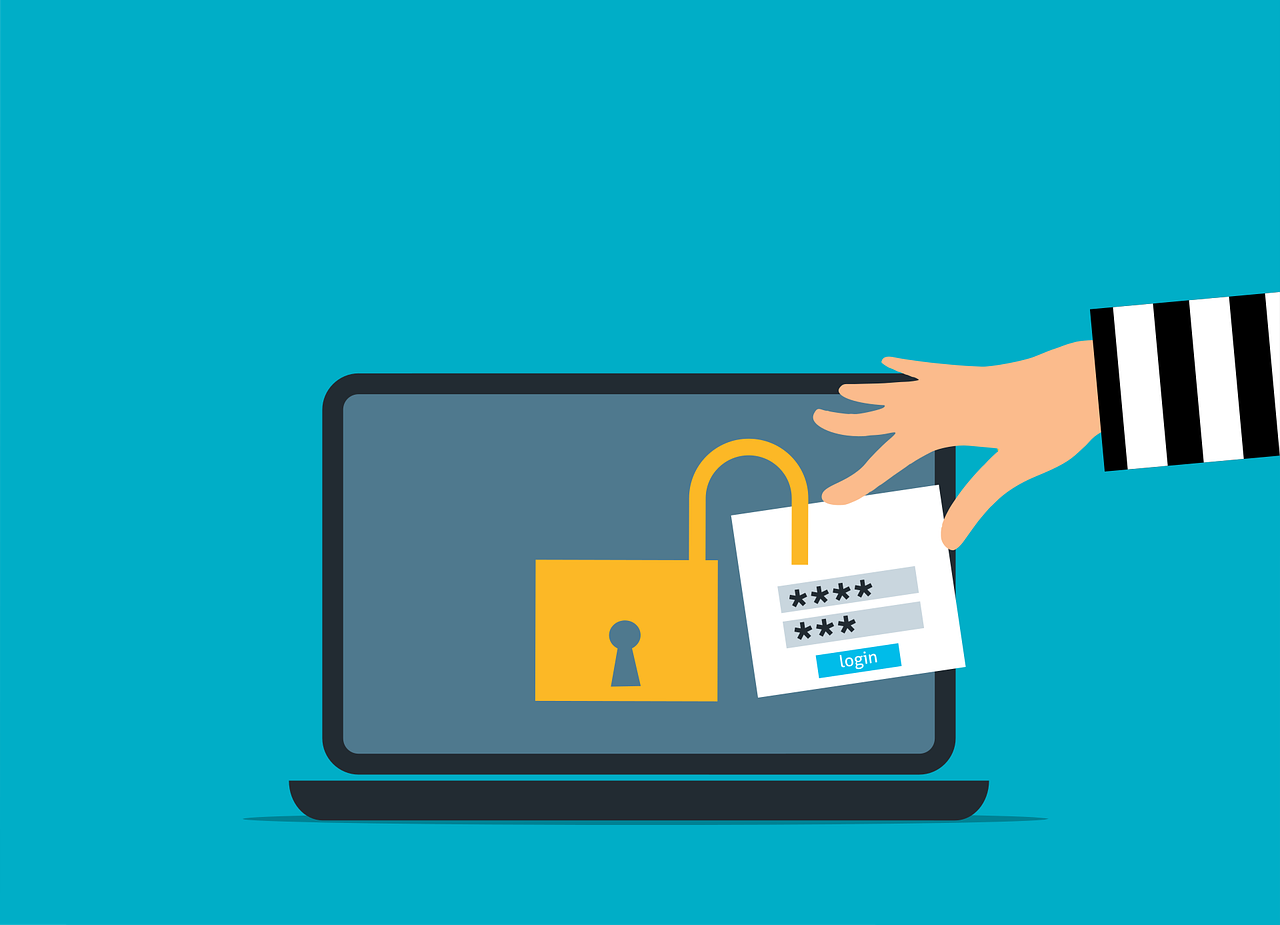
Push-bombing happens when criminals spam your phone or app with nonstop approval prompts until you tap Yes—letting them in. To prevent push bombing, train your team, cut down extra apps, use phishing-resistant two-step logins, enforce strong passwords, and add modern identity management.
Why Account Takeovers Are Getting Worse
Most offices now rely on many cloud tools. That means lots of usernames and passwords to track. If a crook gets one set of credentials, they can slip into your systems, steal data, send fake emails, and do real damage.
The trend isn’t good. Between 2019 and 2021, account takeover incidents rose by 307%. That spike has pushed attackers to find clever ways around common defenses.
Push-Bombing, Explained
Many people protect logins with two-step login (multi-factor authentication, MFA). After you enter your password, you get a code or approval prompt to confirm it’s really you. That confirmation usually arrives as a “push” message, such as:
- SMS/text
- A pop-up on your device
- A notification from an authentication app
In a push-bombing attack, criminals already have your password—often from a phishing scam or a large breach. They keep trying to sign in over and over. Each attempt triggers another push message on your phone or app. The goal is to wear you down so you finally hit Approve by mistake.
It’s a social engineering trick designed to:
- Create confusion
- Exhaust the person with nonstop prompts
- Get someone to tap Approve and grant access
How to Prevent Push Bombing in Your Business
Teach Your Team What to Do
Awareness makes a big difference. Before an incident happens, explain what push-bombing is and how to respond. If someone gets approval prompts they didn’t request, they should deny them and report it right away. Give employees a simple way to alert your IT team so you can warn others and lock things down.
Trim App Sprawl
The more apps, the more passwords—and the more chances for trouble. On average, employees use 36 different cloud services per day. Look for overlap and consolidate where you can. Suites like Microsoft 365 or Google Workspace pack many tools behind a single login. Fewer apps can mean tighter security and smoother workflows.
Use Phishing-Resistant Two-Step Login
To block push-bombing entirely, switch to a method that doesn’t rely on approval prompts. Options include device-based passkeys or a physical security key. There’s no push to accept, so attackers can’t flood you with notifications. Setup takes more planning, but this approach is stronger than text or app-based codes.
Set and Enforce Strong Passwords
Attackers need your password to start a push-bombing attack. Make that harder by requiring strong passwords and good habits, such as:
- Mixing upper- and lower-case letters
- Using letters, numbers, and symbols
- Avoiding personal details (names, birthdays, etc.)
- Storing passwords securely
- Not reusing passwords across accounts
Adopt Modern Identity Management
Identity tools can bring all your logins under one roof with single sign-on. Employees manage one set of credentials and one two-step check instead of many. You can also add smart, contextual rules—for example, blocking sign-ins from outside approved regions, limiting access by time of day, or denying attempts that don’t meet other risk checks.
Need Help Strengthening Identity and Access?
Two-step login is essential, but it isn’t the only safeguard you need. Layered protections—training, better authentication, and identity controls—lower the chance of a cloud breach. If you’d like guidance putting this in place for offices around Panama City and across Bay County, we can help.
Have questions or want support rolling this out? Let’s talk—get in touch with Flux Labs.


