Windows 11 brings helpful upgrades—Snap Layouts, faster search, a built-in video editor, Teams chat, stronger accessibility, Edge Collections, and SmartScreen security—that make work smoother and safer without changing the familiar Windows feel. These Windows 11 features for business can be worth the upgrade for many offices around Panama City.
Microsoft rolled out Windows 11 more than a year ago. It looks and feels familiar if you’re used to Windows 10, but it adds meaningful improvements for productivity and security.
Plenty of companies are still taking their time. As of November 2022, Windows 10 still led Windows PCs with 69.75% usage, while Windows 11 sat at 16.13%. If you’ve been waiting to see if it’s worth the switch, here’s what stands out.
Windows 11 features for business you’ll use every day
Snap Layouts: Arrange Windows Fast
Working between two or more apps is normal, but constantly clicking around slows you down. About 68% of app users say switching between apps costs them at least 30 minutes a day.
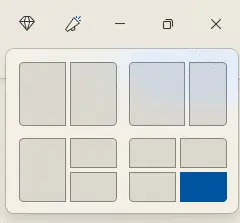
Snap Layouts in Windows 11 make side-by-side work easy. Hover over the maximize button on any window, pick a layout, and your app snaps into place. Then choose what fills the other spots—done.
One Search for Files, Apps, and the Web
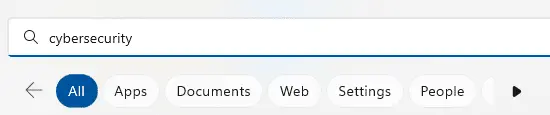
Need something fast? Click the search icon on the taskbar and start typing. The master search pulls results from your computer and the web. After you type a keyword, narrow results by type—apps, documents, images, web, and more.

You’ll also see rotating topics in the search box each day—small touches that keep things interesting.
Built-in Clipchamp Video Editor
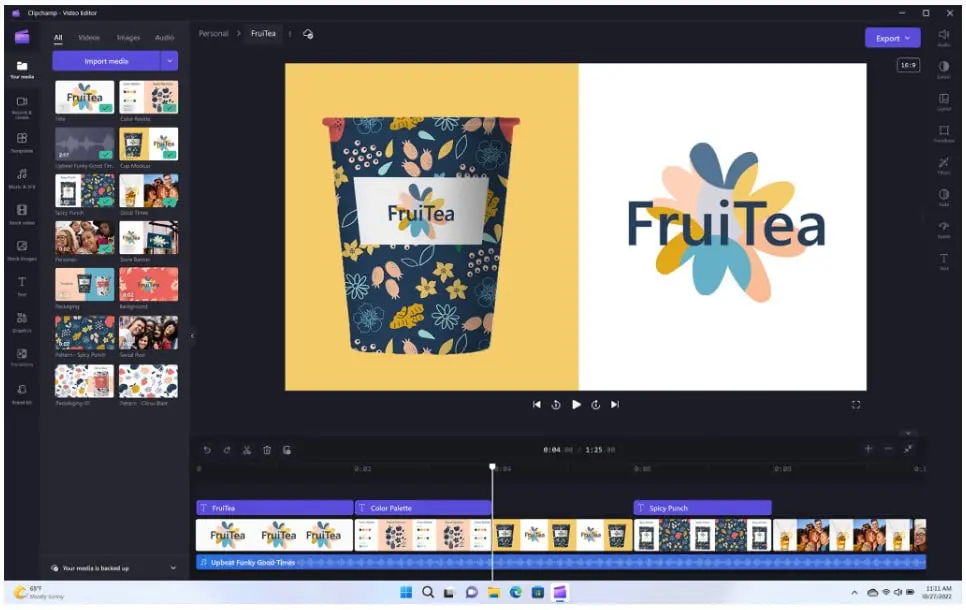
The latest Windows 11 update adds Clipchamp, so you can edit videos without installing extra tools. Clipchamp includes templates, effects, resizing, green screen, and more—handy for quick marketing clips or training snippets.
Teams Chat: Video, Audio, and Text from Your Desktop
Windows 11 includes Microsoft Teams, so starting a call is just a click. Invite anyone to join your video or audio call—even if they don’t have a Microsoft account. You can also send text messages right from your PC, which is great when your phone isn’t nearby.
Built-in Accessibility That Helps Everyone Focus
Accessibility in Windows 11 isn’t only for people with disabilities—it helps anyone work the way they prefer. New options include:
- System-wide live captions
- Focus sessions
- Voice access
- More natural voices for Narrator (the built-in screen reader)
Tidy Research with Edge Collections
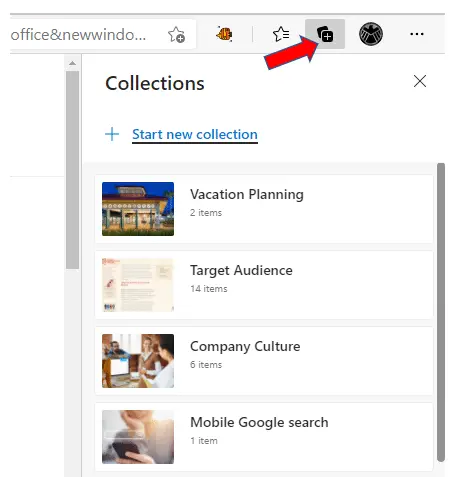
Microsoft Edge is the default browser in Windows 11. One feature worth trying is Collections. Click the plus icon at the top of Edge to open Collections, create a topic, and add pages with a click. You’ll see previews and can keep related links together—easy to review, easy to delete when you’re done.
SmartScreen Helps Block Phishing Sites
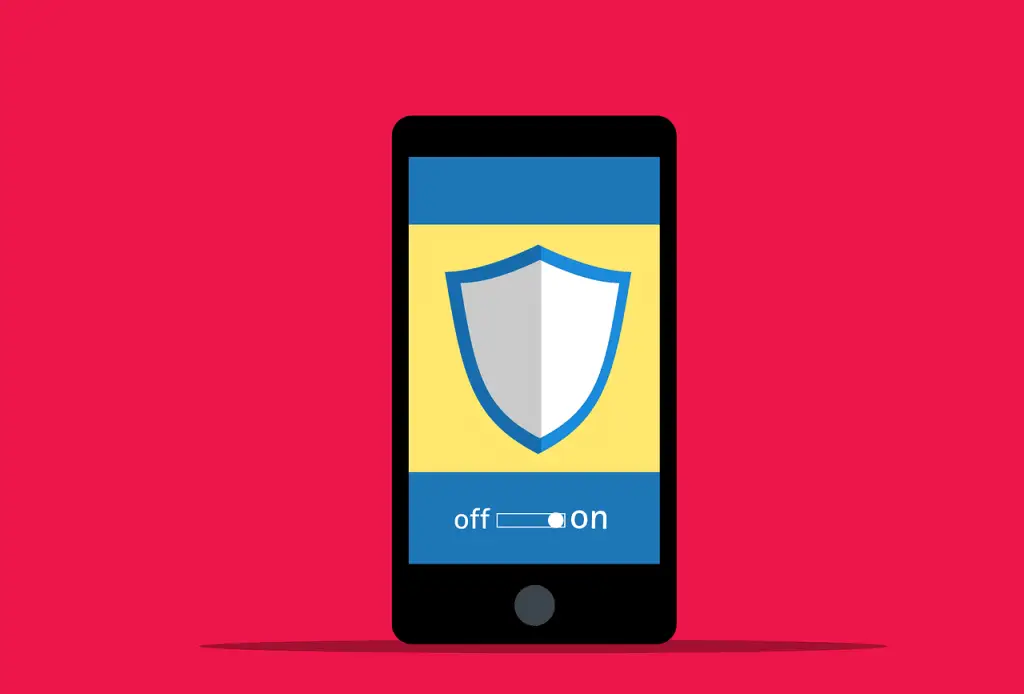
Phishing is still the most common way attackers get in, often by luring people to fake websites. Microsoft Defender SmartScreen in Windows 11 compares the site you’re visiting to an always-updating list of reported phishing pages in real time. If something looks risky, it warns you before you proceed.
Thinking About Upgrading? We Can Help
Upgrading an operating system can feel like a lot, especially across a team. If you’d like guidance on planning and rollout, we’re here to help offices across Bay County.
Have questions about Windows 11 for your business? Let’s talk—get in touch.