
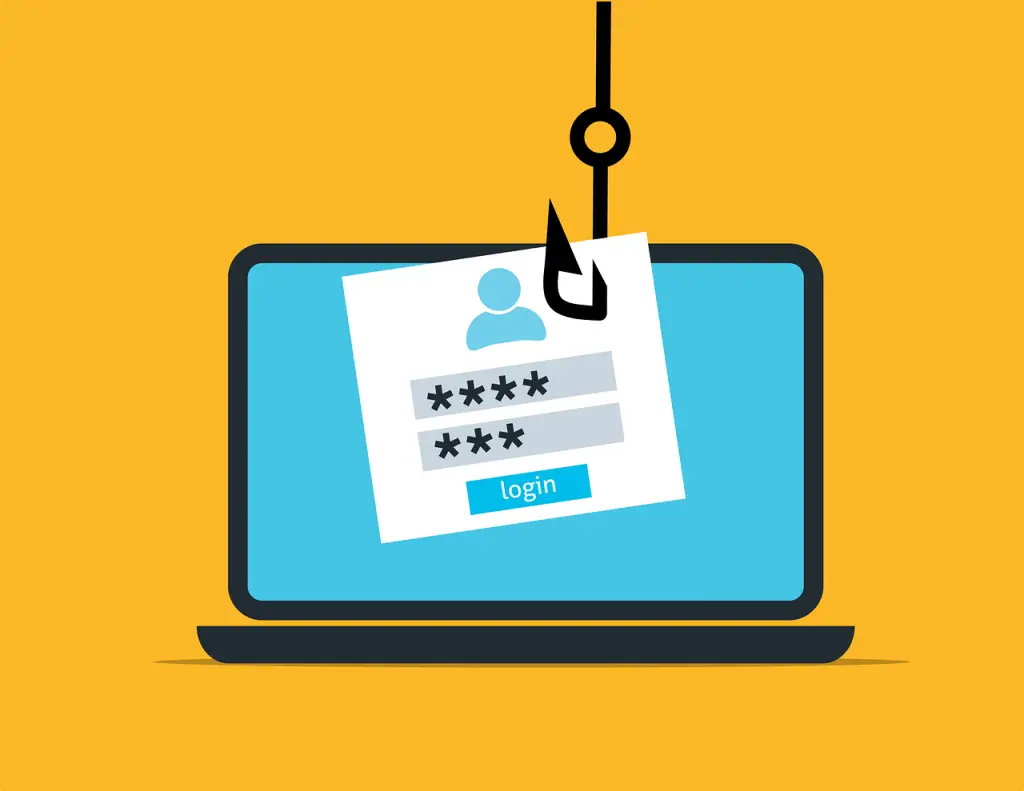
To cut down social media phishing for business, lock down profile privacy, hide your contacts, be careful with links, skip quizzes and surveys, avoid buying through ads, vet every friend or connection request, and back it all up with protections like DNS filtering, managed antivirus, and email filtering.
Phishing is still the go-to way criminals spread ransomware and steal logins. It’s not just email anymore. Scams on social platforms have exploded by 500%, and fake accounts have doubled in recent years. When people are browsing Facebook, Instagram, Twitter, or LinkedIn, they tend to relax—and that’s when a quick DM or friendly request can do real damage to a company account.
Why social media phishing for business is on the rise
Attackers know you and your team are active on social. They study public profiles, send requests, and follow up with direct messages. A single click can lead to malware or a site that steals passwords. The tips below will help your team in Panama City and across Bay County spot and stop these tricks.
Make profiles private where you can
Public profiles make life easy for impostors. They can copy your photos and details to create a convincing clone, then target your coworkers or clients. Switch your profile to show posts only to confirmed connections. On platforms used for networking—like LinkedIn—you may choose to keep some details visible, but pair that with the next steps to reduce risk.
Hide your contacts or friends list
Don’t give scammers a roadmap to your business relationships. Hide your connections list so strangers can’t see who you know. Both LinkedIn and Facebook offer this privacy setting. Keep in mind: others may still see you on a third party’s profile unless they’ve hidden their list too.
Treat links in DMs and posts with caution
Links are the weapon of choice on social media. Many are shortened, so you can’t tell where they go until you click. Someone might message you on LinkedIn about services and share a “website” link that actually sends you to a fake page or triggers a silent malware download. If you’re not certain who you’re dealing with, don’t click. Even when a colleague shares a post, check the source first—people often reshuffle content without verifying who published it.
Skip quizzes and surveys
Those “Which character are you?” quizzes and casual polls can harvest personal details. That data helps criminals craft believable messages or even commit identity fraud. Remember the Cambridge Analytica scandal, where information from millions of Facebook users was collected through apps and quizzes without proper consent. Once your details are out, you can’t pull them back. Best to sit these out.
Don’t buy directly from social ads
Many ads are legitimate, but bad actors also run slick promotions to grab credit card numbers and other data. If something in a Facebook or Instagram ad looks interesting, open a new tab and visit the company’s site yourself. Avoid purchasing by clicking through the ad.
Research every friend or connection request
A new request can look like a great lead—or a trap. Before you accept, scan the profile on the platform and do a quick web search. Red flags include brand-new accounts, a feed with only a few selfies, or very few real interactions. If it feels off, decline.
Can your computers and devices withstand a bad click?
Even careful people make mistakes. Add safety nets so one slip doesn’t become a crisis. Protections like DNS filtering, managed antivirus, and email filtering can block dangerous sites and files before they do harm. These tools give your team a second chance if someone taps the wrong link.
If you’d like help tightening up social protections for your office around Panama City, get in touch. We’re here to help.


