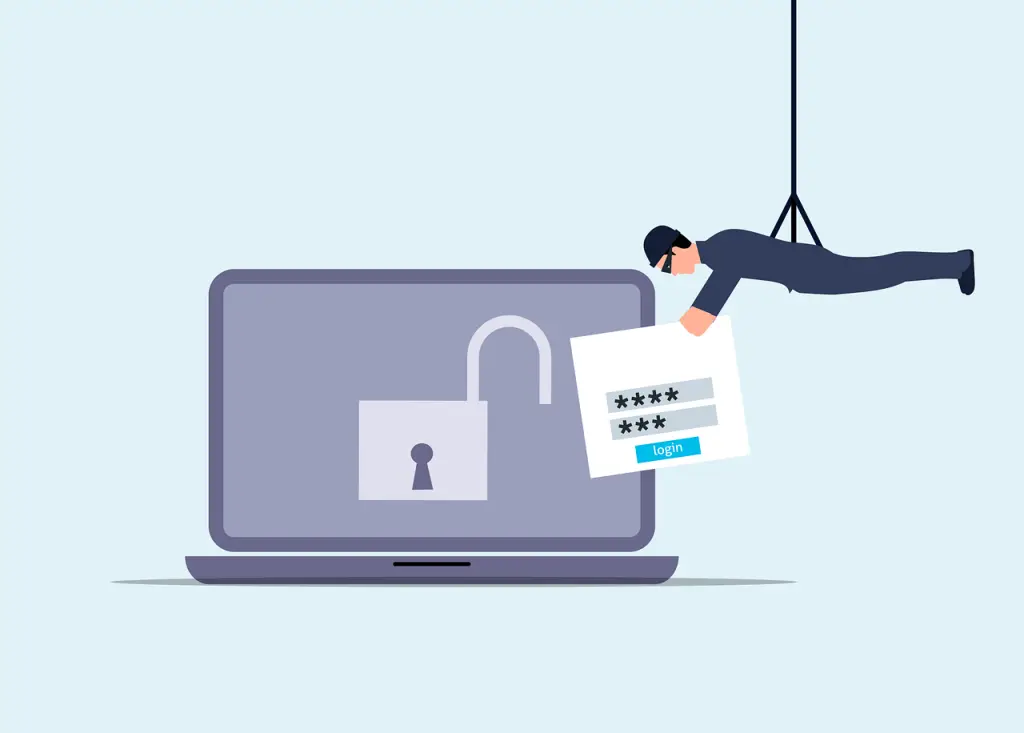
If a supplier reports a breach, start with verification, then work through clear questions: were you impacted, what data was involved, when it happened, and whether passwords, tokens, or connected services need attention. Keep written notes of every answer and bring in your managed IT provider, insurer, or legal adviser as needed.
You open your inbox and see a breach notice from a software company you rely on—maybe payroll, accounting, your CRM, cloud storage, or another daily tool. The message says there was a security incident, an investigation has begun, and more updates will follow. The big question remains: what does this mean for your business?
Early notices often arrive before the vendor has the full picture. While they dig through logs and confirm what was touched, you may need to take precautions now. Don’t wait passively—confirm the notice is real and start gathering facts you can act on. If you’re around Panama City or the Beach, this playbook applies just the same.
Make Sure the alert is real
Before clicking anything or replying, confirm the message truly came from the vendor. Criminals piggyback on headlines by sending look‑alike emails that push fake password resets or “support” links, especially right after a widely reported incident.

Photo credit: pexels.com
Go to the vendor’s site by typing the address yourself, sign in through your usual portal, or use a contact you already trust. When in doubt, the UK NCSC advises using contact details from an organization’s official website, not from an unexpected email or text.
Once you’ve confirmed it’s legitimate, keep the message and any files it included. Those records will help when you speak with your IT team, your insurer, or your attorney.
Key questions to ask after a vendor data breach
Are our accounts or data in scope?
A vendor breach doesn’t always touch every customer. Ask the company where you stand: confirmed impacted, possibly impacted, not impacted, or still being reviewed. “Under investigation” isn’t the same as “safe”—it only means the checks aren’t finished. Ask when they expect a firmer answer and whether they recommend any short‑term precautions.

Photo credit: pexels.com
Nail down the timeline and the attacker’s actions
The announcement date is only one point in time. Ask when the unauthorized activity likely started, when it was detected, and when the affected systems were contained. If all they have is a range, get that range. Your IT provider will use those dates to decide how far back to review logins, file transfers, account changes, invoices, payments, and messages.
Also ask what the intruder could do inside those systems. Could they view or copy data? Modify or remove it? Create new user accounts, encrypt files, or contact customers through the vendor’s tools? Each scenario leads to different next steps.
What specific information related to us was involved?
“Customer data may have been affected” is too vague to guide a response. Ask which of your data types were in play. Depending on the product, that might include staff or customer contact info, payroll records, payment details, IDs, contracts, stored documents, chat or ticket history, usernames, hashed passwords, sign‑in logs, API secrets, or other access tokens.
Confirm whether every customer had the same exposure. Two businesses can use the same platform in very different ways, so the risk can vary widely.
If they say the data was encrypted, ask whether any decryption keys or systems that could unlock the data were also exposed. Encryption only helps if the keys stayed protected.
Was the data actually accessed or just sitting on an affected system?
Request the evidence behind statements like “no indications of misuse.” What logs or monitoring support that view, and do those records cover the entire window of the incident? Sometimes logs are incomplete or not retained long enough. That doesn’t prove theft occurred, but you should understand the confidence level before deciding to stand down.
Check passwords, tokens, and connected services
A password reset is common, but many apps connect to other systems without a password prompt. Think single sign‑on, API connections, service tokens, certificates, and integrations with email, accounting, payments, file storage, or backups.
Ask if any of those links were touched and which credentials must be rotated, revoked, or replaced. Have your IT provider lead this work. Rotating the incorrect credential or yanking an integration without mapping dependencies can break business processes or stop data from syncing.
If any user reused the same password with this vendor and another site, change it everywhere it was reused. Attackers try known passwords against email, banking, cloud storage, and other common services. Your IT team should also review whether any logged‑in sessions, API secrets, or tokens need to be ended.
What has the vendor done—and what’s left?
When a vendor says the issue is “contained,” that usually means the known activity has been stopped, not that all repairs are complete. Ask what they have done so far: disabled compromised accounts, ended active sessions, patched vulnerabilities, rebuilt affected servers, replaced exposed keys, brought in an independent security firm, and whether they consider the service safe to use right now.
Then ask what permanent fixes are still pending and when they’re expected to finish. NIST’s incident response guide notes that several parties are typically involved—service providers, system owners, legal, and leadership—and each needs to know its role. The vendor will handle its own environment; you may still have actions to take on your side.
What does our business need to do next?
Request customer‑specific instructions in writing. You may need to install an update, reset certain accounts, review activity logs, remove or reconnect an integration, validate recent transactions, or brief employees on related phishing attempts.
If an update is required, ask which versions are affected, which version you should be on now, and whether there’s a deadline.
Fraudsters often use breach details to make scams believable. If the vendor has spotted look‑alike emails, fake sites, or bogus support calls, ask for examples you can share with your team.
Was a third‑party provider involved?
Many software companies rely on other providers for hosting, payments, email, backups, or support. If the incident occurred at one of those partners, ask who it was, what role it played, what data it managed, whether it had direct access to your information or systems, and whether the vendor still relies on that company.
Agree on how updates will arrive
When an investigation runs for days or weeks, a general support inbox can be frustrating. Ask for a named contact or an incident team for follow‑ups. Confirm where official updates will appear and how frequently they expect to post them. Even if nothing new has emerged, they should be able to tell you when the next update is due. When everything is wrapped up, request a final report explaining what happened, what data was involved, how it occurred, and what changed since.
The NCSC’s supplier guidance recommends setting clear expectations in contracts—who to contact, how quickly to report, and who is responsible for which actions. See: NCSC supplier assurance guidance.
Keep track of your response
Create a single place to store the original notice, later updates, your questions, and the vendor’s replies. Also record what your company did, when each action happened, who approved key steps, and any advice from your IT provider, insurer, or counsel. Centralizing this information helps everyone work from the same facts and shows how you evaluated and handled the issue if it’s questioned later.
Regulators in several countries expect organizations to document certain incidents and their handling. For example, the UK ICO says you should keep a record of the incident, any impact, and the steps you took to address it. See: ICO guidance on personal data breaches. Australia’s OAIC suggests a cycle of containing the issue, assessing it, notifying where required, and reviewing the outcome: OAIC quick reference guide. Your exact obligations depend on your location, the data involved, and your role with that data.
Decide who else to involve
The vendor’s alert can trigger duties for your business, too. Depending on the situation, you may need help from your managed IT provider, legal or privacy advisers, cyber insurer, senior leadership, or communications team. You might also need to contact customers, employees, regulators, or partners.
If you have cyber insurance, review the policy and notify your broker or carrier as required. Many policies have tight timelines and may require you to use approved panel firms for legal, forensics, or incident response.
If personal data is in play, get privacy or legal advice early. Under GDPR, when a vendor is acting as a processor, it must promptly inform the controller. The controller typically decides how to assess the incident and whether to notify anyone. The EDPB’s guidance explains that it’s acceptable to provide details in stages as the investigation unfolds.
Frequently asked questions
The vendor says there’s no sign our data was misused. Is that enough?
Ask what evidence supports that view, what time period the logs cover, and whether the investigation has finished. The answer may be encouraging, but you still need sufficient detail to understand how they reached it.
Should everyone change their password right now?
Start with the vendor’s guidance and have your IT team confirm which accounts are affected. If any user reused that password elsewhere, change it everywhere it was used and stop reusing passwords. Your IT provider should also determine whether to terminate active sessions or rotate API keys and tokens.
Do we have to notify our customers?
Not automatically. It hinges on whether you were impacted, which information was involved, where affected individuals live, what your contracts require, and the laws that apply. Get privacy or legal advice before deciding.
Should we leave the vendor?
A breach, by itself, doesn’t mean you must move. Look at what happened, how much data was involved, how they responded, and whether the root cause has been fixed. Weigh the quality of their communication, too—if they avoid reasonable questions or can’t explain how the service is now secured, it may be time to reconsider.
References and useful links
- NIST SP 800‑61 Rev. 3: Computer Security Incident Handling Guide
- NCSC: Questions to assess supplier security
- UK ICO: Guidance on personal data breaches
- EDPB: GDPR breach notification guidance
- OAIC: Quick reference for responding to data breaches
If a vendor has reported a breach and you’re unsure what it means for your business, our team can help you sort it out for offices around Panama City and Bay County—get in touch.
—