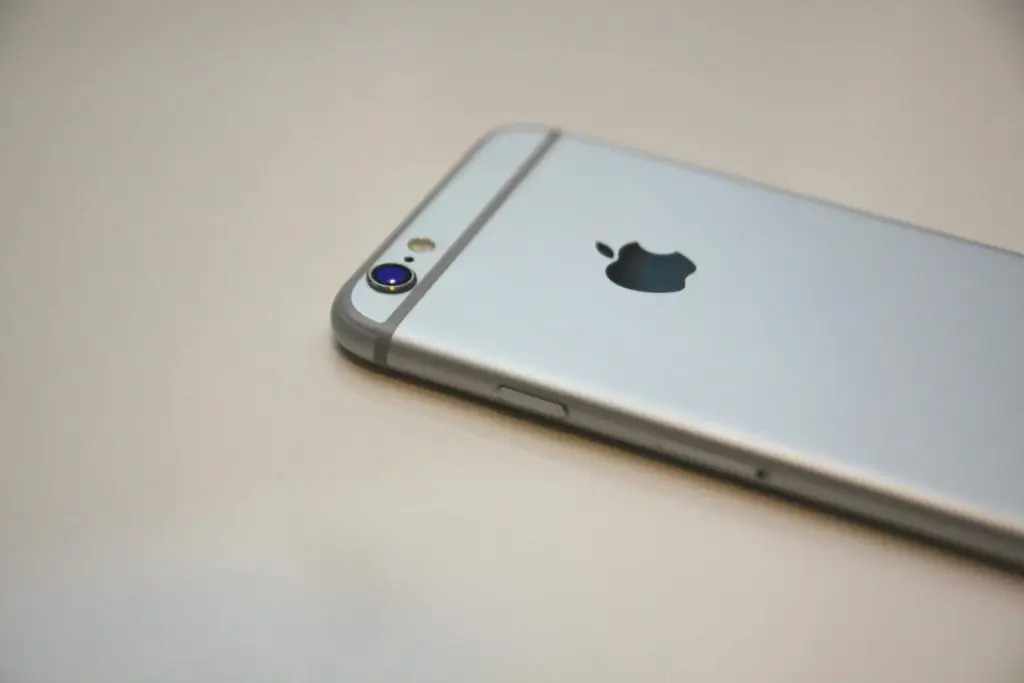
A slow iPhone is frustrating, especially when it's the phone you run your business from. The good news: most slowdowns come from a handful of causes you can fix yourself in a few minutes. Work down this list until it feels quick again.
1. Restart it
It sounds too simple, but a restart clears out apps and processes that have piled up over days or weeks. Hold the side button and either volume button, slide to power off, wait 30 seconds, then turn it back on. If you haven't restarted in a while, you may notice a difference straight away.
2. Install the latest update
Apple's updates fix bugs that slow phones down, and they close security holes. Go to Settings > General > Software Update. Turn on Automatic Updates while you're there so you don't fall behind again. Updates install best overnight while the phone is charging and on Wi-Fi.
3. Free up storage
An iPhone with almost no free space slows down because it has no room to work. Go to Settings > General > iPhone Storage to see what's taking up space. Common culprits:
- Photos and videos: turn on iCloud Photos with "Optimize iPhone Storage" so full-size copies live in the cloud.
- Apps you never open: delete them, or turn on "Offload Unused Apps" to remove them while keeping their data.
- Old message attachments: set Messages to keep messages for one year instead of forever.
Aim to keep at least 10% of the storage free.
4. Check the battery
As a battery ages, the iPhone may slow itself down to stop sudden shutdowns. Go to Settings > Battery > Battery Health. If maximum capacity is low or the phone says service is recommended, a battery replacement often makes an older phone feel new again, for much less than a new phone.
5. Close apps that misbehave
You don't need to close every app all the time; iOS manages that well. But if one app is frozen, crashing or making the phone hot, swipe up from the bottom, pause, and swipe that app away. If it keeps happening, update or reinstall the app.
6. Cut back background activity
Apps that refresh in the background, constant location tracking and motion effects all use power and processing time. Try these:
- Settings > General > Background App Refresh: turn it off for apps that don't need it.
- Settings > Privacy & Security > Location Services: set apps to "While Using" instead of "Always".
- Settings > Accessibility > Motion: turn on Reduce Motion for snappier screen changes.
7. Clear out the browser
If Safari is what feels slow, go to Settings > Apps > Safari and clear history and website data. Close tabs you don't need; dozens of open tabs add up.
8. When all else fails: reset or replace
If the phone is still slow after all of this, back it up and do a full reset (Settings > General > Transfer or Reset iPhone), then restore from the backup. If it's several years old and no longer gets the latest iOS, it's time to plan a replacement, because an iPhone that can't update is also a security risk.
Work phones need a plan, too
If your team uses phones for email, files and customer calls, slow or out-of-date phones cost time every day. Your IT support can keep company phones updated, protected and easy to replace when one is lost or worn out.