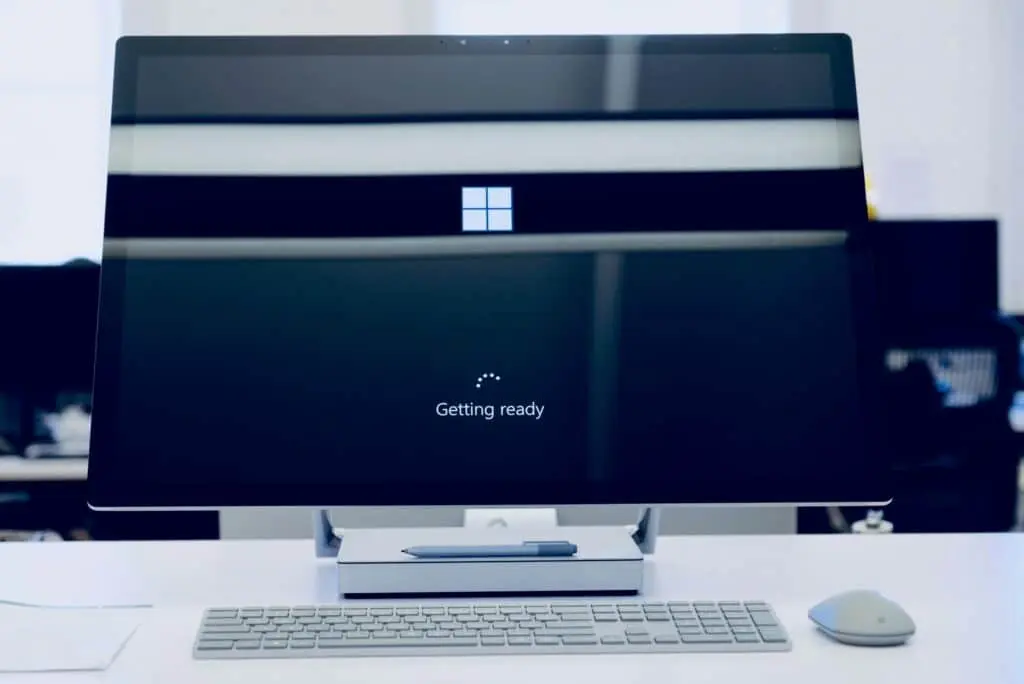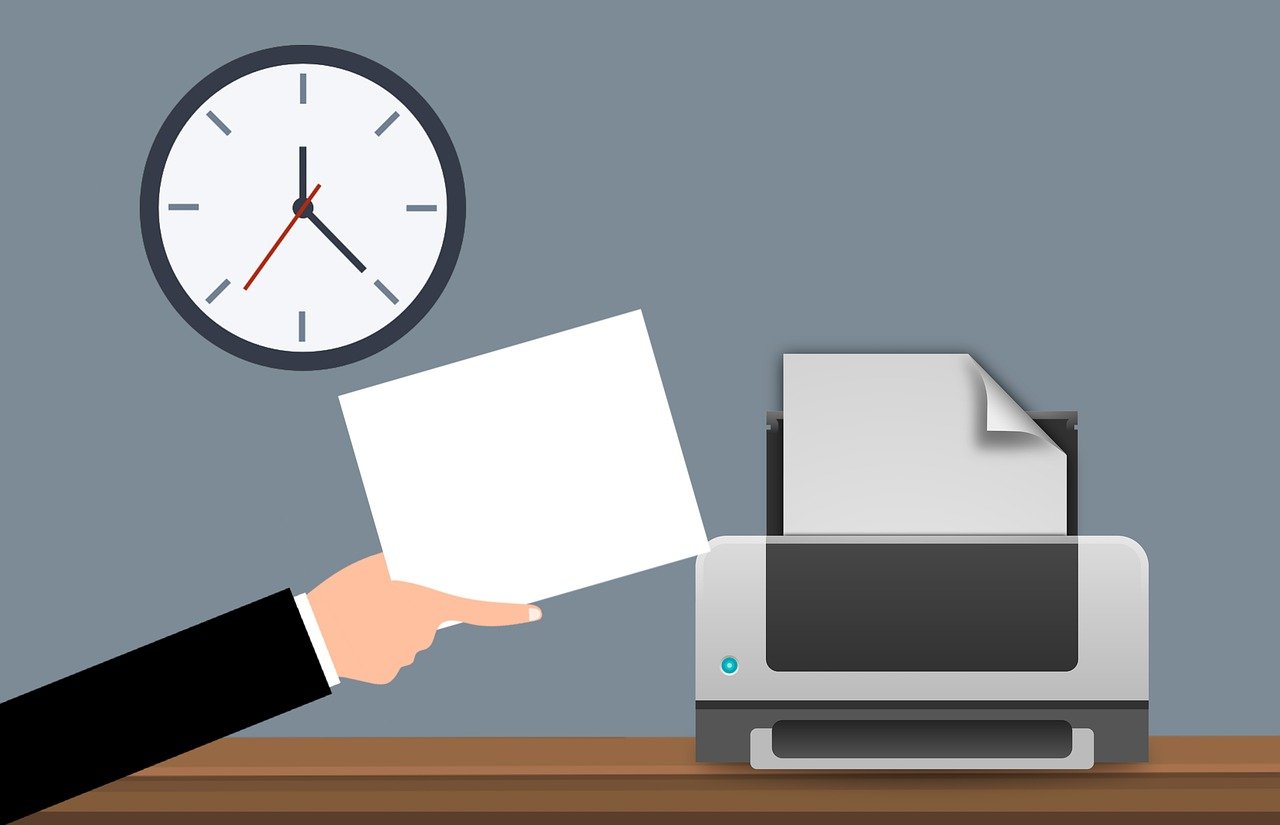
Microsoft Universal Print shifts printer management to the cloud so you can drop print servers and most drivers, print from any device, tighten security, and see clear usage reports—making daily printing smoother for offices around Panama City.
What Is Microsoft Universal Print?
Microsoft Universal Print is a cloud printing service built for Microsoft 365 and powered by Azure. Instead of running your own print servers, you publish and manage printers from one online place. That modern approach cuts the busywork that comes with drivers, queues, and firmware headaches.
Simple, Central Control
With Universal Print, there’s no on‑premises print server to maintain. You manage printers, queues, and permissions centrally in the cloud. That means fewer moving parts in your office and less time spent troubleshooting driver conflicts or queue issues.
Works With Microsoft 365
Universal Print ties into Azure Active Directory for sign‑in and access control, giving users a secure, authenticated print experience. Employees can send jobs from Windows, Mac, or mobile devices without wrestling with drivers on each computer. That consistency keeps people productive across platforms. See Microsoft’s overview: Microsoft Universal Print.
Grows With Your Team
The service handles modern and older printer models, so you can keep much of your current fleet. Whether a device sits on a desk or the network, you can connect and manage it through the cloud. Centralized control and monitoring make it easy to scale up or down as your needs change.
Deploy Printers Without Touching Every PC
Rolling out printers across the company no longer means visiting every workstation. Admins add printers in a single portal, set configurations, and assign them to users or groups. Settings stay consistent, and you avoid the mess of manual installs on individual computers and devices.
Security And Compliance Support
Security matters, especially with today’s threats. Universal Print uses Azure Active Directory for authentication and access controls. It also supports secure print release, so sensitive documents only print when the right person is physically at the device. And with integration to Microsoft Endpoint Manager, you can enforce policies and manage print settings from one place—useful for keeping your environment locked down.
Clear Usage Reports And Cost Insights
Good decisions need good data. Universal Print includes reporting and analytics, so you can spot printing patterns, track usage, and find ways to reduce waste. Those insights help you place printers where they’re needed and cut unnecessary costs.
Is Microsoft Universal Print a Good Fit?
Universal Print offers a simpler, more secure way to run printing without on‑site print servers. Whether it’s right for you depends on how much you print, the number of computers and devices you support, and how much time your team spends managing drivers and queues today. We can help you compare the benefits against your current setup and decide if it’s a smart move for your office.
Frequently asked questions
Do we still need on‑premises print servers?
No. Universal Print is designed to eliminate the need for on‑site print servers by moving management to the cloud.
Can employees print from Windows, Mac, and mobile devices?
Yes. It integrates with Microsoft 365 and works across platforms without installing drivers on each device.
Will it work with our existing printers?
In many cases, yes. It supports modern and older printer models, and you can connect both local and networked printers to manage them centrally.
How does secure print release help protect documents?
Jobs are held until the authorized user is at the printer to release them, helping prevent sensitive pages from sitting unattended on the tray.
Can we manage print policies in one place?
Yes. Universal Print integrates with Microsoft Endpoint Manager so you can enforce policies and adjust settings from a central console.
Want a practical plan for printing that fits how your team works? Let’s talk it through—get in touch and we’ll help you weigh Universal Print against your current setup.