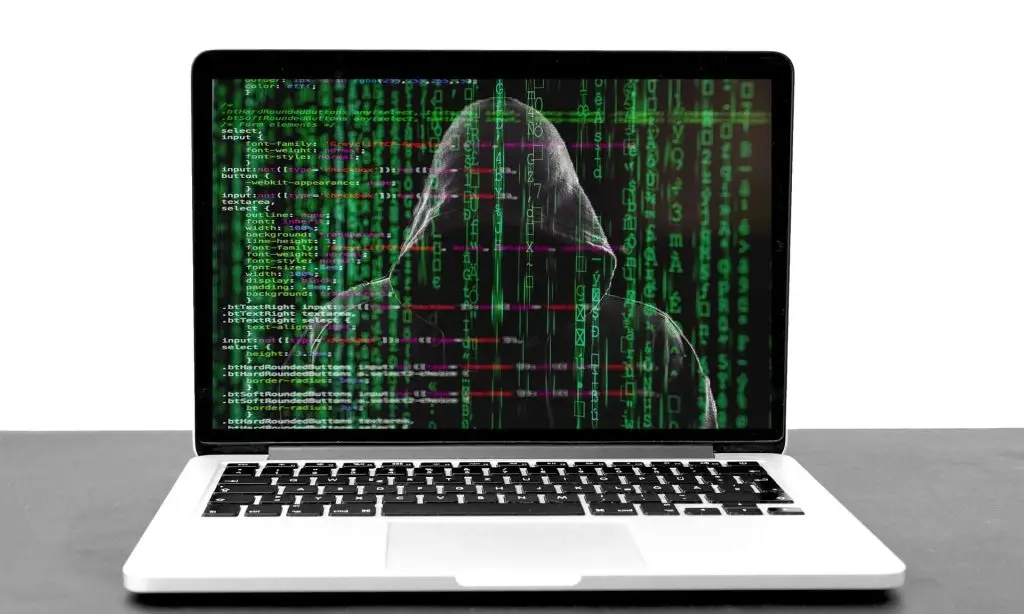
Wondering if something’s wrong with a work PC? Common signs your computer has malware include surprise pop-ups, sudden slowdowns, crashing apps, a changed browser home page, random restarts, disappearing storage, corrupted files, and loud “processing” when you’re not doing much—unplug from the network and get it checked.
About 34% of companies need a week or more to regain access to their data and systems after a malware incident. That kind of downtime can hit a small business hard, whether you’re in Panama City or anywhere else.
“Malware” simply means malicious software. It covers many threats, including:
- Viruses
- Ransomware
- Spyware
- Trojans
- Adware
- Key loggers
- And more
If malicious code sits on a computer, it can spread. One infected device can quickly pass it to others—one PC today, 10 more on your network tomorrow. Catching it early lets you disconnect the problem machine and have a pro clean it properly.
Watch For These Signs Your Computer Has Malware
Pop-ups and Fake Alerts You Don’t Recognize
See a sudden “renew your antivirus” or a warranty warning that looks a little off? Some malware pretends to be security software or a system notice. The goal is to get you to click. If pop-ups appear out of nowhere, treat it as a red flag.
A Slowdown That’s New and Persistent
We all know the usual culprits—too many tabs or a heavy program. But if your computer crawls even with only simple apps open, malware could be hogging resources in the background.
Apps Start Crashing Without Warning
Software doesn’t just quit for no reason. Crashes can come from bad updates, faulty code, or something tampering with files. If apps keep freezing or you have to reboot often, malicious code may be involved.
Your Browser Home Page Changes By Itself
Open your browser and land on a page you didn’t choose? Many threats change your default home page and push you to ad-filled or phishing sites. Switching it back in settings usually won’t last—removing the malware is the real fix.
Random Restarts
Unexpected reboots can signal deeper trouble. Some malware alters system files, making Windows unstable and causing sudden restarts that can cost you unsaved work.
Storage Space Vanishes
If your hard drive fills up fast with no clear reason, malware might be creating or copying files. These won’t be labeled “malware”—they often hide behind bland, system-sounding names.
Files Look Corrupted or Won’t Open
Finding damaged files is serious. While corruption can happen for other reasons, it’s also a common sign of ransomware or other malicious activity. Run a thorough scan as soon as you notice it.
Loud “Processing” When You’re Idle
If the fan ramps up or you hear that busy “thinking” sound when you’re not doing anything intensive, something may be working hard in the background—possibly malware.
Professional Help Beats Quick Online Scans
Those quick online virus checks often miss hidden threats. A full, professional scan and cleanup ensures the infection is removed the right way and doesn’t spread to the rest of your office computers and devices.
If you’re seeing any of these signs around your Bay County office, let’s take a look. We can diagnose the issue and help you recover safely—get in touch.